
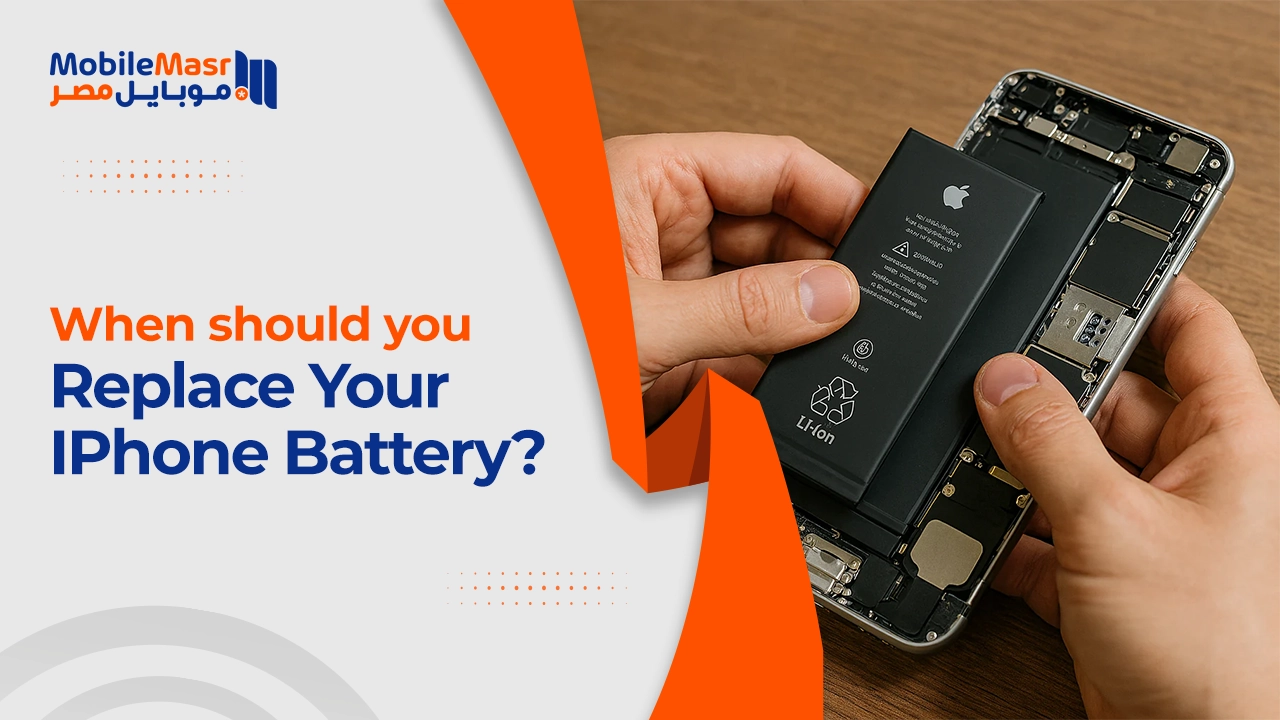
When to Change iPhone Battery — Signs and Symptoms You Can't Ignore
When to Change iPhone Battery?
The iPhone battery is the heart of the device — it powers everything from calls and internet browsing to gaming and multitasking. But over time, you may notice the battery no longer lasts as it once did, and device performance begins to decline. This raises the most important question: when should the iPhone battery be replaced?
How to Check Your iPhone Battery Health
Follow these steps to check iPhone battery health: Settings app > Battery > Battery Health — you'll see the Maximum Capacity percentage of your battery.
When Does Apple Officially Recommend Replacing the Battery?
Apple officially recommends changing the iPhone battery when the Maximum Capacity (also known as Battery Health) drops below 80%.
Apple says that batteries on iPhone devices are designed to retain 80% health after 500 charge cycles.
Signs That Require Immediate iPhone Battery Replacement
First: Sudden device shutdowns
You may notice sudden shutdowns of the phone — and this sign requires changing the iPhone battery urgently.
Second: Battery draining extremely fast
You may notice a decline in iPhone battery life — the battery draining quickly is a key sign. The lower the battery charge percentage, the shorter the lifespan and the faster the charge depletes, affecting the phone's ability to perform tasks.
Third: Slow device performance
Signs of poor performance management that indicate the iPhone battery needs replacing include: increased time required to start the phone or open apps, unexplained automatic screen dimming, and abnormally reduced volume levels.
Fourth: Unusual overheating
If you notice your phone suddenly getting very hot and unable to touch, this means the battery needs to be replaced with a new one.
Fifth: Battery swelling
Battery swelling is one of the most common signs indicating the battery's lifespan has ended. Extreme caution is required when iPhone battery swelling occurs — to avoid any puncture in the battery which would cause all toxic materials to escape.
Sixth: System warning messages
If battery health has significantly deteriorated, the following message will appear: "Your battery's health has significantly degraded. An Apple Authorized Service Provider can replace the battery to restore full performance and capacity." This message indicates battery health has deteriorated to a level requiring replacement.
What Happens After Replacing the iPhone Battery?
After replacing the iPhone battery, you'll experience the following benefits: Improved device performance — if the old battery had started losing its capacity, you'll notice a significant improvement in device performance. You won't need to charge it as often and it will run longer between charges. Full performance restored — Apple may automatically throttle device performance to maintain stability when battery health is low.
Does Changing the iPhone Battery Delete Data?
In general, replacing the battery restores vitality to the device and extends its lifespan. The essential condition is that the replacement battery is a genuine Apple battery and not counterfeit. A professional battery replacement does not delete any data from the device.
How Much Does iPhone Battery Replacement Cost?
If you have AppleCare+ and your iPhone battery capacity is below 80% of its original capacity, you can replace the battery for free. If the warranty period has ended and you still want to replace the original battery, the cost may be relatively high depending on the device model and the extent of battery damage.
Final Thoughts
Don't wait until your iPhone battery completely stops working. Monitor battery health from Settings regularly — and if it drops to 80% or below while you notice any of the mentioned signs, act and replace it from an authorized service center.
FAQs
CONTACT US
©2026 MobiTech Integrated Solutions. . All Rights Reserved