
What are processor generations and how to understand the difference between them — Intel and AMD 2026 guide
What Are Processor Generations and How to Understand the Differences? — 2026 Guide
When buying a new computer or laptop, one of the most important things to pay attention to is the processor's generation. The generation tells you the CPU's iteration and how new and advanced it is. This information is crucial because every CPU generation comes with new improvements and features, helping set realistic expectations on how the computer might perform and how long it will last.
Part One: Intel Processor Generations — How to Read the Model Name
Old System: Core i3 / i5 / i7 / i9
Using Intel Core i9-14900K as an example, it can be divided into four parts: series, generation, SKU number, and suffix.
The series indicates the CPU's performance tier:
- Core i3 — Entry level. Best for documents, browsing, video playback.
- Core i5 — Mid-range. Good for office tasks and light gaming.
- Core i7 — High performance. Suitable for AAA gaming, multitasking, and livestreaming.
- Core i9 — Flagship. Designed for heavy gaming, high FPS, content creation, and streaming simultaneously.
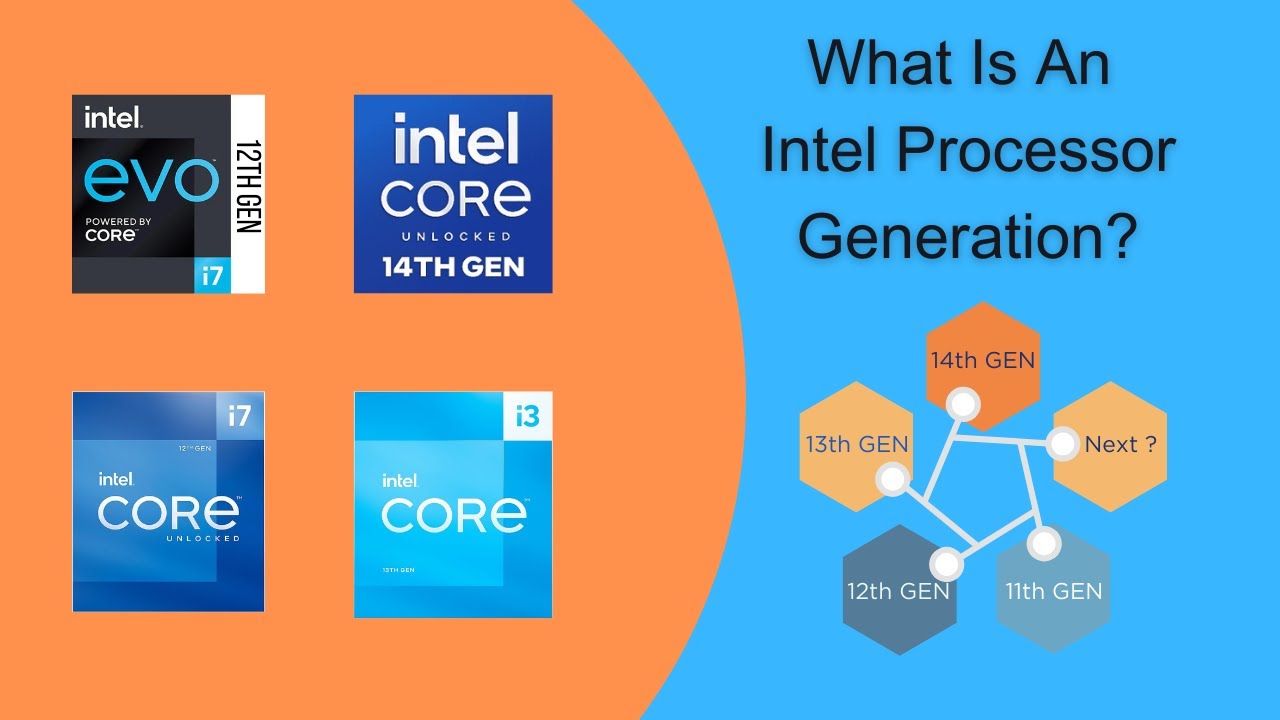
Reading the generation from the name: In Intel Core Processors, the generation of the processor is the number (or two numbers) after the i9, i7, i5, or i3. Example: i9-14900K → 14th Gen because "14" comes after i9. i7-13700K → 13th Gen. i7-12700K → 12th Gen.
New System: Core Ultra (since 2024)
In 2023, Intel announced it would drop the "i" prefix from its processor branding. The new system: Core 3 / 5 / 7 for mainstream processors, Core Ultra 5 / Ultra 7 / Ultra 9 for premium high-end processors.
To read the generation in Core Ultra: the generation is the first number in the SKU. Example: Core Ultra 9 Processor 185H → first generation because "1" is the first number in 185H. Core Ultra 7 Processor 258V → second generation because "2" is the first number.
Intel Suffixes
The letter at the end of the processor name tells the use case:
- U (Ultra-Low Power): In thin and light laptops. Prioritizes battery life over raw speed.
- H (High Performance): In gaming laptops and creator workstations. Consumes more power but much faster.
- HX (Extreme Performance): Desktop-class processors in a laptop chassis. Maximum speed but poor battery life.
- K (Unlocked): For desktop PCs only, capable of overclocking.
Part Two: AMD Ryzen Processor Generations
Example: Ryzen 7 7900X — the first number in 7900X is the generation:
- Ryzen 3 — Entry level
- Ryzen 5 — Mid-range
- Ryzen 7 — High performance
- Ryzen 9 — Flagship
Generation in AMD: the first number in the model → Ryzen 7 7900X → 7th generation (Zen 4). Ryzen 7 9800X3D → 9th generation (Zen 5).
AMD special suffixes: X — higher base and boost clocks for stronger performance. X3D — same as X but with AMD's 3D V-Cache, offering significantly better gaming performance.
What Changes from Generation to Generation?
With each new generation: processing speed improves, power efficiency increases (better battery life), core and thread counts grow (more parallel tasks), cache increases (faster data response), and newer technologies are supported (DDR5, PCIe 5.0, built-in AI).
Current Market Landscape 2026
The AMD vs Intel battle has reached a decisive turning point. Steam Hardware Survey data from December 2025 shows AMD has captured 44.42% of the gaming market, narrowing Intel's lead to just 55.58% — a dramatic shift from the 81:19 split just five years ago.
The AMD Ryzen 7 9800X3D is considered the best gaming processor currently available, beating Intel's fastest gaming chip, the Core i9-14900K, by 30%, and the current-gen flagship Core Ultra 9 285K by an almost unrealistic 35%.
FAQs
CONTACT US
©2026 MobiTech Integrated Solutions. . All Rights Reserved