
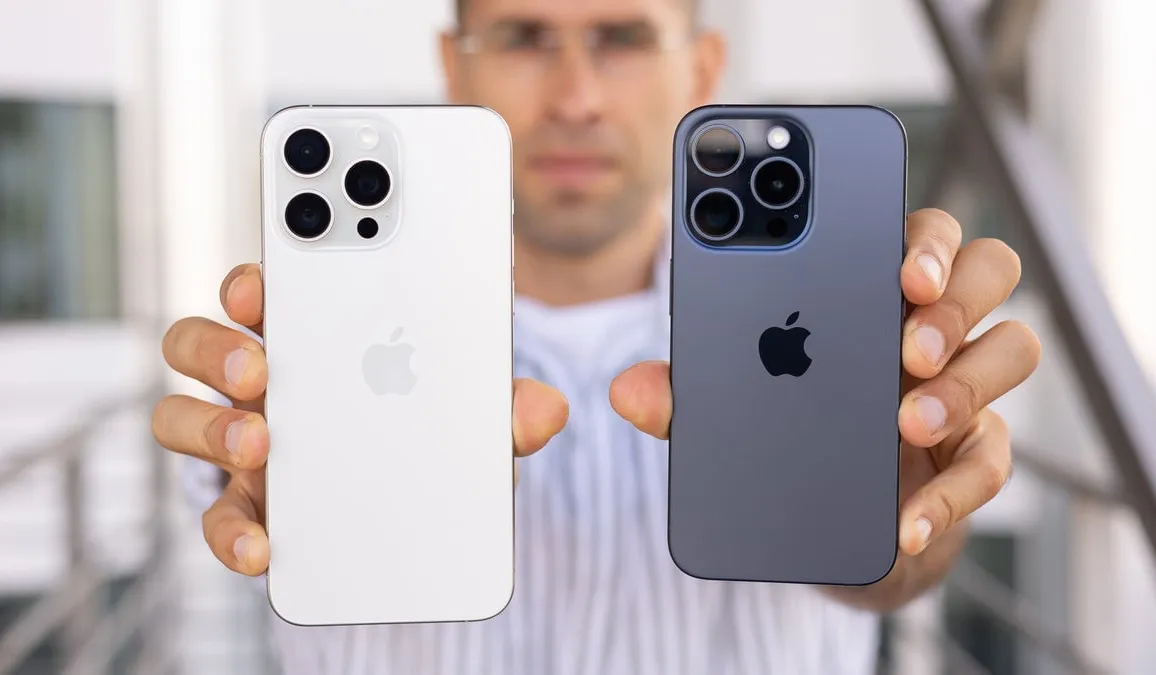
Warning for iPhone 15 Pro and Pro Max Users — iOS 27 Developer Beta Bricks Devices Completely After WWDC 2026
iOS 27 Beta and iPhone 15 Pro — An Urgent Warning for Anyone Considering the Update
Just hours after the official reveal of iOS 27 at WWDC 2026, many iPhone users rushed to install the first developer beta. For some the result was catastrophic — especially those with iPhone 15 Pro and iPhone 15 Pro Max.
Widespread tech reports reveal that the first iOS 27 beta causes a serious issue that completely disables the phone.
What Exactly Happens?
The beta update causes iPhone 15 Pro and iPhone 15 Pro Max devices to fail completely — phones freeze and the screen goes black, unresponsive even after attempting a forced restart, and worst of all the phone refuses to respond to charging afterward.
This scenario is the worst a phone owner can face from a software update — a completely bricked device that doesn't respond to any restart or charging attempt, typically requiring intervention from an Apple service center or using DFU mode via iTunes to restore it.
Why Does the Issue Target iPhone 15 Pro Specifically?
The answer isn't confirmed yet — but the iPhone 15 Pro and Pro Max carry the A17 Pro chip built on 3nm technology, Apple's first chip using this process. The update may carry a conflict with specific drivers or firmware level unique to this chip that wasn't sufficiently tested in the first beta.
iPhone 15 without Pro doesn't appear as affected — strengthening the theory that the issue is specifically linked to the A17 Pro chip.
Expert Advice — Don't Update Now
Tech experts unanimously recommend a clear course: avoid installing the first iOS 27 beta on any device you use daily — especially if you own an iPhone 15 Pro or Pro Max.
Developer betas exist primarily for developers testing app compatibility — not for regular users. Problems in first betas are expected and normal but this time the danger is higher because the issue bricks the device entirely rather than just causing slowdowns or app errors.
What to Do If You've Already Installed the Beta?
If your update succeeded and you haven't faced a problem yet — don't force restart your phone. If you experience freezing try putting the phone in DFU mode by connecting it to a computer and opening iTunes or Finder (Mac). If that doesn't work head to the nearest Apple service center.
When Will iOS 27 Be Safe to Install?
The stable official iOS 27 is expected in September with the iPhone 18 series — that's the safe time to update. Apple will release multiple betas between now and September that progressively fix these issues. If you want to try iOS 27 before September wait at least for Beta 3 or Beta 4 which tend to be more stable.
FAQs
CONTACT US
Download the app


CONTACT US


Payment Methods










Shipping with

©2026 MobiTech Integrated Solutions. . All Rights Reserved
©2026 MobiTech Integrated Solutions. . All Rights Reserved