
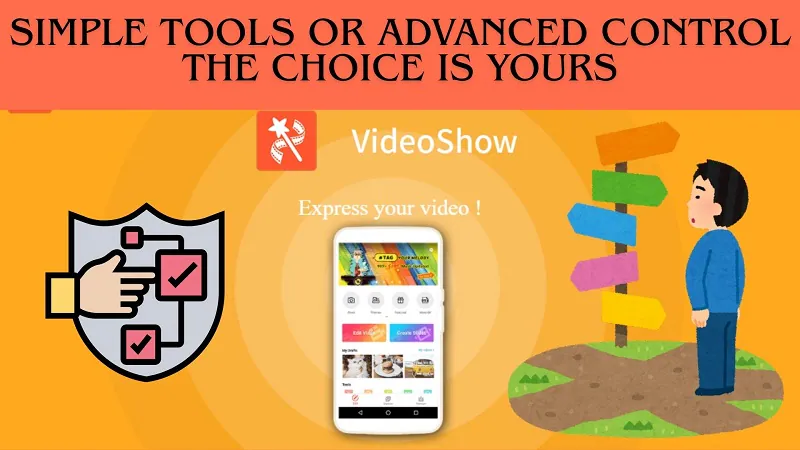
VideoShow App — Video Maker & Editor Full Guide with Features
VideoShow App — Complete Guide to Video Making & Editing
VideoShow is a popular and comprehensive video editing app that allows users to combine photos and videos with visual effects and music to create stunning video content. It features an easy-to-use interface and a wide range of creative editing tools.
VideoShow has been ranked the number one free video making and editing app in many countries worldwide, chosen as the top option by over 400 million users globally.
Key Features of VideoShow
Create Videos from Photos and Clips
VideoShow lets you combine images and video clips with visual effects and music to produce impressive video content. It suits both professionals and beginners thanks to its simple interface and powerful editing capabilities.
Filters and Enhancement
VideoShow includes an extensive list of filters and presets to add visual appeal to your videos, along with an automatic enhancement tool that optimizes your video's image quality instantly.
Stickers and Animated Overlays
You can place stickers anywhere on the video screen and control exactly where they appear, and the app also supports animated stickers that bring your videos to life.
Beauty Camera and Face Enhancement
The app lets you modify facial features — enlarging eyes, reshaping the nose, adjusting the overall face shape, and removing blemishes, spots, and dark under-eye circles.
Record with Front Camera and Add Effects
You can record video using your phone's front camera with the ability to apply effects to the recorded footage in real time.
Music Library
Over 10,000 carefully selected music tracks are available to all VideoShow users for video editing. You can find the perfect song for your clip through hashtag links and trending categories that are constantly updated. All music in the content center has been fully licensed.
Ready-Made Templates
A standout feature of VideoShow over competing apps is its library of ready-made templates for quickly producing impressive videos. These templates mean you don't need to manually use editing tools — simply select the template you like and a matching video is created instantly.
Text and Subtitles on Video
The app provides a text tool that lets you write custom text on your projects with full control over appearance — including font color, font type, and timing. You can set the exact duration for which the text appears and disappears during playback.
Convert Video to Audio
In a simple and easy process, you can convert any video clip into an audio file using the Video To Audio option on the app's main screen.
HD Export
Videos can be created and exported at HD resolution without any quality loss.
Social Media Sharing
After completing all your editing, the app lets you share the finished video directly to social media platforms including Facebook, Twitter, WhatsApp, and others.
How to Use VideoShow
The app is built around a simple and intuitive workflow. After downloading and opening it, you'll find three main options — edit an existing video, create a new video from photos, or record directly with the camera. Choose your starting point, add your photos or clips from your phone's gallery, then layer in music from the built-in library or your own files. Add filters, stickers, and text to match your creative vision, then tap Save to export your video in HD quality and share it directly.
How to Download VideoShow
The app is free on both the Google Play Store for Android and the App Store for iPhone and iPad.
Final Thoughts
VideoShow stands out as one of the most capable mobile video production and editing apps available — combining simplicity with professional-grade tools in a single place. Whether you're creating a personal memory video, social media content, or tutorial footage, VideoShow provides everything you need — a massive licensed music library, ready-made templates, beauty camera tools, and creative filters — all available for free.
FAQs
CONTACT US
©2026 MobiTech Integrated Solutions. . All Rights Reserved