
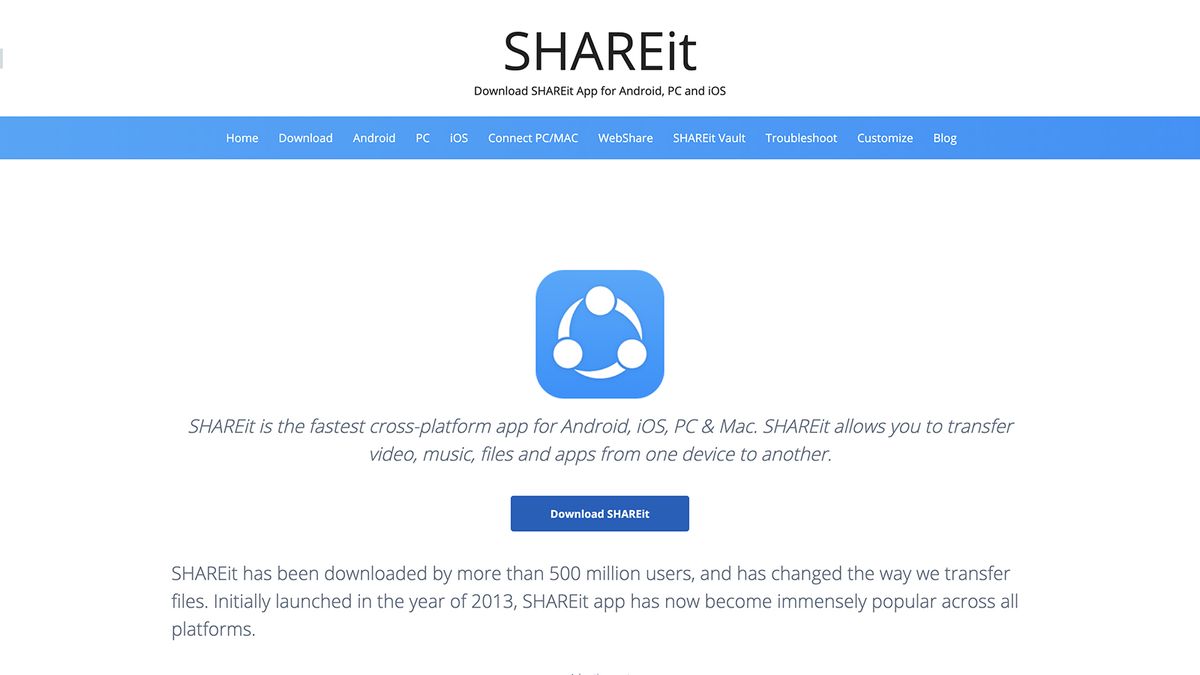
SHAREit for PC, Android, and iPhone — File Transfer at 100MB/s (2026)
SHAREit — Fast File Transfer App for PC, Android, and iPhone 2026
SHAREit, developed by Lenovo, is one of the world's most popular file-sharing applications. It allows you to send and receive files of any size at speeds reaching up to 100 MB/s — without needing the internet, Bluetooth, or USB cables. It works between phones, tablets, and computers regardless of the operating system.
How SHAREit Works
SHAREit creates a WiFi Direct hotspot from the sending device. Other devices connect to this hotspot to transfer files — no internet or data consumption required. It works offline even in areas without Wi-Fi coverage.
Key Features
SHAREit supports all file types including videos, photos, music, apps, documents, PDFs, and compressed files. It works on Android, iOS (iPhone and iPad), and Windows (7 through 11). You can send files from an Android phone directly to an iPhone, which is a major advantage over many competing apps. The app also supports sharing installed apps between Android devices, eliminating the need to re-download them from the Play Store.
How to Use SHAREit
On the sending device: open SHAREit → tap Send → select the files → wait for nearby devices to appear. On the receiving device: open SHAREit → tap Receive → tap on the sender's device name when it appears to start the transfer.
FAQs
CONTACT US
©2026 MobiTech Integrated Solutions. . All Rights Reserved