
Samsung Updates PENUP with 6 New Features — 53 Downloadable Brushes, Dual Brush, Cross-Device Draft Sync and Landscape Mode
Samsung PENUP 3.9.22.23 — A Major Update After a Long Wait
Samsung has released a major update for the PENUP app after a long time. It carries version 3.9.22.23 and brings six new and useful changes.
The Six New Features in Detail
First — 53 New Downloadable Brushes: The new version adds more than 50 new brushes that can be downloaded from within the app. With these brushes, users can draw in many different styles like soft sketches, thick lines, or detailed artwork, giving more creative choices while drawing.
Second — Dual Brush Feature: This allows users to use two different brush strokes in unison, helping create special and unique effects in drawings.
Individual brush settings can be accessed by tapping a particular brush from the selection screen twice. The new settings separate unrelated options and also show a preview of changes made to the brushes.
Third — Export Draft and Import Draft: New Export Draft and Import Draft options allow sharing incomplete drawings with a ".penup" extension across Samsung devices, ensuring key settings and layers are saved within the files.
Fourth — Auto Select in Lasso Tool: New "Auto Select" mode in the Lasso selection tool automatically selects different objects in a drawing, making editing faster and easier.
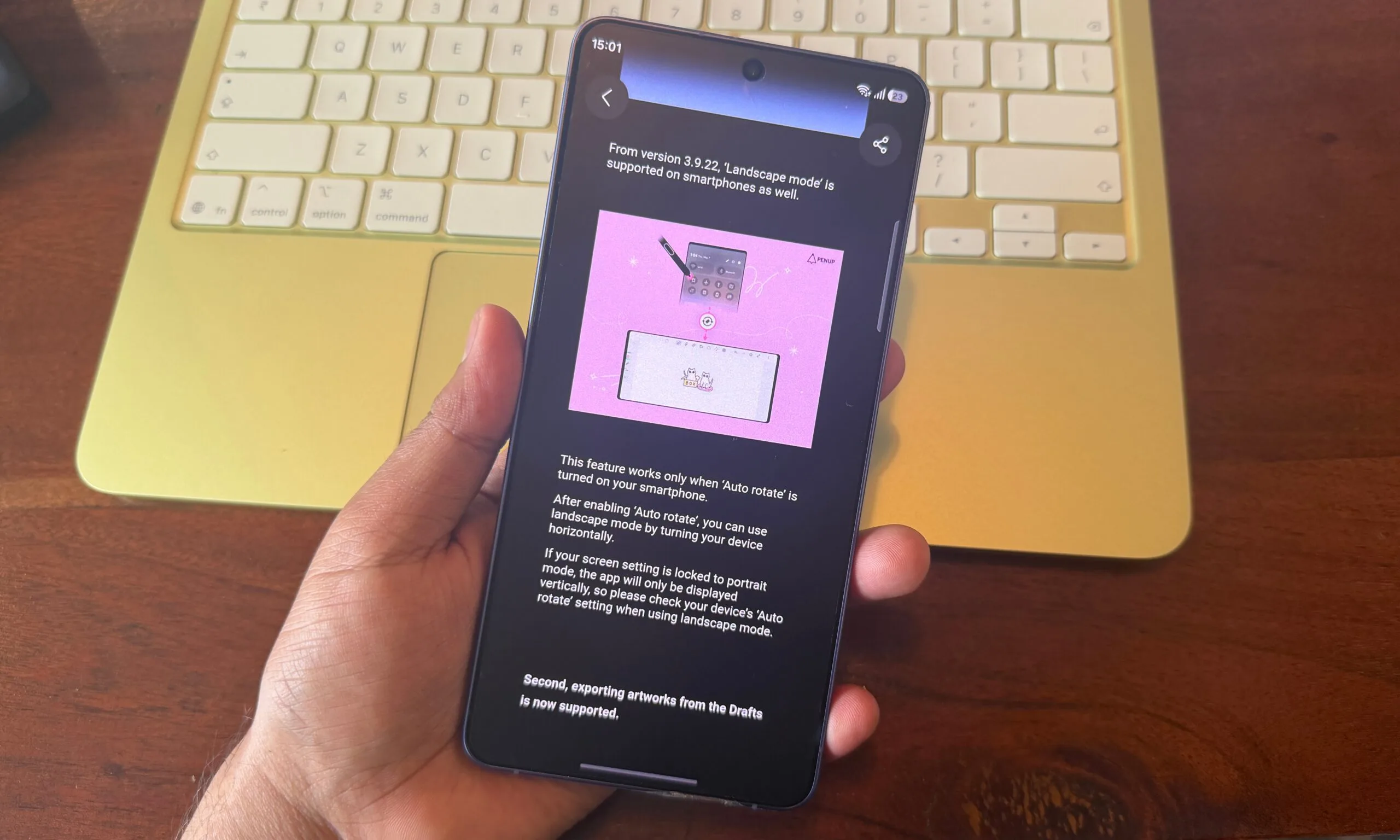
Fifth — Landscape Mode: PENUP now supports automatic UI rotation into landscape mode. For this to work, Auto Rotate must be enabled on the Galaxy device.
Sixth — Samsung Account Sync: Users can now save and access drawings on different devices using their Samsung account, meaning work stays updated everywhere.
How to Get the Update
To get the latest version of PENUP, go to the Galaxy Store app, hit Menu and then Updates. The update is going out to all devices globally.
What Is PENUP?
PENUP is Samsung's social drawing app for Galaxy devices — it offers coloring pages, free drawing, learning through live drawing follow-alongs, and sharing artwork with a community of users worldwide.
FAQs
CONTACT US
©2026 MobiTech Integrated Solutions. . All Rights Reserved