
RustDesk App: Control Your Phone and PC Remotely Safely 2026
RustDesk App: Control Your Phone and PC Remotely Safely
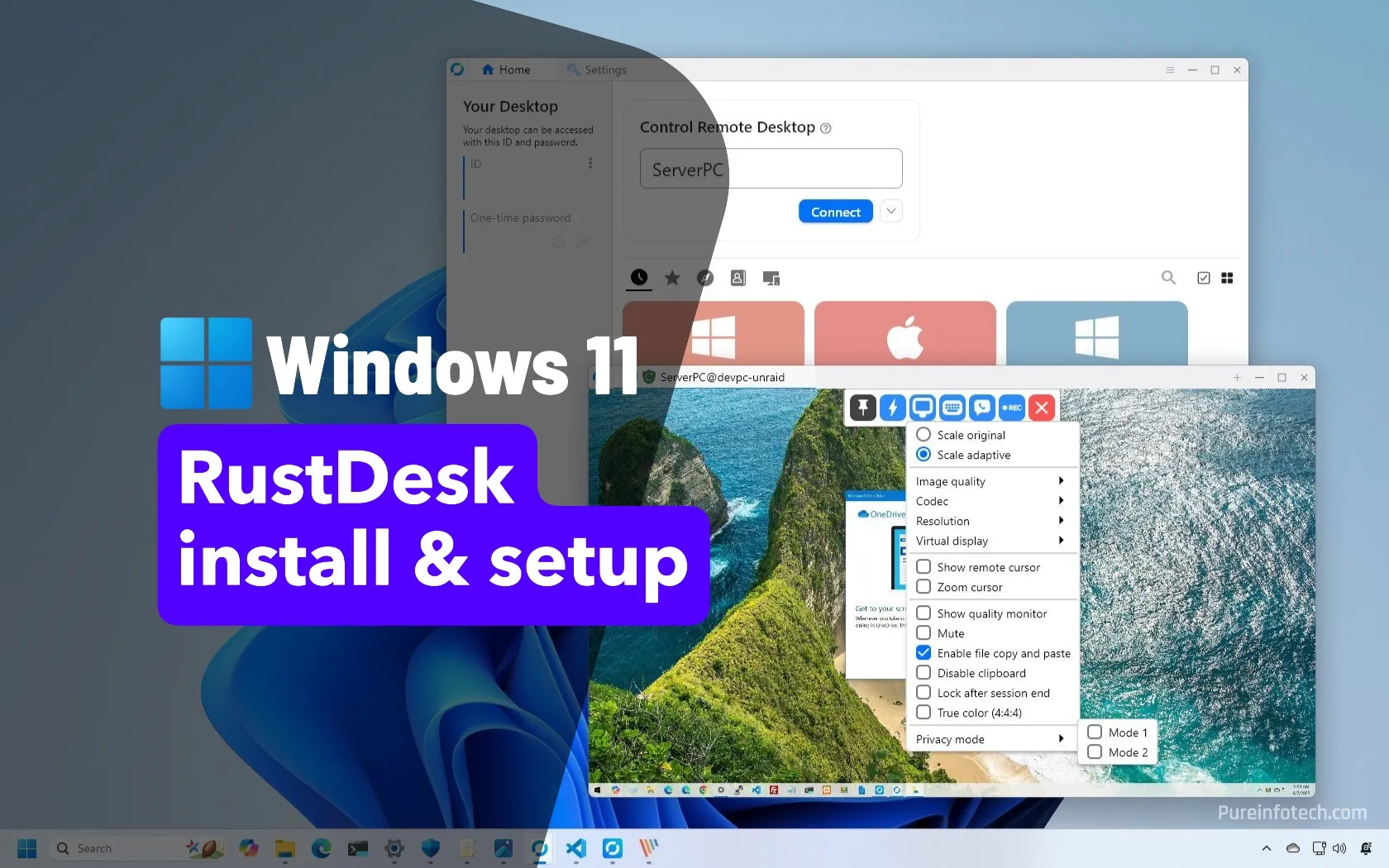
If you need to access or control your device remotely, the RustDesk app lets you control your computer from your phone or vice versa, with safe file transfer. In this guide, we review the app's features and how to use it for 2026.
What Is the RustDesk App?
RustDesk is an open-source remote desktop app that lets you access and control your desktop from your phone, or control your phone from your computer. It relies on the Accessibility service API to execute control on Android, while giving you full control over your data and files.
What Are the Key Features of the RustDesk App?
The RustDesk app offers a set of features that make it a strong option, most notably:
- Controlling the computer from the phone or vice versa.
- Transferring files between Android devices and the computer easily.
- Being open-source with a focus on privacy and security.
- Full control over your data, files, photos, and videos.
- Support for multiple systems (Android, Windows, and others).
- The ability to host your own server for more control.
How Do You Use the RustDesk App?
You can start using RustDesk by following these steps:
- Download the app from the official Google Play Store, and the desktop version from the official site rustdesk.com.
- Open the app on both devices to get an ID for each.
- Grant the accessibility permission on the Android device to enable control.
- Enter the ID of the device you want to connect to in order to start control or file transfer.
Important Note About Security
The RustDesk app requests the Accessibility service permission to execute remote control on Android. Since remote control tools are powerful and grant full control of the device, make sure not to give anyone access to your device unless you fully trust them, and beware of scams that ask you to install remote control apps.
FAQs
CONTACT US
Download the app


CONTACT US


Payment Methods








Shipping with

©2026 MobiTech Integrated Solutions. . All Rights Reserved
©2026 MobiTech Integrated Solutions. . All Rights Reserved