
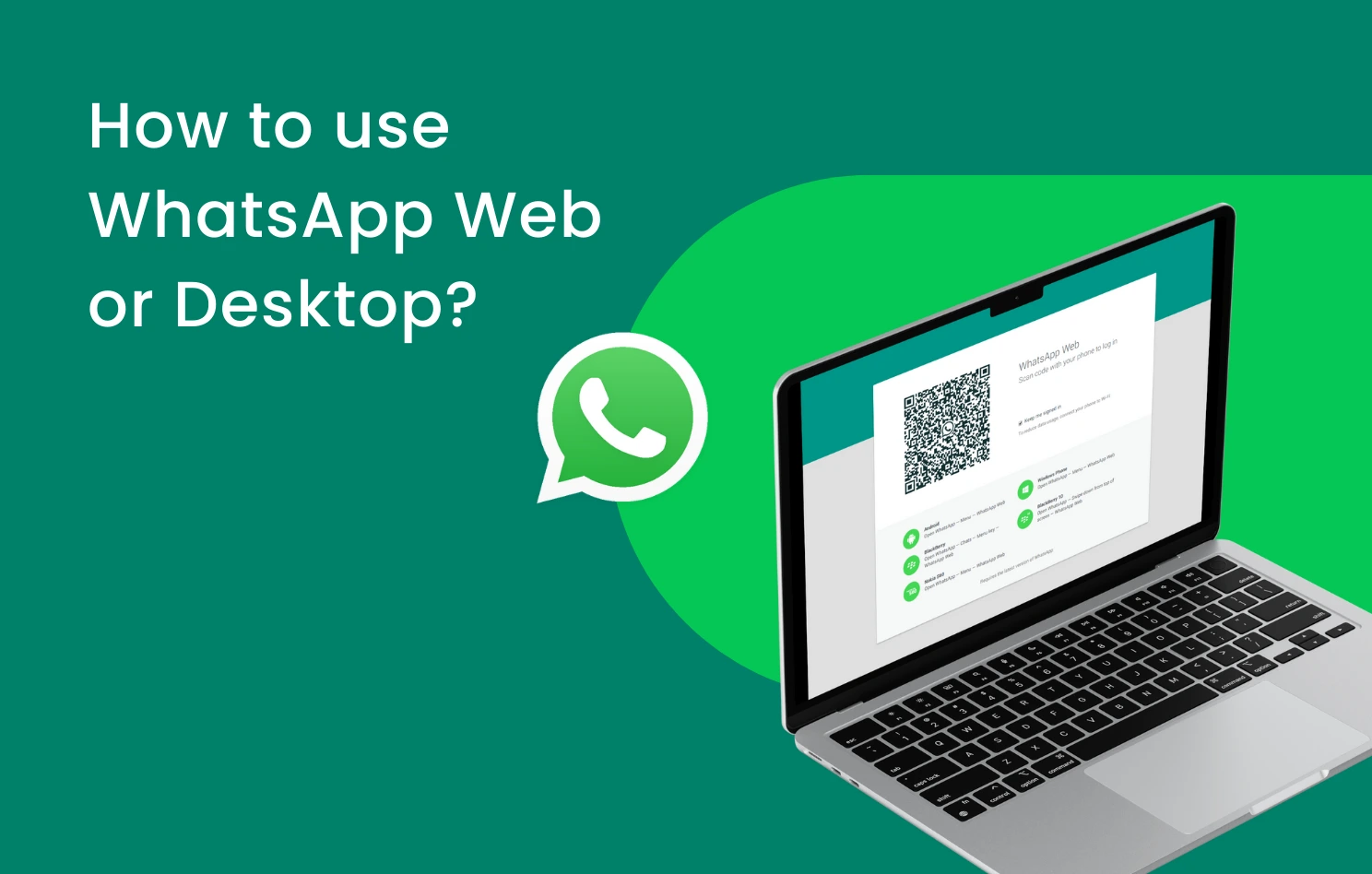
Run WhatsApp on your computer without any software — WhatsApp Web and WhatsApp Desktop 2026
How to Run WhatsApp on Computer Without Downloading Programs 2026
WhatsApp is the world's most popular instant messaging app, and while it started as a mobile-only application, the company now offers two official ways to use WhatsApp on your computer — WhatsApp Web through any browser without installing anything, and WhatsApp Desktop which is a dedicated app for Windows and macOS.
Method 1: WhatsApp Web — No Download Required
Open any browser on your computer and go to web.whatsapp.com. A QR code will appear on screen. On your phone, open WhatsApp, tap the three vertical dots ⋮ at the top, select Linked devices, then tap Link a device. Your phone's camera will open — point it at the QR code on your computer screen. Once scanned, WhatsApp will load on your computer instantly with all your conversations. Click any conversation on the left panel to open it on the right. You can chat, send photos, videos, and files just like on your phone.
Method 2: WhatsApp Desktop App
For regular daily use, download the official WhatsApp Desktop app from whatsapp.com/download. Click Get it from Microsoft to download. The app supports Windows 8.1 through Windows 11 and macOS. After installation, follow the same QR code scanning steps as above to link your phone.
The main difference: WhatsApp Web requires opening a browser each time, while WhatsApp Desktop launches faster and runs independently — better suited for heavy daily use.
FAQs
CONTACT US
©2026 MobiTech Integrated Solutions. . All Rights Reserved