
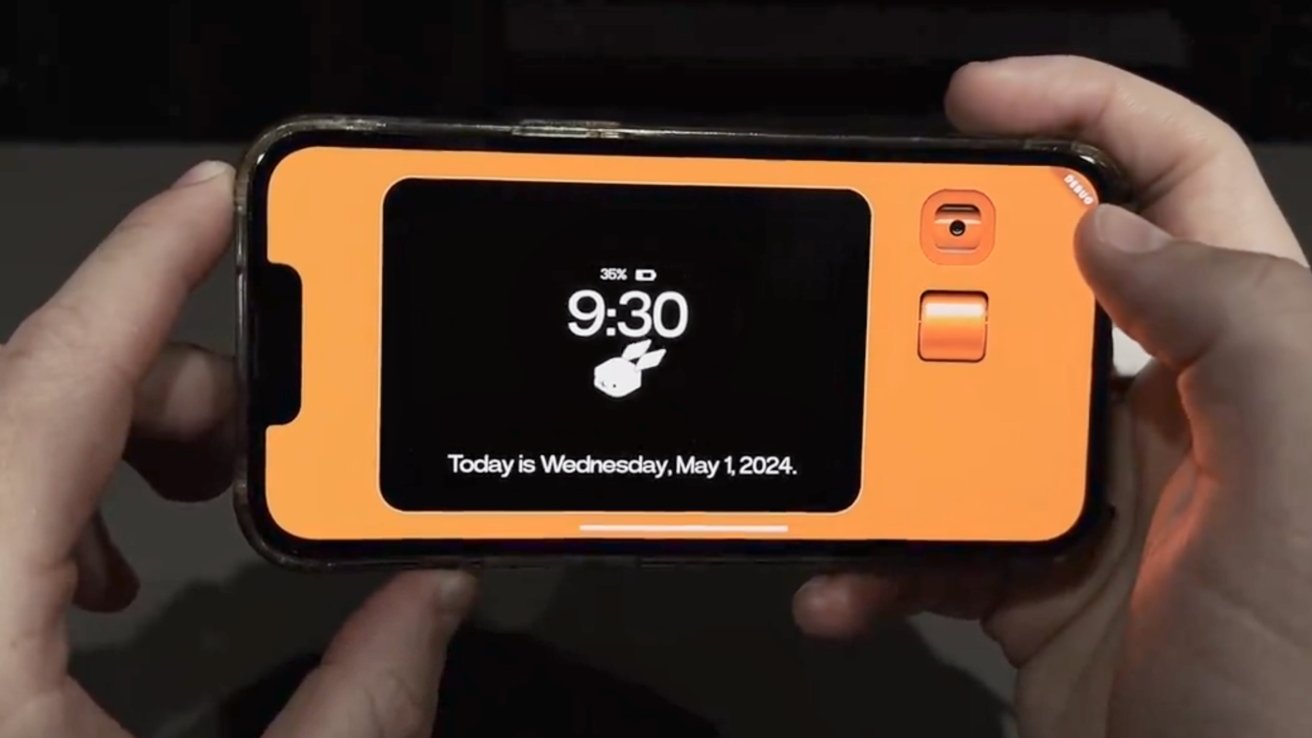
Rabbit App for iPhone 2026 — Watch Movies Together Remotely and Best Available Alternatives
What Is the Rabbit App?
Rabbit was a pioneering app in the concept of remote co-watching — allowing a group of friends to watch the same video or movie simultaneously in full sync, with the ability to chat and interact during viewing, regardless of the geographical distance between them.
The concept is simple and clever: imagine sitting with friends in one room watching a movie together — but each of you is in their own country. Rabbit makes exactly that possible.
Current App Status — Audio Issue and Alternative
The original Rabbit app has been removed from the App Store and suffers from prominent technical audio issues — sound disappears completely during viewing in recent updates. For this reason the recommended alternative from Arab users is the Rave app for iPhone — which performs the same function more stably and reliably.
Rabbit App Features
Watching movies and live streams with anyone in the world at the same time. Group text chat support for up to 25 people simultaneously. Sending regular and animated images (GIF) in high quality within group conversations. Creating private groups and inviting friends to watch whatever you want together. Searching for videos from multiple sites like YouTube, Facebook, Twitter and others. Joining public rooms created by other users.
How Does Rabbit Work?
The core concept: Rabbit shares the host's screen with all room members. The host selects the video and plays it — everyone sees it at the same moment. Content can be shared from YouTube, Google, SoundCloud, TED, Facebook, Twitter and any other website.
To log in you can use a Facebook account, Gmail, or email directly.
Main Interface and Navigation Options
After logging in you find three main options on the interface: Create a Group, Join a Group, and Explore & Watch. From the Explore section you can browse videos from YouTube or TV or search for any video from the web.
Creating a Private Group in Rabbit
To create your own private group: tap "Create a Group" ← type a distinctive name for the group ← choose an appropriate image ← tap "Create." After creating the group tap "Invite friends" to invite your friends — the group accommodates up to 25 people. You can now chat, send photos and GIFs, and share any video to watch together.
Joining Existing Groups
If a friend sends you an invitation to a group: from the app settings (top of screen) tap "Join a Group" ← type the group name to search for it ← join the group and start watching with friends immediately.
Public Rooms in Rabbit
Public Rooms allow joining viewing sessions created by other users from around the world. From the main screen tap "Public Rooms" ← search for a room that matches your interests (sports, music, movies, series etc). You can watch what's playing in the room, comment, and interact with its members.
Creating Your Own Public Room
From the "Public Rooms" section tap the (+) sign at the top of the screen ← select the video or stream ← start broadcasting and your public room will be ready for anyone to join.
Best Rabbit Alternative — The Rave App
Based on Arab user feedback the Rave app is the strongest and most stable alternative to Rabbit. It performs exactly the same function: watching YouTube, Netflix and others with friends remotely in full sync with voice and text chat rooms.
FAQs
CONTACT US
©2026 MobiTech Integrated Solutions. . All Rights Reserved