
Pixlr Photo Editor App — Complete Guide to Features & Tools
Pixlr Photo Editor
Pixlr is one of the most powerful and distinctive photo editing apps for Android smartphones. It enjoys a very high download count on the Google Play Store and strong popularity among photo editing enthusiasts.
Pixlr offers a large selection of filters and effects alongside photo collage capabilities — making it a complete, all-in-one photo editing tool. The app's main screen is organized into three main sections: photo collage, selecting a photo to edit, and opening the built-in camera, along with a feed of photos edited by other users to showcase the app's capabilities.
Key Features of Pixlr
Professional Filters and Effects
The app includes an extensive collection of photo filters that let you apply professional-grade effects to any image you want to edit.
Apply a wide range of filters from within the app, and save your favorite filters to the Favorites section for quick access later.
Photo Collage
The app lets you create photo collages by combining multiple images in a variety of beautiful layouts, with full control over the arrangement to match the style you want.
Pixlr's collage tool lets you customize the layout shape, spacing between photos, and border colors, and you can even round the corners of photos for a more attractive look before adjusting the final dimensions.
Double Exposure
Blend two photos together using Double Exposure with full control over the degree and type of blend.
Convert Photos to Drawings
A dedicated tool lets you convert any photo into a pencil sketch or ink drawing.
Express your personal style by converting photos to various artistic styles including cartoon illustrations, or make an image black and white.
Red-Eye Removal and Teeth Whitening
Make your selfies flawless by removing red-eye and whitening teeth with a single tap.
Automatic Color Correction
Balance photo colors automatically with one-tap color correction.
Text on Photos
Add text to your photos with a choice of fonts and colors to match your style.
Professional Editing Tools
The app lets you crop photos professionally, delete unwanted parts, rotate and flip images. It also includes an auto-fix tool that adjusts contrast, exposure, and white balance with a single tap without any manual input.
Borders
Add borders to your photos to give them a distinctive, polished look.
Resize
Resize and adjust your photo's dimensions after editing.
Built-in Camera with Filters
Pixlr includes its own built-in camera with filters you can apply before taking a shot — perfect for capturing beautiful selfies with effects already applied before sharing.
Direct Social Sharing
Share your edited photos directly to Instagram or Facebook, or save them to the Studio.
Pixlr on Desktop and Web
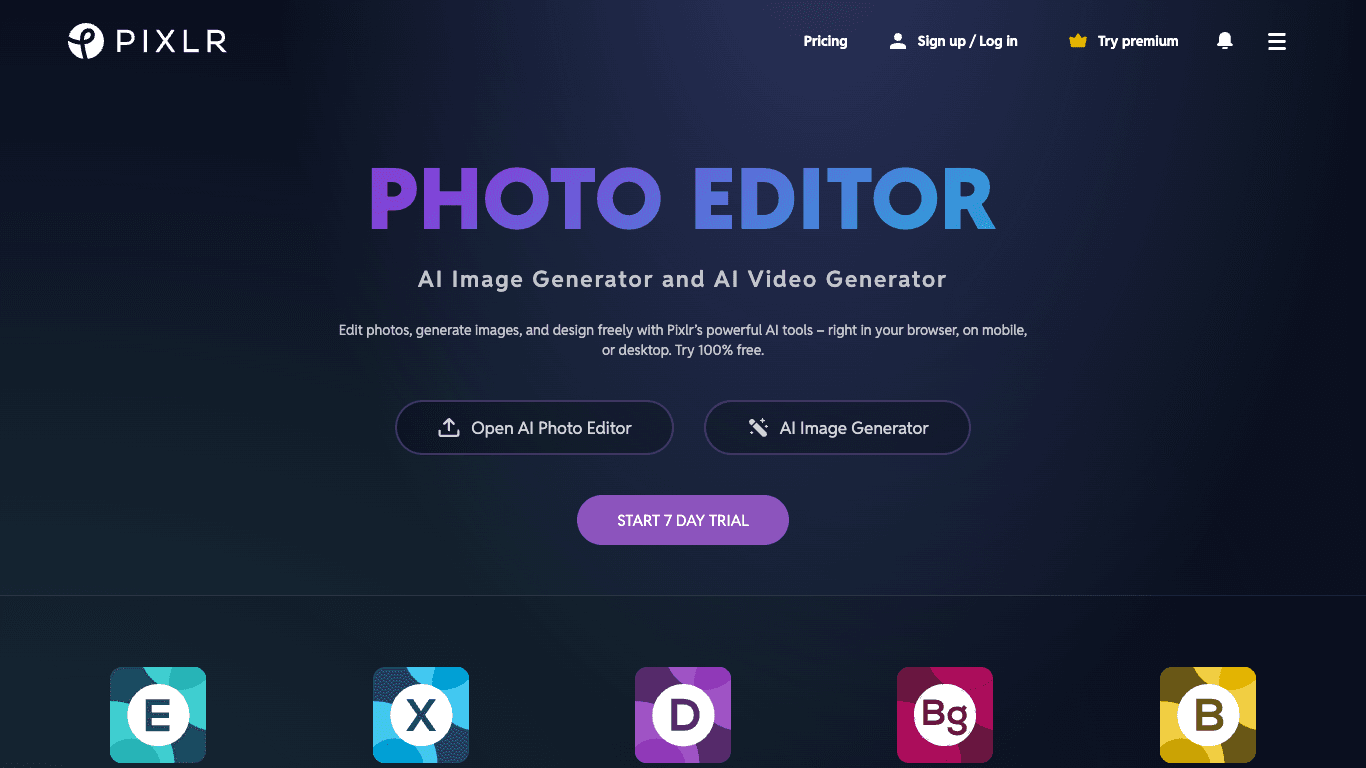
Pixlr Editor is one of the most well-known and powerful online photo editors available. It includes five core sections: Pixlr X for quick and easy editing with simple tools, Pixlr E for professional editing and design, Photomash for creating designs using pre-made backgrounds and templates in one click, Batch Editor for editing multiple photos simultaneously, and Remove BG for automatically removing photo backgrounds using AI technology.
Why Pixlr Is the Best Choice for Photo Editing
Pixlr is one of the most powerful photo editing apps for Android, packed with professional tools. It's used by millions around the world and holds a high rating on the Google Play Store with an enormous download count.
Whether you're a beginner or a professional photographer, this app is highly suitable — you can use it to complete various edits quickly and easily, thanks to its innovative and intuitive interface that anyone can use without difficulty.
Final Thoughts
Pixlr is one of the most comprehensive free photo editing apps available — combining ease of use with a wide range of professional tools in one place. Whether you want to apply a quick filter, blend two photos, create a collage, convert a photo into a cartoon illustration, or simply fix a selfie's colors — Pixlr delivers all of this for free on Android, iPhone, and directly through a web browser.
FAQs
CONTACT US
©2026 MobiTech Integrated Solutions. . All Rights Reserved