
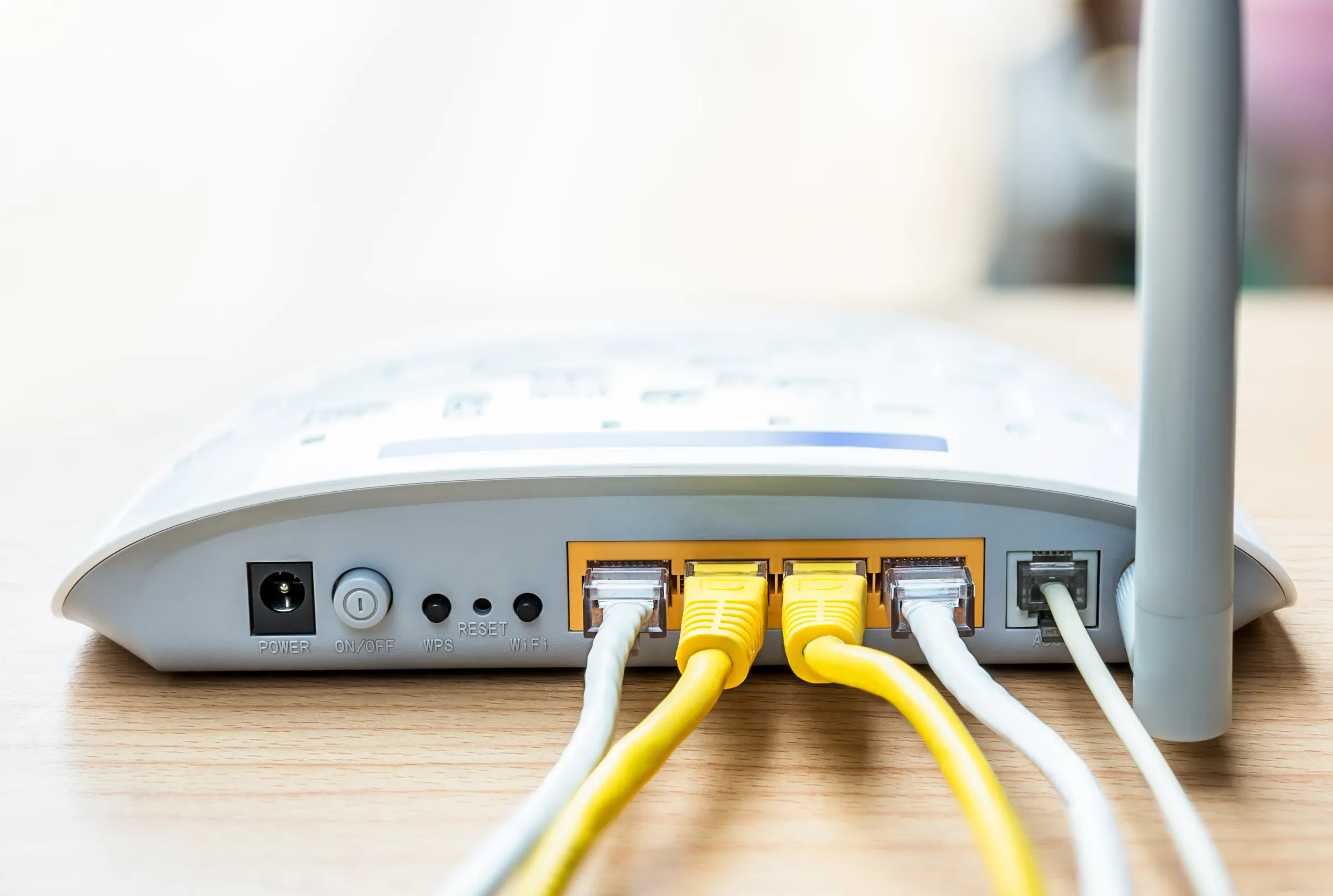
Pay your WE internet bill online with Visa and find out your monthly payment due date (2026)
How to Pay WE Home Internet Bill Online with Visa — Full Guide 2026
WE Egypt (formerly TE Data), the country's leading home internet provider, allows subscribers to pay their monthly internet bills online using Visa or Mastercard without needing to visit a branch or a Fawry outlet. This guide covers all available methods.

Step 1: Create a WE Account (If You Don't Have One)
Visit the official WE website and click Register. Enter your landline phone number including the governorate code in the Service number field, select Internet as the service type, and complete the registration. If you already have an account, log in directly. Having an account allows you to view your usage, remaining GB, payment due date, and renew your package.
Method 1: Pay via the WE Website
After logging in, click Recharge / Pay Bill, then select Home Internet and click Continue. A confirmation prompt will appear — click Yes. On the payment page, enter your name in English, then enter the card number, expiry month, expiry year, and CVV from the back of the card. Click Pay Now. You will be redirected to your bank's verification page where you enter the OTP sent to your mobile number linked to the card. After confirmation, payment is complete. Once your card is saved, the monthly bill will be charged automatically each renewal cycle as long as the card has sufficient balance.
Method 2: Pay via the My WE App
Download the My WE app from Google Play or the App Store. Log in with your WE account credentials, tap Recharge, then select your landline number. Tap Bank Card, enter the bill amount, tap Recharge, select VISA or MasterCard, enter the card details, and confirm payment.
Method 3: Pay via Fawry
Visit any Fawry branch or authorized payment outlet, provide your landline number with the governorate code, and pay the bill amount in cash. This option is suitable for those without a credit or debit card.
Checking the WE Bill Payment Due Date
Log into your WE account on the website or My WE app and click View Details to see the bill amount, renewal date, and remaining days. You can also call WE customer service at 111 or 19777 to inquire about your bill.
FAQs
CONTACT US
©2026 MobiTech Integrated Solutions. . All Rights Reserved