
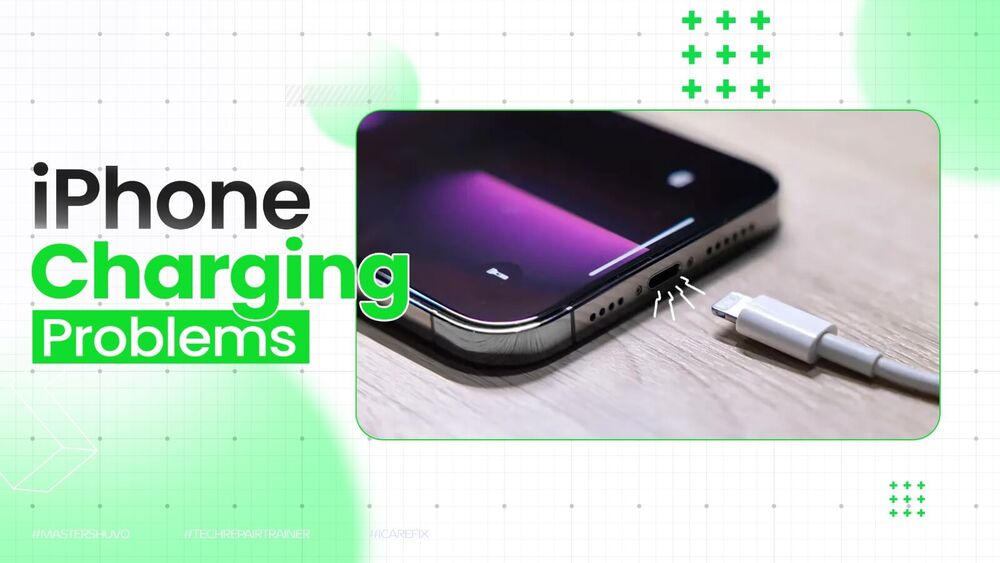
My phone won't charge — 7 causes and comprehensive solutions for Android and iPhone (2026)
My Phone Won't Charge — Causes and Complete Solutions 2026
One of the most frequent reasons a phone is not charging is a damaged or low-quality charging cable or adapter. Internal wires can break, especially if the cable is frequently bent near the ends. Incompatible adapters that don't match the phone's power requirements can prevent proper charging.
Cause 1: Damaged Cable or Charger
Solution: Always try an original or certified replacement cable and adapter. Test a different power source or outlet.
Cause 2: Charging Port Clogged with Debris
Debris such as dust, lint, or dirt can accumulate in the charging port, blocking the connection.
Safe cleaning steps: Use a toothpick or plastic tool: carefully remove any visible lint or dirt without damaging the metal pins inside. Use a soft brush: a small anti-static brush or dry toothbrush can gently clean out stubborn debris. Avoid metal objects like needles or paperclips as they can bend or break the internal pins.
Use compressed air: blow it gently into the charging port to dislodge particles. Hold the device with the port facing downward to allow gravity to assist.
Cause 3: Software Glitch
Sometimes, the problem isn't hardware at all. Phones may stop charging due to software glitches, background apps consuming too much power, or outdated firmware.
Solution: Restart the phone. On most Android devices, press and hold the power and volume-down buttons simultaneously for about 20 seconds until the phone reboots. After restarting, check for system updates, as manufacturers often release fixes for phone charging problems.
Cause 4: Overheating
If the phone gets too hot while charging, it may pause charging above 80% to prevent battery damage. Heat is one of the biggest factors in battery degradation, so manufacturers use thermal management systems to limit charging when temperatures are high.
Solution: Unplug the device and place it on a cool, hard surface away from direct sunlight. After 15–20 minutes, once the temperature returns to normal, charging should resume.
Cause 5: Water in the Charging Port
When an error message about moisture detection appears, the phone's sensor has identified humidity or water. This is a safety feature designed to protect the phone from short circuits and corrosion by temporarily halting charging.
Step-by-step solution: Unplug the device from the charger immediately → wipe with a dry cloth or gently shake the device (5–10 times) with the port facing downward to release excess moisture → place the phone on a cloth in a well-ventilated area, or dry with a fan.
Avoid these common mistakes: Rice — using rice to dry a wet phone is not advisable — tech experts and Apple have both warned against it. Small rice particles can get stuck in the phone's openings. Hair dryers — they can blow hot air that damages internal components.
Cause 6: Optimized Charging Stopping at 80%
Modern smartphones have Optimized Battery Charging features to extend battery health. This feature slows down charging past 80% when the device predicts that a full charge isn't needed immediately.
To disable temporarily: On iPhone: Settings → Battery → Battery Health & Charging → toggle off "Optimized Battery Charging." On Android: Settings → Battery → Adaptive Battery → disable similar charging optimization features.
Cause 7: Worn Battery or Damaged Charging Port
On iPhone: Settings → Battery → Battery Health & Charging → check "Maximum Capacity." If significantly lower than 80%, Apple recommends a battery replacement. Some Android devices like Samsung and Pixel offer similar insights under Settings → Battery & Device Care → Battery.
Signs to go to a service center: The charger won't stay plugged in or feels very loose. The port has visible damage (bent pins, corrosion, or cracks). The phone only charges when held at a specific angle. Other chargers and cables don't work, but wireless charging still functions.
Immediate Alternative: Wireless Charging
If the charging port is damaged or wet, wireless charging can help when the cable won't work — compatible with Qi-enabled phones.
FAQs
CONTACT US
©2026 MobiTech Integrated Solutions. . All Rights Reserved