
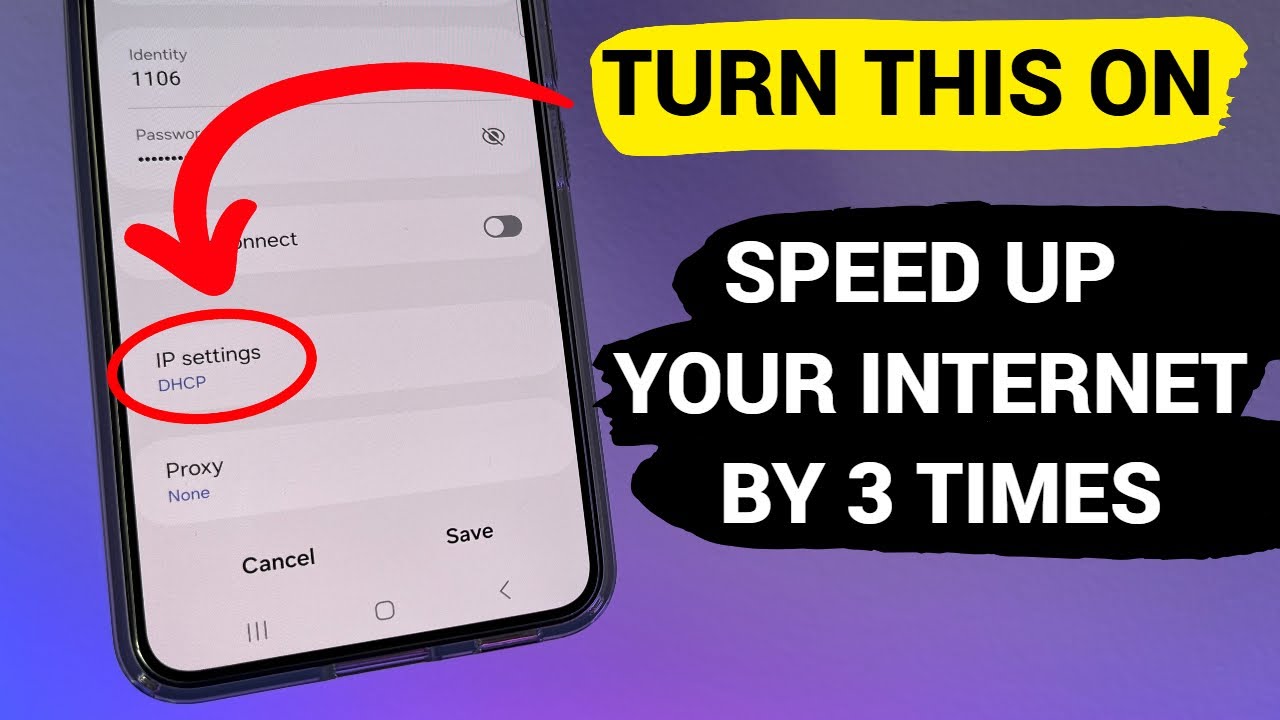
How to Speed Up Your Internet on Your Phone — 10 Guaranteed Solutions for Android and iPhone (2026)
How to Speed Up Mobile Data on Android and iPhone — 10 Proven Solutions 2026
Slow phone internet is usually caused by a poor connection, network congestion, ISP throttling, a full browser cache, inefficient network settings, background apps, or even a malware infection.
What Causes Slow Mobile Data?
Mobile data slowdowns typically occur due to five main causes: poor signal strength, background apps consuming data, corrupted network settings, carrier throttling, or malware infections.
Fix 1: Restart Your Phone
A simple phone restart fixes approximately 70% of temporary mobile data issues by clearing network glitches and refreshing the connection. This basic step takes less than two minutes but can immediately improve sluggish connections. Wait about 30 seconds before turning the phone back on to ensure a complete reset.
Fix 2: Toggle Airplane Mode On and Off
Toggling airplane mode on and off forces the phone to reconnect to the nearest and strongest available cell tower, often resolving slow data issues instantly — without needing a full phone restart.
Fix 3: Restrict Background App Data
Background apps can consume your internet connection speed. On iPhone: manage this under Settings → Cellular. On Android: Settings → Network & Internet → Mobile Network → App Data Usage.
Fix 4: Disable Data Saver / Low Data Mode
Both Android and iPhone contain modes to reduce data usage. If enabled by accident, they make the connection seem slower than it actually is. On Android: Settings → Network & Internet → Data Saver. On iPhone: Settings → Cellular → Cellular Data Options → Data Mode.
Fix 5: Clear Browser Cache
Clearing browser cache can improve mobile data performance by up to 40% by removing stored files that slow down website loading. On Chrome for Android: tap the three dots → History → Clear Browsing Data → select "Cached images and files." On Safari for iPhone: Settings → Safari → Clear History and Website Data.
Fix 6: Set Preferred Network Type
On Android: Settings → Network & Internet → Mobile Network → Preferred Network Type → select the optimal option (5G or LTE/4G Auto). On iPhone: Settings → Cellular → Cellular Data Options → Voice & Data.
Ensure the phone is set to the highest available standard in your area — phones sometimes fall back to 3G automatically even in areas with 4G or 5G coverage.
Fix 7: Reset Network Settings
Resetting network settings often fixes a slow mobile data connection but is a more drastic step — it resets everything network-related to default, including saved Wi-Fi passwords and paired Bluetooth devices. On iPhone: Settings → General → Transfer or Reset iPhone → Reset → Reset Network Settings. On Android: Settings → System → Advanced → Reset Options → Reset Wi-Fi, Mobile & Bluetooth.
Fix 8: Check Your Data Plan and Carrier Throttling
Mobile data throttling is when your carrier intentionally slows down your internet speed after you've used a certain amount of data. Even "unlimited" plans typically include a threshold after which speeds drop significantly.
Check your usage through your carrier's app or Settings → Cellular to see how much data you've consumed this billing cycle.
Fix 9: Disconnect VPN If Active
Using a VPN for privacy and bypassing geo-restrictions is recommended, but the downside is that VPNs often slow down connection speed. Disconnect the VPN and check if that speeds up the mobile data.
Fix 10: Update the OS and Apps
On Android: Settings → System or About Phone → Software Update. On iPhone: Settings → General → Software Update.
Outdated software can slow down mobile data because it may not be optimized for the latest network technology.
FAQs
CONTACT US
Download the app


CONTACT US


Payment Methods










Shipping with

©2026 MobiTech Integrated Solutions. . All Rights Reserved
©2026 MobiTech Integrated Solutions. . All Rights Reserved