
How to Run Two Copies of the Same App on One Android Phone — Samsung, Xiaomi, OnePlus, and Third-Party Apps
How to Run Two Copies of the Same App on One Android Phone — Complete 2026 Guide
Want to use two WhatsApp, Instagram, or Facebook accounts on a single phone without constantly logging in and out? This guide covers every available method — from built-in phone features to third-party apps.
Method 1: Built-In Phone Feature (Fastest and Safest)
Several major smartphone brands support app cloning natively without requiring any third-party tool.
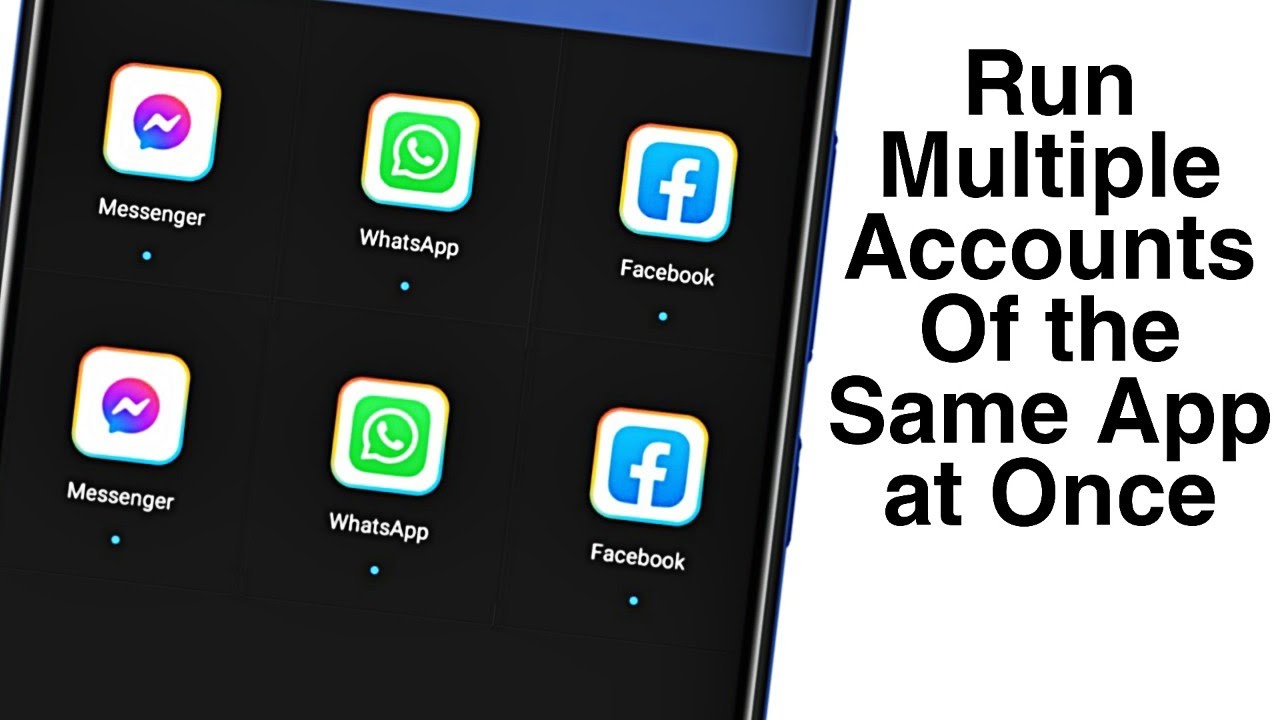
Samsung — Dual Messenger: Go to Settings → Advanced Features → Dual Messenger. A list of supported apps appears — toggle on the app you want to clone, then tap Install on the popup. Once installation is complete, a second app icon appears on your home screen.
OnePlus — Parallel Apps: Go to Settings → Utilities → Parallel Apps. Toggle on the desired app and wait a few seconds. A second icon will appear on your home screen with a small blue symbol to distinguish it from the original.
Xiaomi/Redmi/POCO: On Xiaomi devices, there are two methods for creating dual apps. Option one: Settings → Apps → Dual Apps, then toggle the desired app. Option two: Long-press the app icon on your home screen and select "Create clone."
Oppo/Realme — Clone Apps: On Oppo phones, the feature is called Clone Apps and is accessible from Settings. Go to Settings → Clone Apps and enable the desired application.
Method 2: Parallel Space App
Parallel Space is one of the best apps for duplicating applications, with over 100 million downloads and a 4.4-star rating from more than 4 million users. It creates two separate app instances with independent data files so each copy functions as a completely standalone application.
Steps: Download Parallel Space from the Play Store → Open the app and grant required permissions → Tap the + icon and select the app to clone → Tap "Add to Parallel Space" → Launch the cloned app and sign into your second account.
Method 3: Island App (Best for Privacy)
Island clones apps by creating a separate Work Profile on your phone. Download and install Island from the Play Store, open it and tap Accept, then follow the on-screen prompts. In the Mainland tab, find the app you want to clone, tap the + icon, and select Island. In your app drawer, you'll find a separate Work section where cloned apps are installed, identifiable by a small briefcase icon beneath the app icon.
Important Warnings
If you uninstall the original application, the cloned application will also be uninstalled automatically.
Clean up the cache of cloned apps regularly, as accumulated data can cause the phone to slow down.
When using third-party apps to clone applications, avoid cloning apps that could pose a security risk — cloned apps may not have the same level of security or encryption as the originals, and they may access or share your data without your permission.
FAQs
CONTACT US
©2026 MobiTech Integrated Solutions. . All Rights Reserved