
How to Run a Network Speed Test: Accurately Measure Your Internet Performance (2026 Guide)
30/04/2026
In the digital age, a "Network Speed Test" is the first tool we reach for when experiencing lag. But do you know how to read the results in front of you? And do these test results truly reflect your network's performance?
How to Get an Accurate Speed Test Result:
- Close Background Applications: Before starting the test, ensure you close any active downloads, background videos, or automatic updates, as they consume a portion of your bandwidth.
- Move Closer to the Router: If you are using Wi-Fi, try to stay as close to the router as possible to get maximum performance and avoid signal interference.
- Use a Wired Connection (Ethernet): For the most accurate result possible—unaffected by weak Wi-Fi signal—connect an Ethernet cable directly to your computer.
- Repeat the Test: Do not rely on a single result. Run the test 3 times at different times of the day to see the average speed of your connection.
Understanding Technical Terms in Test Results:
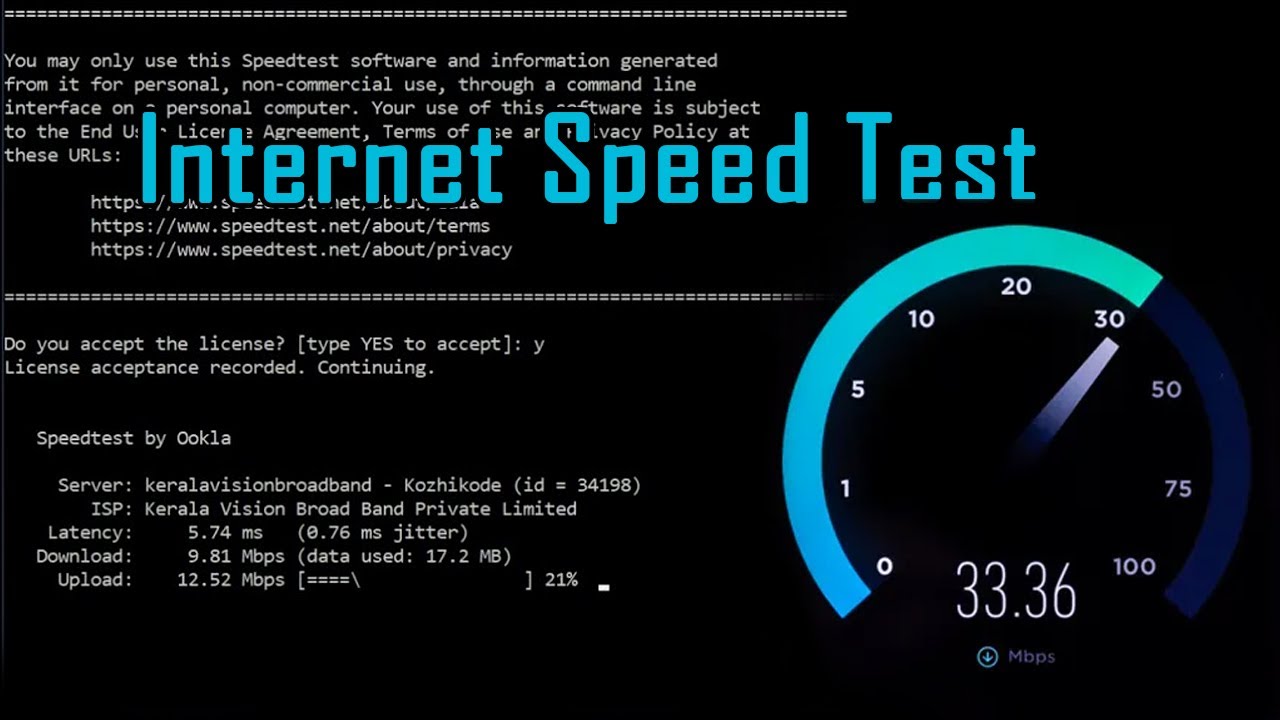
- Download Speed: The speed at which you receive data from the internet (loading websites, watching videos).
- Upload Speed: The speed at which you send data to the internet (uploading files, video calls).
- Latency (Ping): Measured in milliseconds (ms), this is an indicator of network responsiveness. The lower the number, the better your connection is for gaming and calls.
Golden Tip: If the results show a speed significantly lower than what you pay for in your plan, try restarting your router first. If the problem persists, it may be time to contact your service provider and request a line check.
FAQs
Is your home internet slow? Learn the best ways to run a network speed test and understand your results (Download, Upload, and Ping) to optimize your connection.
CONTACT US
©2026 MobiTech Integrated Solutions. . All Rights Reserved