
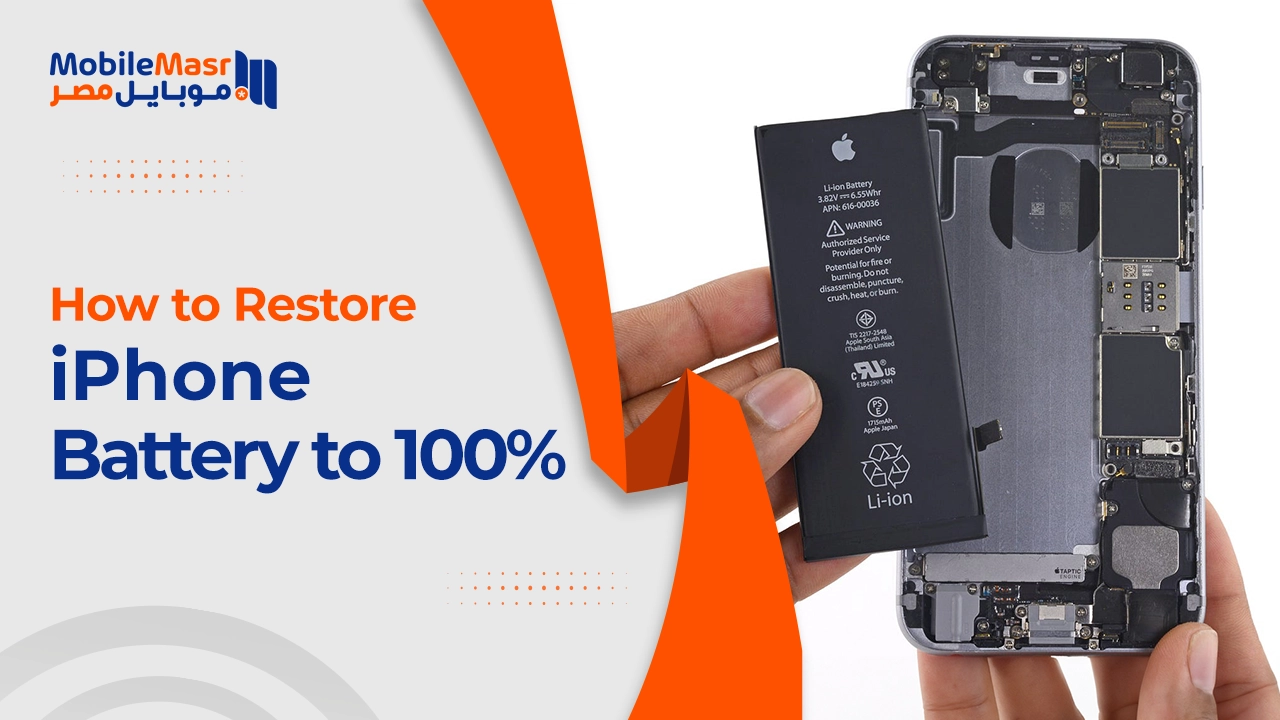
How to Restore iPhone Battery to 100% — Tips to Preserve Battery Life
How to Restore iPhone Battery to 100%?
iPhone battery health is one of the most impactful factors on the device usage experience. Over many years, iPhone users have faced a recurring battery capacity problem, with many complaining of rapid capacity decline after a short period of use — making the phone unable to last even half a day.
Can You Actually Restore iPhone Battery Health to 100%?
The iPhone battery cannot be restored to its original 100% efficiency once it has been used for an extended period — lithium-ion batteries that power smartphones degrade gradually over time and charge cycles. However, their performance can be improved and their lifespan extended through proper maintenance practices.
The only actual solution to restore the battery percentage to 100% is to replace it at official Apple authorized service centers.
What Is a Charge Cycle and How Does It Affect Your Battery?
A charge cycle involves completely draining the battery then charging it from 0% to 100%. Small charges count as a fraction of a cycle — charging from 0% to 100% counts as one full cycle, while charging from 50% to 100% counts as half a cycle, and doing it twice equals one full cycle.
iPhone 14 and older batteries are designed to retain 80% of original capacity after 500 full charge cycles under ideal conditions, while iPhone 15 batteries are designed to retain the same percentage after 1,000 charge cycles.
On average, every 25 charge cycles reduces battery capacity by approximately 1%.
Best Tips to Preserve iPhone Battery Health
First: Keep charge level between 20% and 80%
Don't charge the phone to 100% and don't let the charge drop below 20%. The healthy charging range for iPhone battery is between 20% and 80%, completing a full cycle in this manner.
Second: Enable Optimized Battery Charging
Enabling smart battery charging and charging the device every night — it will quickly charge the battery to 80% then pause, allowing the battery to "rest" and reducing the need for frequent charging.
Third: Charge in intervals throughout the day
Charge the battery in intervals rather than just once per day — this reduces stress on the battery and makes energy absorption easier for it.
Fourth: Avoid extreme heat
Avoid excessive phone heat — whether through prolonged use or leaving it in the sun — as this damages the battery's chemical composition and reduces its quality and lifespan over time.
Fifth: Keep iOS updated
Ensure your device runs the latest iOS version, as updates contain improvements for power and battery management.
Sixth: Reduce power consumption during charging
Enable Airplane Mode while charging to reduce power consumption during the charging process, helping the battery reach 100% faster.
Seventh: Use Low Power Mode when needed
When needed, use Low Power Mode to reduce battery consumption on secondary tasks, preserving power for longer.
How to Read Your iPhone Battery Health Percentage
If the percentage is between 100% and 89%, it is in excellent condition. Below that, you should strictly maintain proper charging habits.
If battery health is below 80%, it is recommended to replace it to improve performance.
When Should You Replace the Battery?
If you have followed all the previous steps and the battery is still draining quickly, it may be time to replace it. It is preferred to replace the battery at Apple-authorized service centers, ensuring an original battery is installed for optimal device performance.
Final Thoughts
Restoring iPhone battery health to 100% is not actually possible once it has declined — only physical replacement can achieve that. However, you can significantly extend your current battery's lifespan by following healthy charging habits: keep the charge between 20% and 80%, enable Optimized Battery Charging, and avoid excessive heat.
FAQs
CONTACT US
©2026 MobiTech Integrated Solutions. . All Rights Reserved