
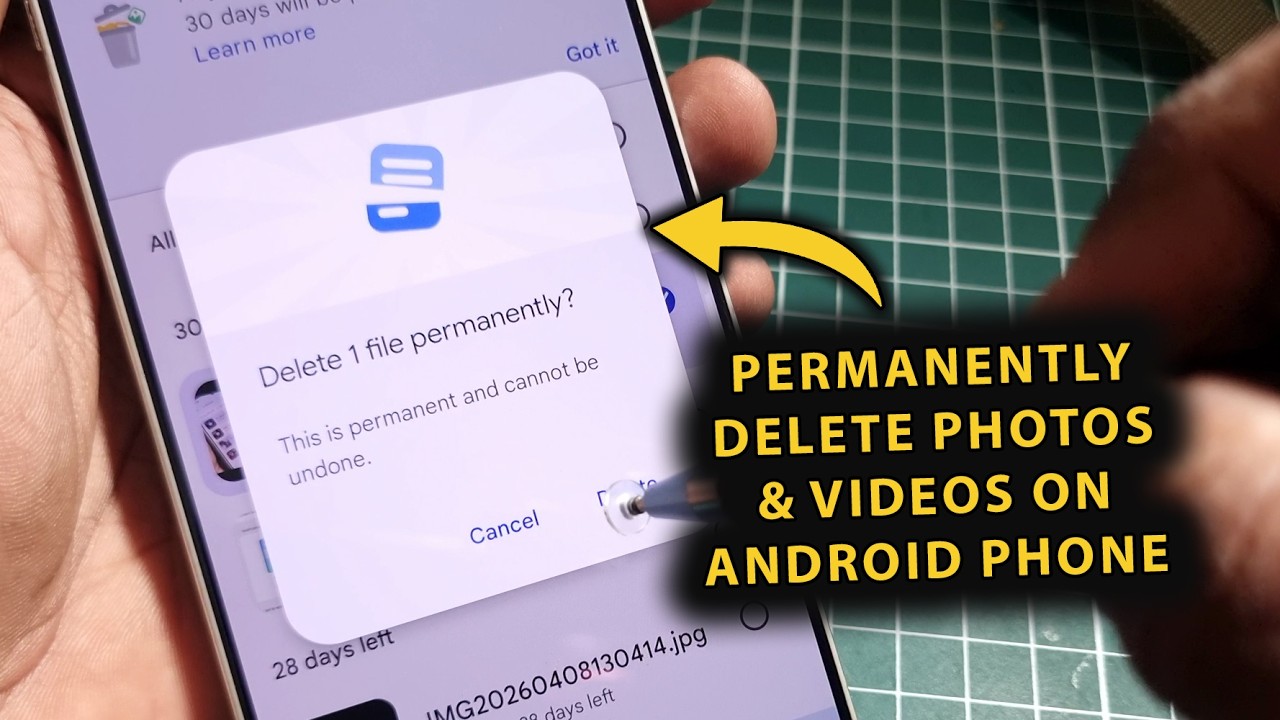
How to Permanently Delete Photos and Videos from Your Phone — No Recovery Possible
How to Permanently Delete Photos and Videos from Your Phone — No Recovery Possible
Many Android users mistakenly believe that deleting photos removes them permanently — it does not. Files are moved to a hidden archive folder and can be recovered using free data recovery tools. Even a factory reset alone may not be enough.
Why Normal Deletion Isn't Enough
When you delete a file, the OS removes the pointer to it but leaves the data intact until new data overwrites that space. Apps like Google Photos also keep deleted media in a trash folder for up to 60 days. This makes recovery trivially easy with common tools.
Method 1 — Empty the Trash First
In Google Photos: open the app → Collections → Trash → More → Empty Trash → Delete permanently. In Samsung Gallery: Menu (☰) → Recycle Bin → select all → Delete permanently.
Method 2 — Delete via USB (Recommended)
Connect your phone to a PC via USB, choose File Transfer mode, navigate to internal storage, and delete files directly using the PC. Files deleted this way bypass the phone's recycle bin, making recovery harder.
Method 3 — Shreddit Data Eraser App
Encrypts files before deleting them, so even if recovered they are unreadable. Download from Google Play, tap the three-dot menu, select files or choose all, then tap Shred.
Method 4 — iShredder App
Uses military-grade algorithms to overwrite file locations multiple times. Available for Android and iOS. Select files, choose an overwrite algorithm, and tap Erase.
Method 5 — Fill Storage + Factory Reset (Safe Resale)
Delete all files and perform a factory reset. Then fill internal storage completely with random large files via USB. Factory reset again. Repeat 2–3 times to ensure all old data locations are overwritten.
Method 6 — iPhone (iOS) Without Apps
Delete photos → empty Recently Deleted album → go to Settings → General → Transfer or Reset iPhone → Erase All Content and Settings. iOS encryption makes recovery essentially impossible after this.
FAQs
CONTACT US
©2026 MobiTech Integrated Solutions. . All Rights Reserved