
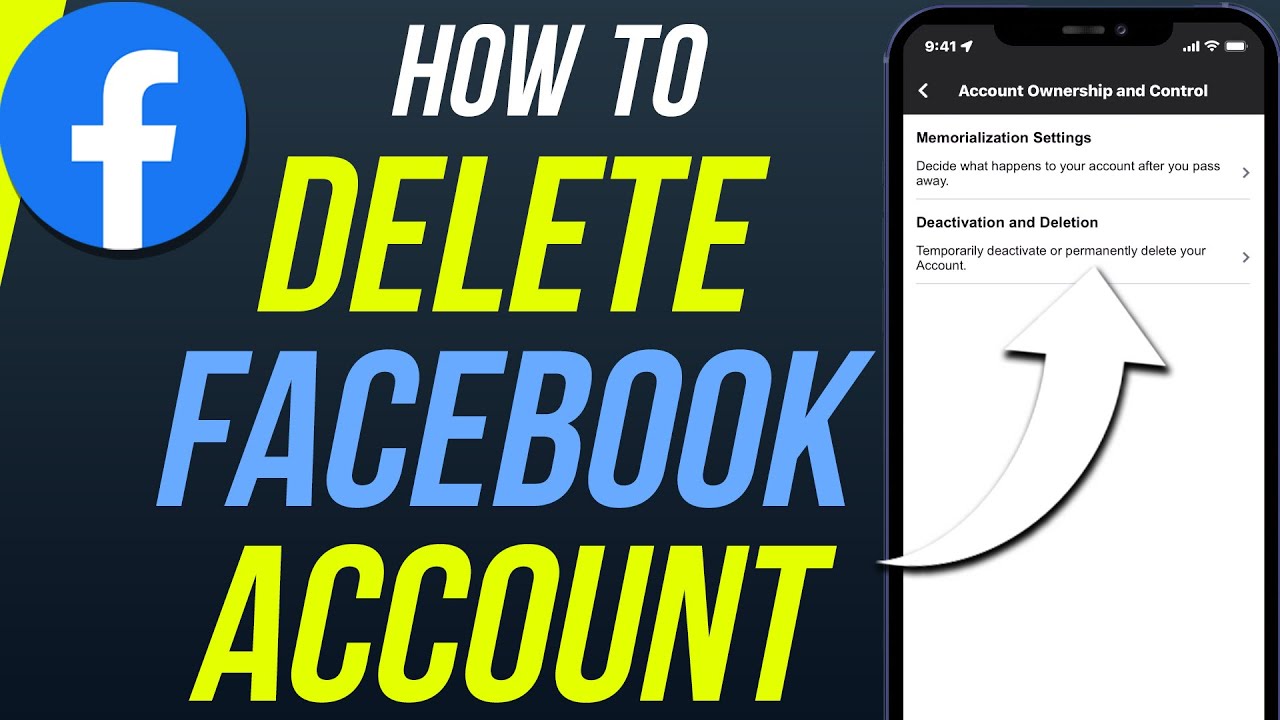
How to permanently delete a Facebook account — The difference between deactivation and deletion and detailed steps 2026
How to Permanently Delete Your Facebook Account — Complete 2026 Guide
Millions of users want to delete their Facebook accounts for various reasons — privacy concerns, wasted time, or simply stepping away from social media. This guide explains the key difference between deactivating and deleting, and walks through every step of permanent deletion.
The Key Difference: Deactivation vs. Permanent Deletion
Deactivating your account is a temporary measure — your profile, photos, and posts become invisible to others but remain stored on Facebook's servers. You can return at any time simply by logging back in. Messenger may remain active.
Permanently deleting your account is irreversible — after a 30-day grace period, your photos, posts, personal information, and friends list are permanently erased. There is no recovery after this window closes.
Before Deleting: Download Your Data
Before deleting, download a copy of your data if you want to keep photos, posts, or messages:
On desktop: Click your profile picture in the top right → Settings & Privacy → Settings → Your Facebook Information → Download Your Information → select the date range and data types → click Request Archive. Wait for Facebook's email notification that the archive is ready, then download it.
Steps to Permanently Delete Your Facebook Account
From a Computer:
- Log into your account at facebook.com
- Click your profile picture in the top right corner
- Select "Settings & Privacy" → "Settings"
- In the left menu, select "Your Facebook Information"
- Click "Deactivation and Deletion"
- Select "Delete Account" → click "Continue to Account Deletion"
- Click "Delete Account," enter your password to confirm
- Click "Continue" → "Delete Account"
Direct link: facebook.com/help/delete_account
From the Mobile App (Android and iPhone):
- Open the Facebook app
- Tap the menu icon (☰) or the bottom-right tab
- Go to "Settings & Privacy" → "Settings"
- Scroll down and tap "Your Facebook Information"
- Tap "Deactivation and Deletion"
- Select "Delete Account" → "Continue to Account Deletion"
- Enter your password and confirm deletion
The 30-Day Window and What Happens Next
After confirming the deletion request:
- Your account is suspended immediately — no one can see it
- You have 30 days to cancel the deletion by logging back in and canceling the request
- After 30 days, Facebook begins the actual deletion process which can take up to 90 additional days to remove all data from their servers
- Some content, such as messages you sent to other people, may remain visible to recipients even after your account is deleted
What Happens to Apps Linked to Facebook?
If you use Facebook to log into other apps (Spotify, Airbnb, games, etc.), you'll lose access to those accounts. Before deleting: log into each linked app and set up an independent email and password, or use the "Apps and Websites" section in Facebook settings to review and unlink all connected applications.
FAQs
CONTACT US
©2026 MobiTech Integrated Solutions. . All Rights Reserved