
How to Maintain iPhone Battery — Tips and Tricks to Extend Battery Life
How to Maintain iPhone Battery
The iPhone battery is the fundamental element in the daily usage experience — the device relies on it to run apps, make calls, and browse the internet. Over time, battery health deteriorates from continuous use, which makes learning how to maintain the iPhone battery essential for extending its lifespan and reducing the need for replacement.
How to Check Your iPhone Battery Health
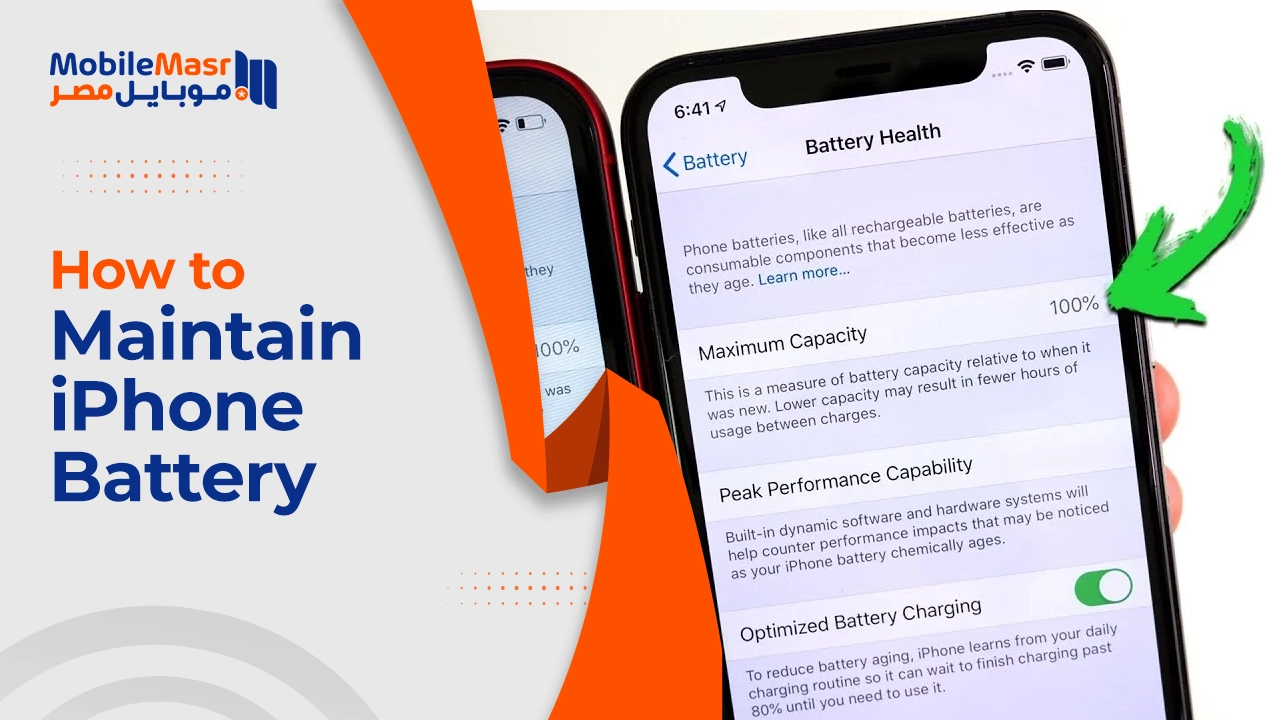
You can check your battery health by going to Settings > Battery > Battery Health. You'll find the Maximum Capacity percentage, which reflects the battery's overall performance compared to when it was new. If the percentage is below 80%, you may need to replace the battery for better performance.
Factors That Affect iPhone Battery Health
Several factors affect iPhone battery efficiency, including: Temperature — continuous exposure to high or low temperatures reduces iPhone battery efficiency, making it a key factor in why battery health declines quickly.
Other factors include: frequent charging from 0% to 100%, using uncertified or non-original chargers, running heavy apps for long continuous periods, and charging while the phone is covered by a case or in a warm place.
Best Tips to Maintain iPhone Battery
First: Enable Optimized Battery Charging
To enable this feature, go to Settings > Battery > Battery Health & Charging and turn on "Optimized Battery Charging." This feature learns your daily charging habits and automatically stops charging at 80%, then completes the charge just before your usual wake-up time.
Second: Keep Charge Between 20% and 80%
Try to maintain the battery charge level between 20% and 80%. Frequent charging from zero to one hundred accelerates battery wear and reduces the total available charge cycles.
Third: Use an Original or Certified Charger
Use only an original iPhone charger, as counterfeit chargers are the most important cause of reduced battery efficiency. If you want to charge your phone in the car, use an Apple-certified car charger — as most car chargers on the market can damage the battery significantly.
Fourth: Keep iOS Updated
Always update iOS to the latest version, as Apple consistently adds significant improvements to operating system compatibility and reduced iPhone battery consumption.
Fifth: Disable Background App Refresh
You can disable the feature that allows apps to automatically refresh in the background. Open Settings > General > Background App Refresh, then choose "Wi-Fi & Cellular Data," then "Off" to completely stop background app refresh.
Sixth: Monitor Battery-Draining Apps
To identify the apps draining the most battery resources, go to Settings then Battery. Scroll down and you'll see the most battery-draining apps listed by percentage. You'll get results for the past 24 hours as well as the past week. You can then either delete them or reduce their usage.
Seventh: Avoid Extreme Temperatures
Avoid using or charging your phone at temperatures above 35°C (95°F), as this will cause significant power drain and battery damage.
Eighth: Disable Location Services for Unnecessary Apps
You can access Location from Settings and choose "Never" instead of "Always" to disable all apps that use GPS. Maps and location-tracking apps are among the most intensive battery consumers on iPhone.
When Do You Need to Replace the iPhone Battery?
According to Apple policies, users have the right to request a free iPhone battery replacement if the battery level falls below 80% with fewer than 500 complete charge cycles during the first year of use.
Final Thoughts
To maintain iPhone battery life for the longest possible time, it's essential to control the factors that affect power consumption and avoid practices that lead to rapid battery drain. Following battery maintenance tips contributes to improving its efficiency and ensuring stable phone performance without the need for frequent charging.
FAQs
CONTACT US
©2026 MobiTech Integrated Solutions. . All Rights Reserved