
How to Maintain and Extend Your Phone Battery Life — The 20/80 Rule and Proper Charging (2026)
How to Preserve Your Phone Battery and Extend Its Life — Complete 2026 Guide
Your phone's battery inevitably degrades over time — the real question is how fast. Phone batteries go through the same gradual degradation process: think of a new water bottle you can fill to the very top, but with every use, tiny invisible cracks form inside, and over time it simply can't hold as much as it used to.
A battery with poor health — say at 75% capacity — will only give you about three-quarters of the screen time it did when new, even on a "full" charge. This directly hurts daily use and lowers the device's long-term value.
1. How Phone Batteries Work
Lithium-ion batteries draw constant current and operate at lower voltage when closer to empty. This voltage gradually increases as charging progresses, leveling off at around 70% capacity before current begins to fall until full. Operating at low voltage benefits battery lifespan — roughly, every 0.1V decrease in cell voltage doubles the available charge cycles before significant capacity reduction occurs.
2. The 20–80 Rule — The Most Important Battery Habit
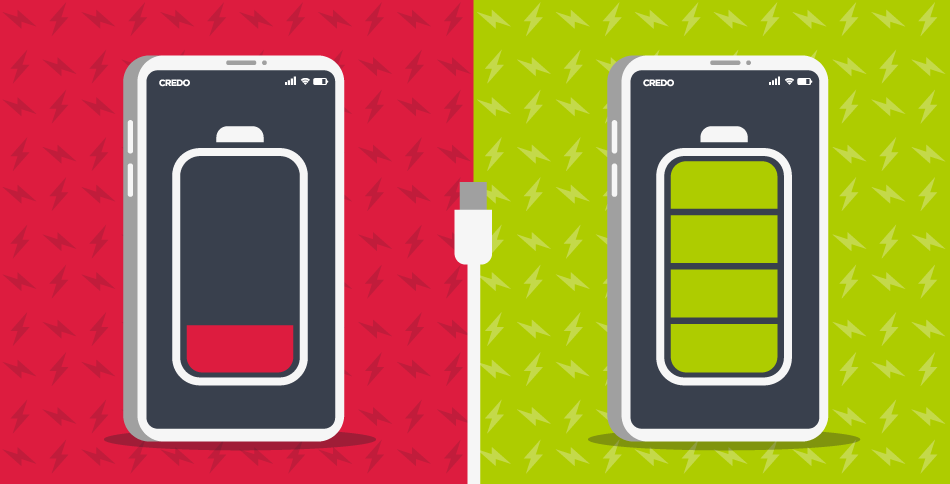
The most important habit to adopt is keeping battery charge between 20% and 80%. This simple practice avoids the stress that both very low and very high charge levels place on lithium-ion batteries, and it can dramatically increase the number of charge cycles the battery can handle before degradation begins.
By consistently avoiding those stressful highs and lows, a battery can stay healthy for hundreds of extra charge cycles — meaning the device not only lasts longer each day, but stays useful and retains its value for years to come.
3. Overnight Charging — Is It Harmful?
Overnight charging keeps the phone at a high charge level for extended hours, which stresses the battery and accelerates degradation. If you charge before bed, unplug when you wake up rather than letting it sit at 100% for hours.
4. Fast Charging — When to Use It and When to Avoid It
Fast charging is a contentious issue, as higher currents and voltages heat the device. With capabilities exceeding 60W and reaching 100W in some smartphones, long-term device longevity quickly becomes a concern. Fast charging is fine for a quick top-up, but it's not recommended for a full charge.
Fast charging is convenient but produces more heat. Save it for when you need a quick boost and opt for slow charging wherever possible.
5. Heat — The Battery's Biggest Enemy
Temperature is equally key to longevity. A battery kept between 25–40°C should retain around 85–96% of its capacity after the first year with sensible charging habits. Regularly raising temperature above 40°C while charging to 100% sees this fall to just 65% after one year, and a 60°C battery temperature hits this marker in as little as three months.
Keep your phone out of direct sunlight especially on hot days. It may also be worth removing the protective case while charging, as some cases trap heat.
6. Smart Daily Charging Habits
Avoid letting the battery reach zero. Android phones use lithium-ion batteries with limited charge cycles. Charging from 0% to 100% counts as one full cycle. Frequently draining to zero exhausts those cycles faster and reduces overall battery performance.
Partial charging is perfectly healthy. Charging from 40% to 70% is far better than repeatedly cycling from 5% to 100%.
Avoid using the phone while charging. This practice generates excess heat, which is detrimental to battery health.
7. Software Settings That Save Battery
Use adaptive brightness to let the phone automatically adjust to your environment. Enable dark mode on OLED/AMOLED screens as black pixels switch off completely, saving meaningful power. Lower the screen refresh rate to 60Hz for tasks that don't require maximum fluidity like reading email or browsing. Turn off Wi-Fi, Bluetooth, and GPS when not actively in use.
Limiting background app activity is crucial for improving battery performance. Adjust settings to restrict apps from running in the background — modern operating systems offer features like Adaptive Battery and Battery Saver mode to help manage this.
8. Use Only Certified Chargers
Only official and certified charging accessories are strongly recommended. Low-quality or non-certified chargers may cause overheating issues or damage the battery over the long term.
9. How to Check Battery Health
On iPhone: Settings → Battery → Battery Health & Charging. On Android: Settings → Battery → Battery Usage to monitor the most power-hungry apps. Some phones like Samsung offer a "Device Care" section showing battery health percentage directly.
Most manufacturers agree that when battery health drops below 80%, it's time to consider replacement, as you'll likely notice a significant drop in daily performance.
10. The Optimized Charging Feature on Modern Phones
Most modern phones support a feature that automatically limits charging to 80–85% to preserve long-term battery health:
- iPhone: Settings → Battery → Battery Health & Charging → enable "Optimized Battery Charging"
- Samsung: Settings → Battery → Battery Protection
- Xiaomi: Settings → Battery → Battery Preservation
FAQs
CONTACT US
©2026 MobiTech Integrated Solutions. . All Rights Reserved