
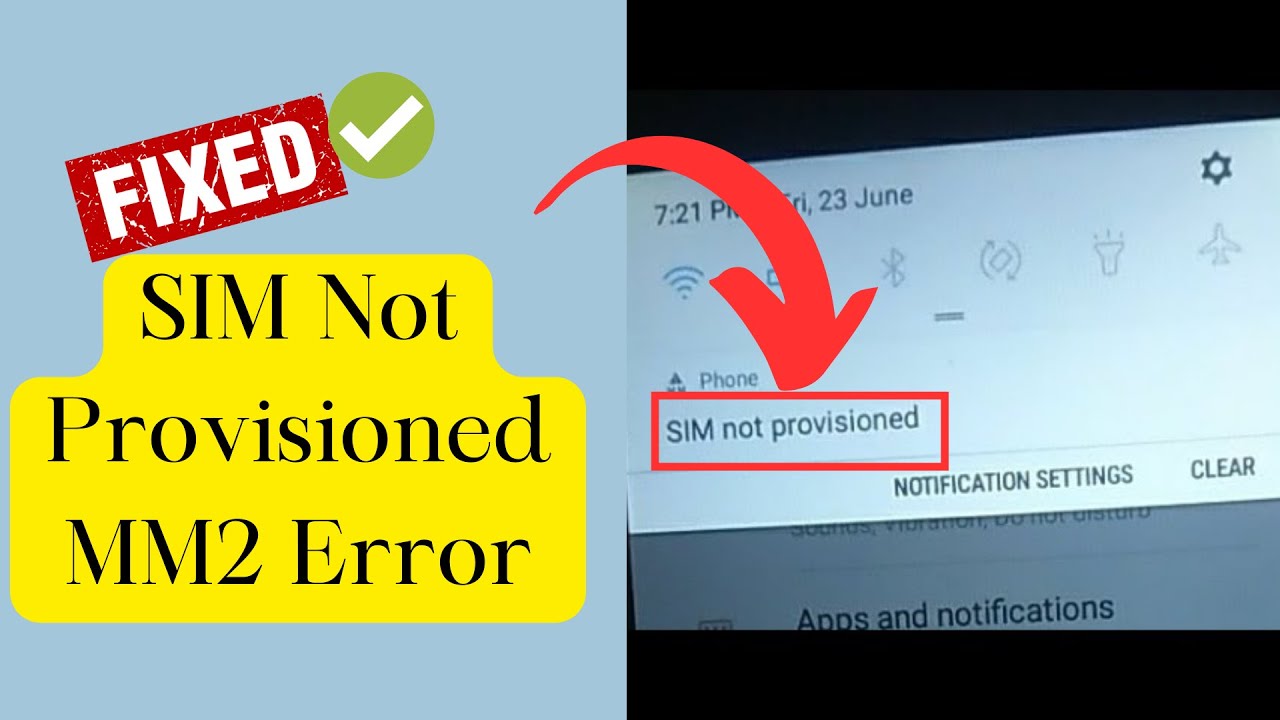
How to Fix the SIM Card Not Provisioned MM2 Error — 7 Guaranteed Solutions for Android and iPhone (2026)
How to Fix the "SIM Card Not Provisioned MM2" Error — Complete 2026 Guide
Did the "SIM not provisioned MM2" error appear suddenly or right after inserting a new SIM? This error typically indicates that your phone is unable to communicate with your carrier's network.
What Does This Error Actually Mean?
The core cause of the SIM Not Provisioned MM2 error is that the SIM is not activated, is suspended by the carrier, or is not being detected by the phone. If you just bought a new SIM you likely need to activate it first. If it was working and suddenly stopped, it either means the SIM has aged out and become inactive, or it was deactivated by the carrier because you requested a number transfer to a new SIM.
If your phone shows "SIM not provisioned for voice," it means you cannot make voice calls — the most common reason is that your line has become disconnected from your carrier account. On dual-SIM phones the error may specify "SIM 1 not provisioned" or "SIM 2 not provisioned."
Solutions: Simplest to Most Advanced
Fix 1: Toggle Airplane Mode
One of the simplest fixes is toggling airplane mode on and off — this temporarily disables the mobile network and allows the phone to reset its connections. On Android, swipe down twice to access Quick Settings and tap the Airplane Mode tile, wait a few seconds, then tap it again. On iPhone, go to Settings and use the Airplane Mode toggle.
Fix 2: Restart Your Phone
It may seem unlikely, but simply turning the phone off and back on can sometimes resolve the SIM not provisioned error.
Fix 3: Re-seat the SIM Card
If the SIM was inserted incorrectly or the phone took a knock and dislodged it, the error can appear. Use the SIM ejector tool to remove the tray, give the card a quick wipe to clean any dirt, reinsert it properly, and restart the phone.
Sometimes the phone fails to detect the SIM because dust or debris has accumulated on the card or in the slot. Eject the SIM tray and clean both gently — be careful not to apply too much pressure as even minor force can cause damage.
Fix 4: Activate a New SIM Card
If you just acquired a new SIM card, you need to activate it before use. Depending on your carrier, you need to call or text a specific number to activate — this number is printed on the SIM's retail package. Activation can take anywhere between 0 and 4 hours.
Fix 5: Reset Network Settings
Go to Settings → General Management → Reset → Reset Mobile Network Settings → Reset Settings, and enter your PIN when prompted.
Fix 6: Test the SIM in Another Phone
Not sure whether the problem is with the SIM or the phone? Remove the SIM and try it in another device to see if the same error appears. If a call goes through, the SIM card is working and the issue lies with your original phone.
Fix 7: Contact Your Carrier or Replace the SIM
If none of the above works, visit your carrier store and request a new SIM. Inform them about the "SIM not provisioned MM2" error — they can run diagnostics on the old SIM and either resolve the issue or issue a replacement with your number transferred over.
FAQs
CONTACT US
©2026 MobiTech Integrated Solutions. . All Rights Reserved