
How to Find Out the Name of an Unknown Caller — Truecaller and its Alternatives 2026
How to Identify an Unknown Caller's Name — Complete 2026 Guide
The phone rings and an unknown number appears — should you answer or ignore it? Think of it like this: a phone number is a unique identifier, much like a fingerprint. A reverse phone lookup service takes that identifier and searches a vast database to see what information is linked to it. Truecaller, for instance, boasts access to billions of numbers worldwide.
1. Truecaller — The Most Powerful and Widely Used
Truecaller is a caller ID app that identifies incoming calls, blocks unwanted numbers, and gathers phone numbers and names from contact lists. It also performs a reverse phone number search.
How Truecaller Works: When a call comes in, Truecaller quickly searches its database and displays the caller's name and personal details, if available. A phone number can be entered to find out the name of the person to whom it might belong.
The Community Database: Truecaller primarily builds its vast database through a combination of user-contributed data and public directories. To use Truecaller's features, especially on the mobile app, users typically grant app access to their contacts/phonebook. This shared information contributes to Truecaller's database, enabling the same features for other users — it is a trade-off: access to caller ID in exchange for contact list data.
New in 2025–2026: In January 2025, Truecaller added real-time Caller ID and spam-blocking for iOS 18.2 users, functionality previously available to Android users only.
Key Truecaller Features: Automatic spam call blocking, reverse number lookup to find names, call recording with AI-generated subject and written transcript (premium), Truecaller Assistant — an AI assistant that answers calls and identifies spam and scam callers with 90%+ accuracy, and an AI Call Scanner that detects AI-synthesized voices and bots in real time.
How to use it: Install Truecaller from Google Play or the App Store → sign in with a Google account or phone number → the app automatically identifies callers on the incoming call screen → for manual reverse lookup: tap the "Search" tab and enter the number.
2. Google Phone App — Built-in Caller ID (Android)
On Pixel phones and devices running the Google Phone app, Google provides limited reverse lookup and spam protection without any third-party app:
Phone app → Settings → Caller ID and Spam → toggle on "See Caller ID & Spam."
3. Other Alternative Apps
Sync.me: Helps find out who owns a phone number with access to caller name, location, photos, and even connected social profiles. Protects from fraud by automatically blocking robocalls, scam numbers, and telemarketers.
Showcaller: A powerful caller ID and spam blocking app that identifies unknown calls, shows caller name and region, blocks spam numbers, and protects from scam callers. Features AI-powered caller identification.
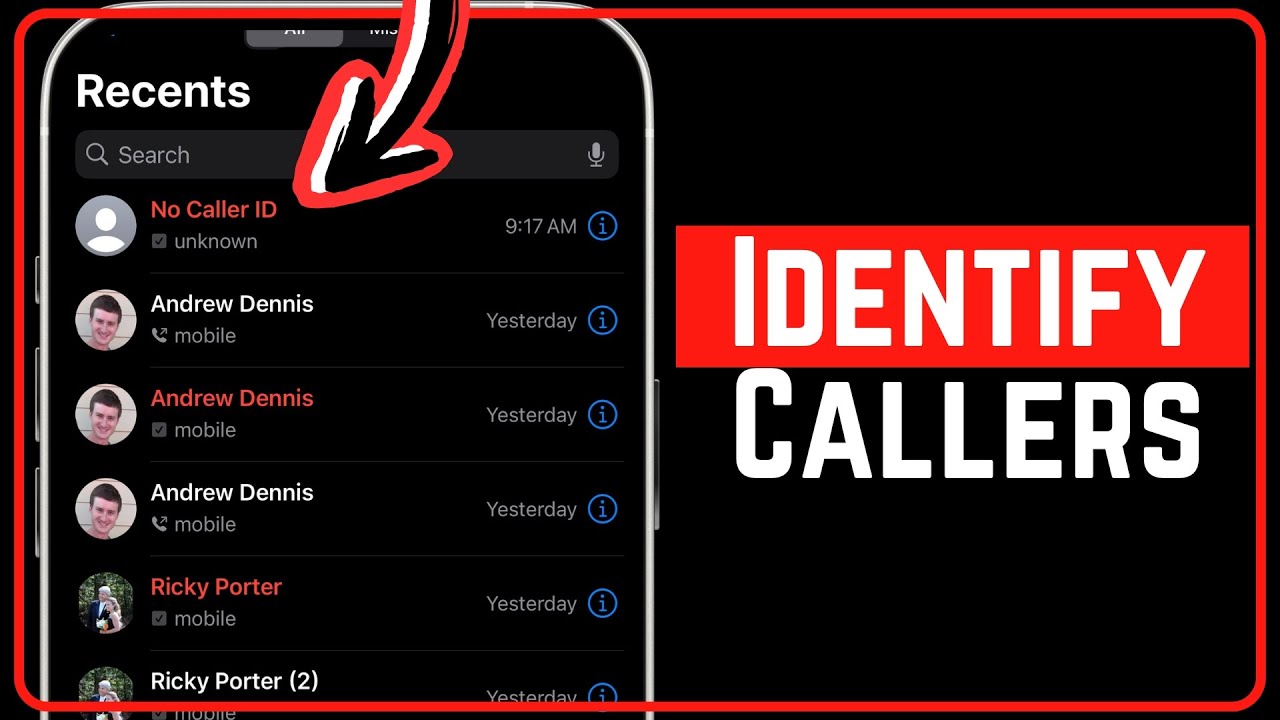
4. Identifying "No Caller ID" (Intentionally Hidden Numbers)
A call labeled "No Caller ID" means the person is deliberately concealing their identity. On a landline: dial *69 (call return in the US) or *57 (call trace). On a cell phone: a third-party app is the only option.
The difference: "No Caller ID" means the caller intentionally disabled their caller ID. "Unknown Caller" displays when the phone carrier cannot identify the number due to technical limitations — the caller didn't intentionally block their number.
5. Privacy Considerations
Truecaller's name accuracy is mixed. Because data is crowd-sourced or manually entered by users, the name will sometimes depend on how it appears in other people's phonebooks.
Caution: many caller ID apps are owned by data brokers and will collect and share personal data with third parties.
FAQs
CONTACT US
©2026 MobiTech Integrated Solutions. . All Rights Reserved