
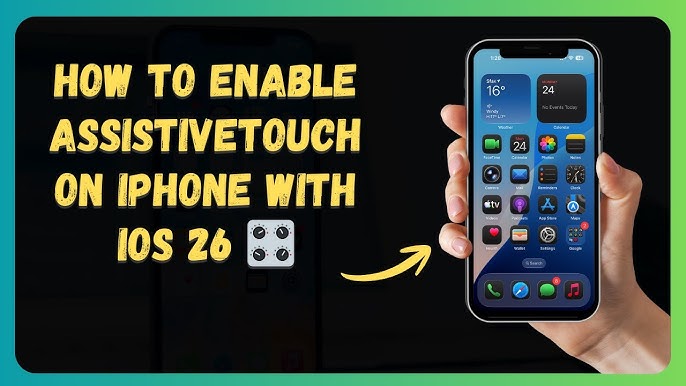
How to Enable AssistiveTouch on iPhone: Complete Guide (2026)
How to Enable AssistiveTouch on iPhone: Complete Guide (2026)
The AssistiveTouch feature (often called the "floating ball") is one of Apple's most distinctive tools. It is not just a shortcut; it is an effective way to extend the lifespan of your phone's physical buttons (like the power lock or volume buttons) by moving their tasks to a virtual button on the screen. Whether you are dealing with a faulty button or simply prefer faster access, this guide will help you enable it.
Steps to Enable AssistiveTouch:
- Open Settings on your iPhone.
- Go to Accessibility.
- Select Touch.
- Tap AssistiveTouch.
- Toggle the switch to On.
Once enabled, a semi-transparent circular icon will appear on your screen. You can drag this icon to any corner of the screen for your convenience.
Golden Tip: You can customize the menu that appears when you tap the ball. Go to "Customize Top Level Menu" within the AssistiveTouch settings, where you can add shortcuts for taking screenshots, locking the screen, adjusting volume, or even opening specific apps with a single tap.
FAQs
CONTACT US
©2026 MobiTech Integrated Solutions. . All Rights Reserved