
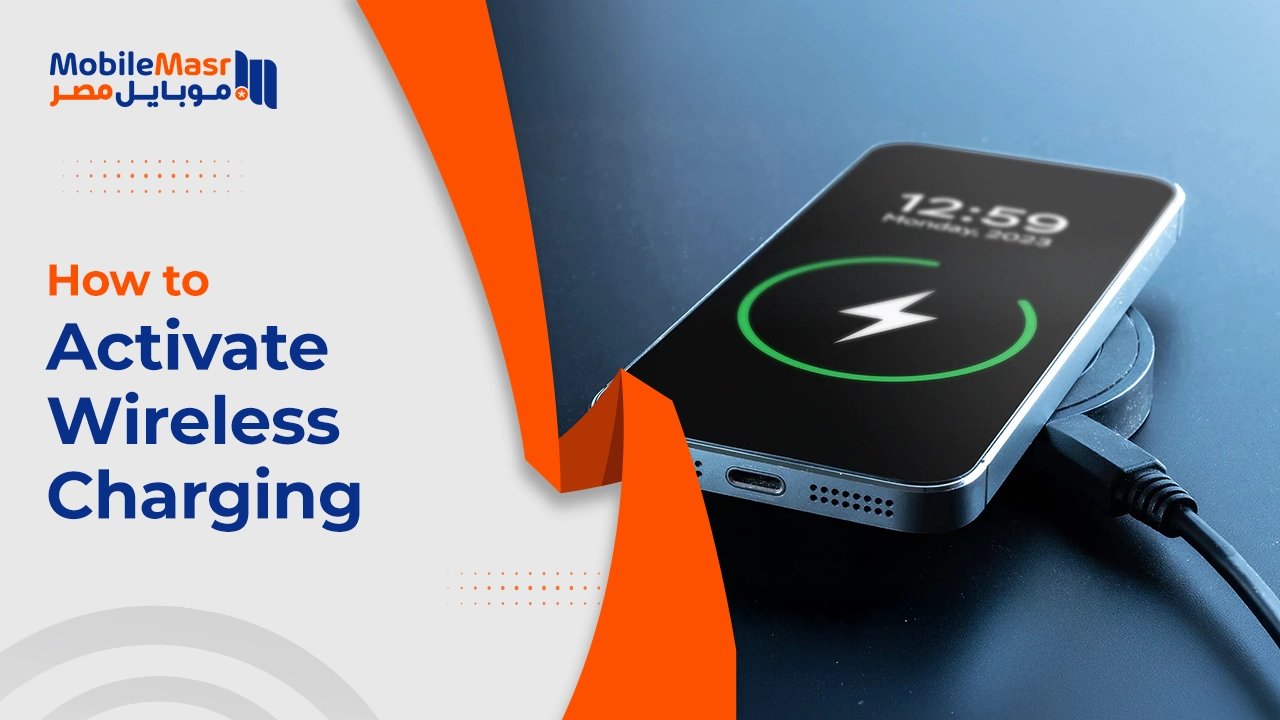
How to Activate Wireless Charging — Complete Guide for iPhone, Samsung, and Huawei
How to Activate Wireless Charging — Complete Guide for All Devices
Wireless charging is a method of transferring power from the charger to the phone without using a cable — it works on electromagnetic induction, where a magnetic field is generated between the charging pad and the device and converted into electrical energy inside the battery. The most widely used standard for this technology is Qi, supported by most major manufacturers.
How Do I Know If My Phone Supports Wireless Charging?
The most accurate method is visiting the official website of your phone's manufacturer, searching for your device model in the Technical Specifications section, and checking for wireless charging support.
Among the well-known phones that support wireless charging are iPhones starting from iPhone 8 and later, Samsung Galaxy series such as Galaxy S6 and above, and devices like Google Pixel 6 and Huawei Mate 40 Pro.
If you have a wireless charging pad, simply place your phone on it and see if charging starts automatically.
Activating Wireless Charging on iPhone 12 and 13
Activating wireless charging on iPhone 12 and 13 is a simple and convenient step for a hassle-free charging experience. iPhone 12 and 13 devices support wireless charging using the Qi standard. To activate it, certain basic requirements must be met:
First: You need a MagSafe-certified wireless charger for best performance — it attaches magnetically to the back of the iPhone ensuring perfect alignment and improved charging efficiency. You can also use any Qi wireless charger, but charging speed may be lower compared to MagSafe.
Second: A power adapter of 20W or more is recommended for fast and efficient charging. It's also important to remove any protective cases that are incompatible with wireless charging, as they may interfere with the process.
Finally: To activate charging, simply place the device on the wireless charger and a charging indicator will appear on screen. If using MagSafe, you'll see an animated ring on the display confirming the device is perfectly connected to the charger.
Note: On iPhone, there are no settings to "enable" wireless charging — the device charges automatically as soon as it's placed on a compatible charging pad.
Adding Wireless Charging to Older iPhones (iPhone 7 and Earlier)
Wireless charging on iPhone 7 can be enabled through one of two options: Using wireless charging adapters — available as thin chips connected to the iPhone's Lightning port then placed between the phone and its case. Using specially designed protective cases with built-in wireless charging technology — these cases act as an intermediary between the wireless charger and the phone, making the iPhone 7 compatible with wireless chargers once the case is installed.
Activating Wireless Charging on Samsung
On modern Samsung phones, wireless charging is enabled by default. To verify or manually enable it: open Settings, select Battery and Device Care, tap Battery, then enable the Wireless Charging option if available.
Activating Wireless Charging on Huawei
For Huawei wireless charging: confirm your phone supports it (such as Mate 20 Pro or P30 Pro). Connect the wireless charging pad to a power source using the original cable and adapter. Place your phone on the pad with its back surface touching it, ensuring it's centered for the best connection. Once placed, on-screen notifications will confirm that charging has started.
Best Practices for Using Wireless Charging Pads
First: Choose a charging pad certified to the Qi standard to ensure compatibility with your device. Second: Place the pad on a flat, stable surface away from any magnetic interference sources like other electronic devices. Third: After connecting the pad to an appropriate power adapter (20W or more recommended), ensure the device is placed exactly in the center of the pad for perfect alignment. Fourth: To improve charging speed, remove thick or metal protective cases that may obstruct the connection between the device and the charging pad.
Final Thoughts
Wireless charging brings significant convenience to daily life — no cables, no precise alignment needed with MagSafe, and compatible with most modern phones. Invest in a certified wireless charging pad from a trusted brand and enjoy a hassle-free charging experience every day.
FAQs
CONTACT US
©2026 MobiTech Integrated Solutions. . All Rights Reserved