
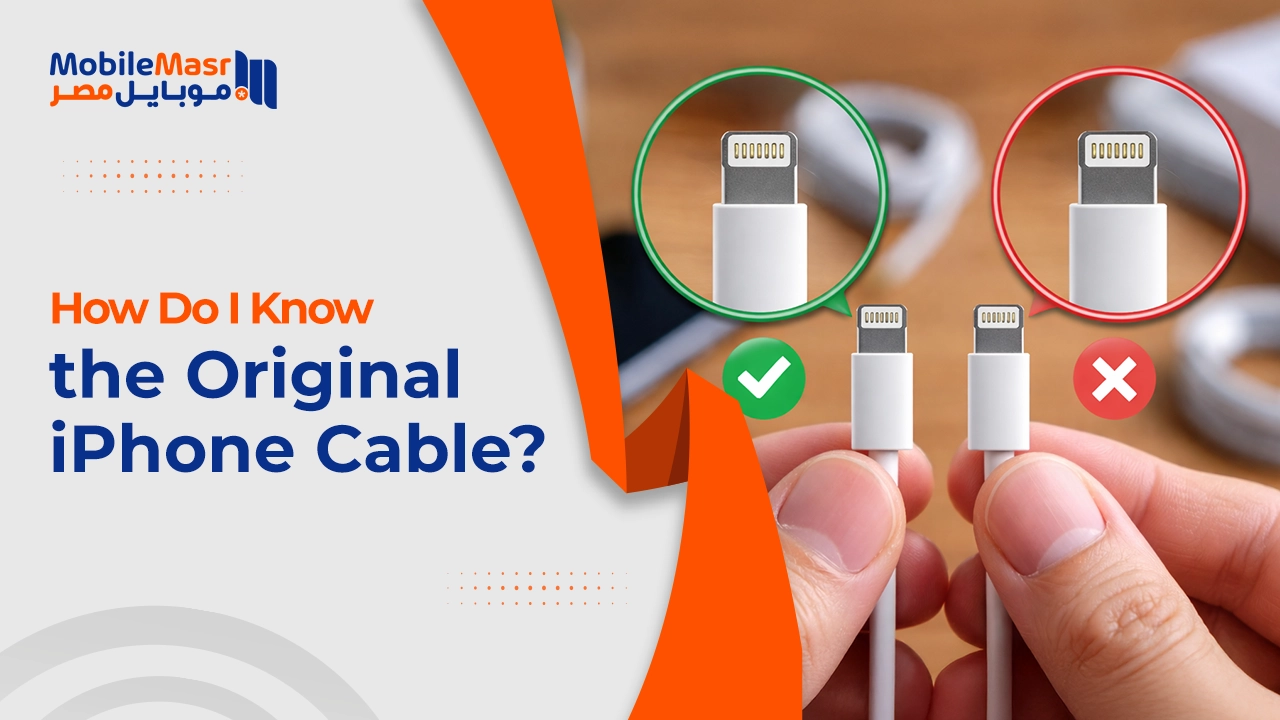
How Do I Know the Original iPhone Cable? — Signs of a Genuine Cable and Fake Cable Risks
How Do I Know the Original iPhone Cable?
The presence of the MFi mark on an iPhone cable indicates that the product has been officially designed and developed by Apple-certified companies. This mark ensures that the cable meets the required quality and performance standards, which enhances the user experience and reduces the risk of damage or malfunctions — ensuring safe and fast charging.
What Is MFi Certification and Why Does It Matter?
MFi stands for "Made for iPhone/iPad/iPod" — Apple's licensing program for manufacturers that produce accessories compatible with Apple's quality and safety standards.
Using an MFi charger provides many advantages that distinguish your Apple device charging experience. It guarantees excellent charging speed thanks to its perfect compatibility with Apple devices — saving time and ensuring efficient charging. An MFi charger also protects your device's battery from overcharging and heat, extending battery life and maintaining its performance.
How to Verify MFi Certification on an iPhone Cable
To check for the MFi mark on your iPhone cable, follow these steps: First — Check the packaging: Look for the MFi logo on the product packaging. It should be clearly written and professionally displayed. Second — Check the cable itself: Genuine MFi-certified cables often have a small inscription near the USB port, showing the manufacturer's name and the words "Designed by Apple in California" as well as the country of manufacture. Third — Use Apple's official website: You can visit the Apple Certified Products page and enter the brand name or model of the cable to check if it is MFi certified.
Signs of a Genuine iPhone Cable
Cable inscription: The iPhone charging cable provided by Apple contains words printed on it approximately 7 inches from the USB input, indicating the cable's country of manufacture. A 12-digit serial number is also printed after these words.
Copper connector quality: In genuine chargers, the copper end is smooth and shiny. In counterfeit chargers, it tends to be rough and the copper lengths are uneven — unlike the original charger where the copper contacts are perfectly equal.
Packaging quality: The original charger features high-precision packaging with clearly printed details. In contrast, counterfeit charger packaging often appears faded or contains printing errors.
On-screen alerts: The appearance of the message "This accessory is not supported" or noticeably slow charging speed, or unusual heat during use — are all indicators that the charger is not genuine.
Connection sound: When connecting a USB-C cable to the original charger port, it should produce a gripping sensation or a clear "click" sound, reflecting the quality of manufacturing and precision in component assembly.
Damages Caused by Counterfeit iPhone Cables
A counterfeit cable can damage the iOS device. You will suffer from cable damage easily and in a very short time. The charging cable end may detach causing it to become very hot, which will negatively affect your device. In many cases, you won't be able to sync your device with a computer. It may cause a fire — especially if you leave your phone charging overnight. One of the most important causes of iPhone battery damage is using counterfeit chargers.
Signs of a Fake Cable — Watch Out For
The most prominent signs of a fake cable: First — No MFi mark: The original Apple-certified cable must carry the MFi mark. If you don't find the logo on the package or cable, this indicates it is not genuine. Second — Poor manufacturing quality: The non-original cable is usually made of poor materials, which makes it more susceptible to damage.
Tips for Getting a Genuine iPhone Cable
One of the best ways to ensure you get a genuine MFi cable is to purchase it from trusted stores or directly from the official Apple Store.
If you buy a new cable, monitor the charging performance. A genuine charger will work efficiently without issues. If you notice slow charging or connection drops, the product may not be genuine.
Final Thoughts
A genuine or MFi-certified iPhone cable isn't just a better choice — it's the safest choice for your device and battery. Invest in an original cable and avoid the costly damage a counterfeit cable may cause over time.
FAQs
CONTACT US
Download the app


CONTACT US


Payment Methods










Shipping with

©2026 MobiTech Integrated Solutions. . All Rights Reserved
©2026 MobiTech Integrated Solutions. . All Rights Reserved