
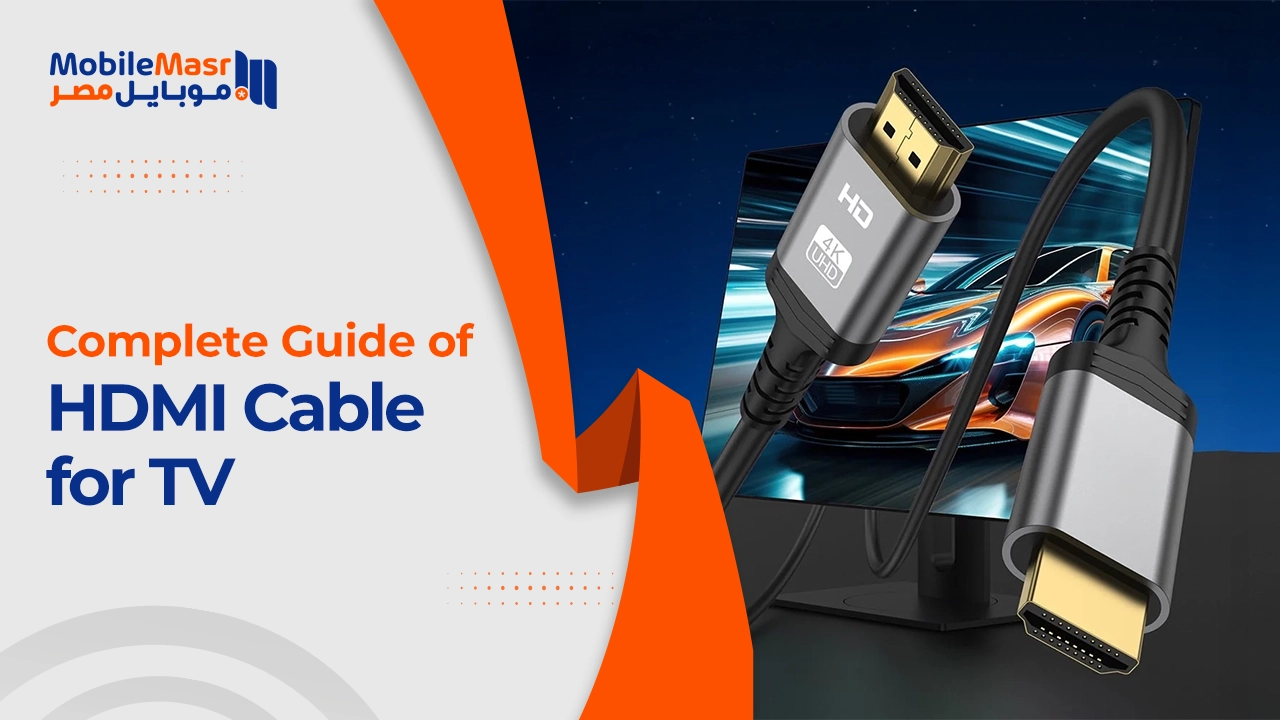
HDMI Cable for TV — Complete Guide to Choosing the Right Cable
HDMI Cable for TV — Complete Guide to Choosing the Right One
An HDMI cable for your TV provides the best connection between the television and other devices — delivering clear pictures and pure sound. HDMI significantly improves audio and video quality compared to traditional connectors like VGA or RCA, which rely on analog signals prone to interference and quality loss. HDMI transmits data in fully digital format, preserving color accuracy and audio purity. Additionally, HDMI combines audio and video in a single cable, making it easier to use and reducing the clutter of multiple cables.
HDMI Version Differences
As technology evolved, HDMI versions advanced to meet higher resolution demands:
HDMI 1.4: Supports 4K at 30fps and includes ARC (Audio Return Channel) and internet over HDMI.
HDMI 2.0: Supports 4K at 60fps with HDR support and wider color gamut — the best choice for most users today.
HDMI 2.1: Supports 8K at 60fps and 4K at 120fps, with Enhanced ARC (eARC) and VRR for gaming — ideal for the latest TVs, PS5, and Xbox Series X.
How to Choose the Right HDMI Cable for Your TV
Support for modern versions: Choose a cable that supports the latest HDMI versions (such as 2.0 or 2.1) to ensure high-quality video and audio. Resolution and technology support: Verify the cable supports the required resolution (4K or 8K) and technologies like HDR. Appropriate cable length: Choose a cable length that fits the distance between devices to avoid strain or bending. Cable quality and certifications: Choose certified high-quality cables to ensure reliable performance and avoid signal loss.
Devices You Can Connect to Your TV via HDMI
An HDMI cable for TV allows connecting a wide range of devices including: computers and laptops, PS5, Xbox, and gaming consoles, Blu-ray players, Apple TV, Fire TV, and Chromecast, and professional video cameras. You can also connect a phone to the TV via a USB-C to HDMI adapter or a Lightning to HDMI adapter for iPhone.
Important HDMI Technologies
HDR (High Dynamic Range): Delivers deeper contrast and more vibrant colors — requires HDMI 2.0 or newer and an HDR-capable TV.
ARC (Audio Return Channel): Allows sending audio from the TV to a home audio system through the same HDMI cable used for video, eliminating the need for a separate audio cable.
eARC (Enhanced ARC): An improved version supporting higher-quality audio formats like Dolby Atmos and DTS:X — available in HDMI 2.1.
VRR (Variable Refresh Rate): Critical for gamers — reduces visual tearing in high-performance gaming, available in HDMI 2.1.
How to Connect an HDMI Cable to Your TV
Connecting an HDMI cable to a TV is a simple process that guarantees high-quality audio and video transmission.
Steps: Locate the HDMI inputs on the TV (usually on the back or side, numbered HDMI 1, HDMI 2, etc.). Connect one end of the cable to the source device (laptop, PS5, etc.) and the other end to the TV's HDMI input. Turn on the TV and switch the input source to the connected port using the Source or Input button on the remote.
HDMI vs Other Connection Technologies
HDMI vs DisplayPort: DisplayPort is preferred for monitors and computers due to higher frame rate support, while HDMI is the most widely used standard in televisions.
HDMI vs VGA: VGA is an old analog standard that doesn't carry audio and offers far lower quality — not a viable comparison for modern use.
HDMI vs Wireless Display (Miracast/AirPlay): Wireless display is convenient, but HDMI provides higher image quality and lower latency — ideal for gaming and professional viewing.
Final Thoughts
An HDMI cable for TV is the ideal solution for enjoying superior audio and video quality — the best choice for connecting electronic devices. Thanks to easy connectivity and support for modern technologies like 4K and HDR, these cables guarantee an immersive and comfortable viewing experience. Choosing the right cable and making the correct connection enhances performance, making multimedia more enjoyable and seamless every time.
FAQs
CONTACT US
©2026 MobiTech Integrated Solutions. . All Rights Reserved