
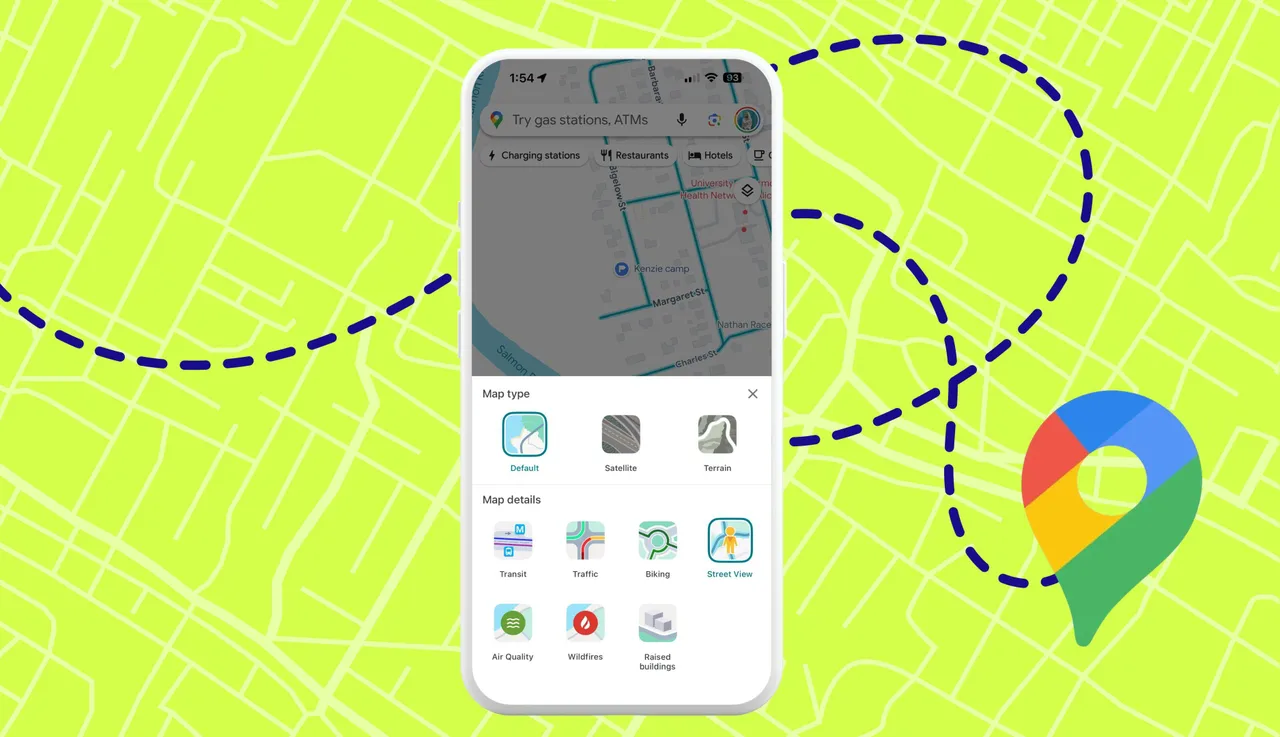
Google Maps Tips & Hidden Features for Android — Full Guide 2026
Google Maps Tips & Hidden Features for Android — Full Guide 2026
Google Maps is used by billions daily, yet most users only scratch the surface of its capabilities. Here are the most useful hidden features.
Offline Maps — Download an entire region for offline use: Profile photo → Offline maps → + to select and download an area. Full navigation works without internet.
Real-time location sharing — Share your live location with family or friends: Profile photo → Share location → choose duration and recipient.
Popular Times — Before visiting any restaurant or mall, search for it, swipe up to see details, and scroll to Popular Times to see a hourly busyness chart for every day of the week.
Save Home and Work — Save your home and work addresses once for instant one-tap access from the search bar.
Parking availability — After entering a destination, tap the P icon next to estimated arrival time. Red = parking will be limited. Blue = parking will be easy.
Route options — Avoid highways, tolls, or ferries: tap three dots during route search → Route options → toggle what to avoid.
Explore tab — Browse nearby restaurants, cafés, and attractions with ratings, hours, and photos. Filter by category, distance, and rating.
Google Lens navigation — Point your camera at buildings and signs for AR walking directions in supported areas.
Timeline — View your full travel history: Profile photo → Timeline. See every place visited with date, time, and route.
Ride price estimates — Enter a destination and see Uber/Careem fare estimates directly within Google Maps under transport options.
FAQs
CONTACT US
©2026 MobiTech Integrated Solutions. . All Rights Reserved