
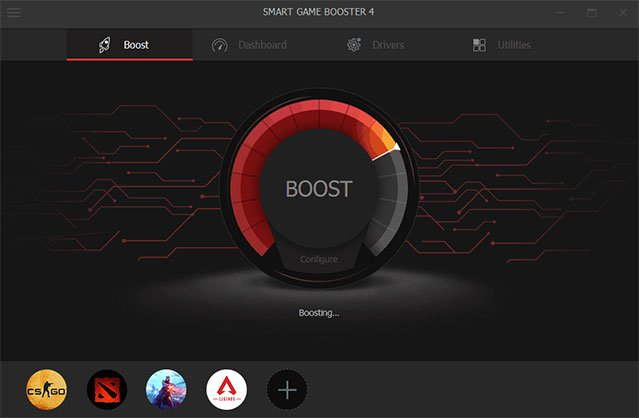
Game Fire program to speed up PC games to the maximum possible speed for free 2026
Game Fire — Free PC Game Booster for Maximum Gaming Performance 2026
Game Fire is a free PC gaming optimization tool designed to boost game performance — even on low-spec machines — without hardware upgrades. It works by reconfiguring the operating system into a dedicated gaming mode: allocating CPU and RAM resources toward the active game, stopping unnecessary Windows services, and disabling background processes that consume system resources during gameplay.
Key Features
Gaming Mode automatically adjusts system settings to prioritize the running game. Real-time monitoring tracks CPU usage, RAM consumption, GPU load, and system temperature during gameplay. System Diagnostics displays complete hardware specifications including RAM, CPU model and speed, Windows version, and BIOS details. Add Game lets you register specific games and launch them directly through Game Fire for optimized performance every time.
How to Use
Install and open Game Fire, then click Add Game to register a game from its executable file. Right-click the game icon in the program and select Play to launch it with all optimizations active. The monitoring dashboard remains available during gameplay.
FAQs
CONTACT US
©2026 MobiTech Integrated Solutions. . All Rights Reserved