
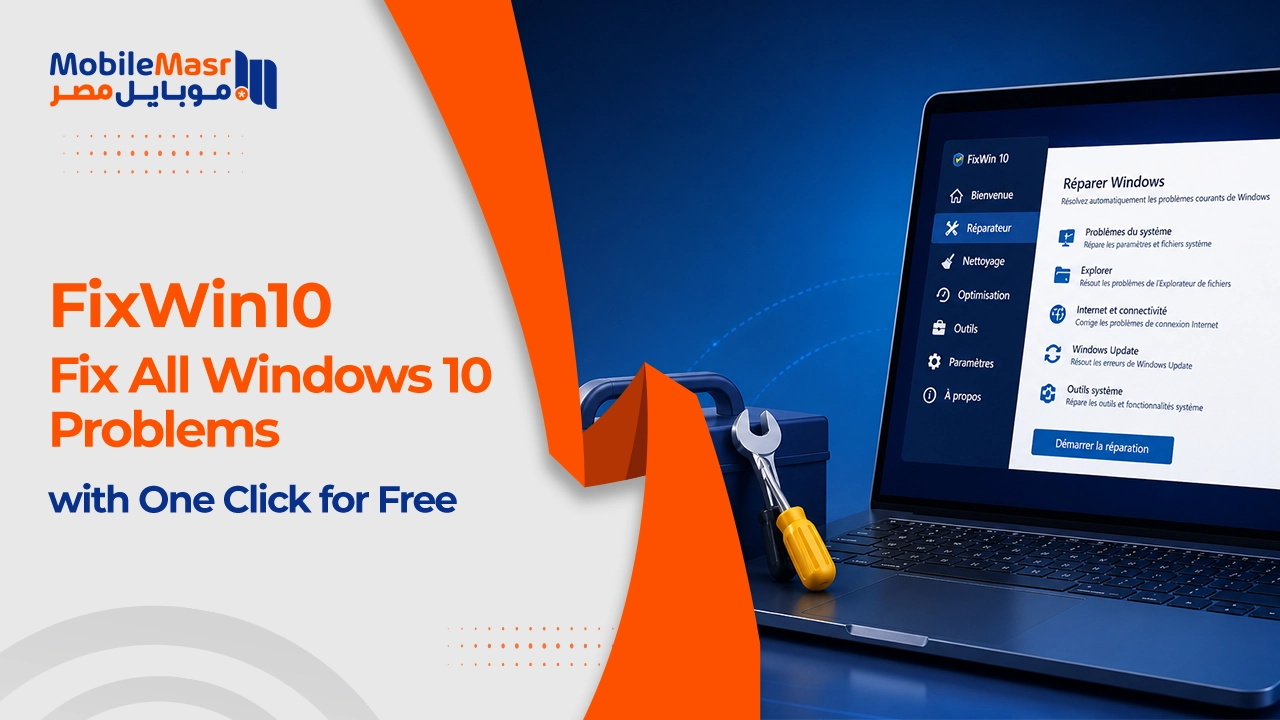
FixWin 10 — Fix All Windows 10 Problems with One Click for Free
Download FixWin 10 — Fix All Windows 10 Problems with One Click
With Windows 10's massive spread in recent times, there was a clear need for tools that allow users to fix any issues that appear in the system during use. The well-known Windows Club website responded by releasing a unique free tool that fixes all Windows 10 problems automatically with a single button press. The tool is called FixWin 10, features a very simple design, and lets you address the most important issues faced by most users — from Wi-Fi connectivity problems to many other system issues.
FixWin 10 Features
FixWin 10 is a portable program — it runs on Windows 10 and all computers simply by launching it, without any installation required before use.
The tool is simple, easy to navigate, and extremely lightweight at under 1 MB. It includes 6 side sections, each containing a brief description of the problem or error code alongside a Fix button. Pressing Fix resolves the issue silently, requiring no further input from you.
FixWin 10 Sections Explained
Welcome Section
The Welcome page is the main screen that appears when the program starts, displaying quick useful information about the Windows 10 installed on your computer — including Windows edition, system architecture, processor details, RAM size, and username.
From the Welcome section you can scan system files, reinstall all Windows Store apps, create a system restore point, and fix Windows 10 issues.
File Explorer Section
Inside this section you'll find a large collection of common Windows 10 problems, each with a Fix button beside it. This section is dedicated to resolving File Explorer issues in the system.
The File Explorer section handles problems where Windows File Explorer won't open or fails to display files properly.
Internet & Connectivity Section
The second section is Internet & Connectivity, which is dedicated to fixing internet problems in general — especially issues connecting to Wi-Fi networks and frequent internet disconnections.
If your Wi-Fi connection isn't working on a laptop, this section will automatically resolve the problem.
Windows 10 Section
The third section is called Windows 10 and handles common system issues including Microsoft Store problems, Wi-Fi not working, Windows 10 update errors with codes like Update error 0x800, and the taskbar not working in Windows 10.
Troubleshooters Section
The Troubleshooters section shows previously identified problems that can be fixed by clicking Download Troubleshooter.
What Does FixWin 10 Fix?
Among the things the tool handles are Start Menu issues when it stops working, internet disconnection problems in Windows 10, Wi-Fi connectivity failures, the yellow exclamation mark on the network icon, and performance issues.
The tool also fixes network issues including the yellow exclamation mark on the internet icon, Microsoft Store not opening, Wi-Fi not working on laptop computers, and Microsoft Office issues on Windows 10.
Through the tool you can also permanently fix startup problems in Windows 10.
How to Use FixWin 10
FixWin 10 contains several sections in its sidebar, each handling a specific area of the system and its associated problems. Clicking one of these sections shows you the problems on the right side, each with a Fix button you can press — and the problem will be resolved without any further action required from you.
Why FixWin 10 Is the Best Choice for Fixing Windows 10
FixWin 10 saves you a significant amount of time searching for the problem you're experiencing in Windows 10, finding a solution, and going through the many steps typically required to fix it.
The program is lightweight, fast, and highly efficient at resolving issues. It takes up virtually no space on the hard drive. It fixes system problems without touching the underlying system architecture.
Final Thoughts
FixWin 10 is one of the best free tools available for fixing Windows 10 problems — it requires no installation, is under 1 MB in size, and resolves dozens of common issues with a single click. Whether you're dealing with internet problems, a broken Start Menu, a faulty taskbar, File Explorer issues, or Windows Update errors, this tool should be the first thing you try before resorting to reinstalling the entire operating system.
FAQs
CONTACT US
©2026 MobiTech Integrated Solutions. . All Rights Reserved