
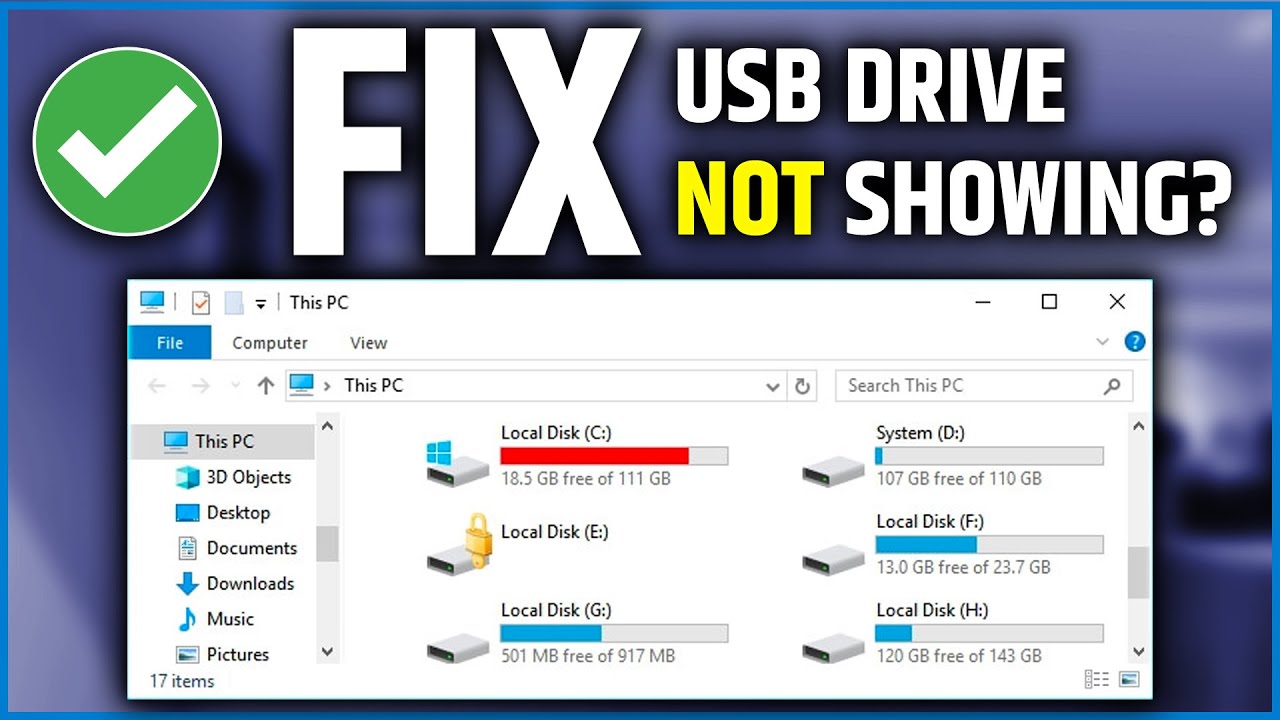
Fixing the "USB Device Not Recognized" Error on Your Computer (2026)
How to Fix USB Flash Drive Not Recognized or Not Showing on Windows — Complete Guide 2026
A USB flash drive or SD card reader not being recognized by Windows — showing the USB Device Not Recognized error — is a common problem that is usually fixable with a few simple steps. This guide covers the most effective solutions in order of simplicity.
Fix 1: Assign a Drive Letter via Disk Management
Press Windows + R, type diskmgmt.msc, and press Enter. If the flash drive appears in the list without a drive letter, right-click on its partition, choose Change Drive Letter and Paths, click Add, select an available letter, and click OK. The drive should now appear in This PC.
Fix 2: Update or Reinstall USB Driver via Device Manager
Press Windows + R, type devmgmt.msc, and press Enter. Locate the device under Universal Serial Bus controllers or Other Devices (it may appear as Unknown Device). Right-click it and choose Update Driver → Search automatically for drivers. Alternatively, choose Uninstall device, then disconnect and reconnect the flash drive to let Windows reinstall the driver automatically.
Fix 3: Disable USB Selective Suspend
In Device Manager, expand Universal Serial Bus controllers, right-click USB Root Hub → Properties → Power Management tab → uncheck Allow the computer to turn off this device to save power → click OK. You can also go to Control Panel → Power Options → Change plan settings → Change advanced power settings → expand USB settings → USB selective suspend settings → set both options to Disabled.
FAQs
CONTACT US
©2026 MobiTech Integrated Solutions. . All Rights Reserved