
ES File Explorer for Android — Full Guide to Features & File Management
ES File Explorer for Android
ES File Explorer lets you access files, photos, music, and apps — both on your Android device and your computer — and share them with others.
ES APP Group developed ES File Explorer to help users organize their phones and manage internal storage optimally. Despite its comprehensive features, the app has a very small footprint of under 40 MB, making it easy to use on any device regardless of its specifications.
Key Features of ES File Explorer
Full File Management
ES File Explorer lets you complete tasks on your phone with a single tap. Standard operations like copy, paste, create, delete, and rename are all available and easy to perform.
The app lets you set up a personal organizational system for your phone — creating folders, naming them, and sorting them by date or size.
ZIP and RAR Support
The app lets you extract ZIP and RAR archives to access their contents directly, and uses icons to help you identify different file and document types at a glance.
Compressed files in ZIP and RAR formats are fully supported without needing to download a separate extraction program.
App Management
You can uninstall any app or update directly from ES File Explorer, and view complete details about any installed app including its size and version number.
Cloud Storage
The app supports multiple cloud storage services, letting you store files in the cloud and manage cloud-stored content directly from within the app.
LAN and Remote Access
The app works with both local files and your network, allowing you to manage your phone's files remotely from your computer.
Media Playback and Text Editing
The app lets you view files, play music, edit text documents, and manage files stored on your phone or in the cloud — including sorting documents, photos, and videos.
Phone Cleanup
The app can perform a comprehensive cleanup of all phone files — removing viruses and clearing accumulated cache files that hog device resources or consume large amounts of internal storage.
Wide File Format Support
The app supports a wide variety of file formats including images, music files, and video clips.
Important Notes About the App
Despite being a great app that lets users do a lot on their phones with ease, ES File Explorer ran into a serious issue that led Google Play to remove it from the store. The app was found to be in violation of Google's policies by enabling automatic ad clicks to generate revenue during user sessions.
The free version contains a significant amount of advertising that some users may find intrusive. If you'd prefer an ad-free experience, upgrading to the paid ES File Explorer Pro version is available.
Alternatives to ES File Explorer
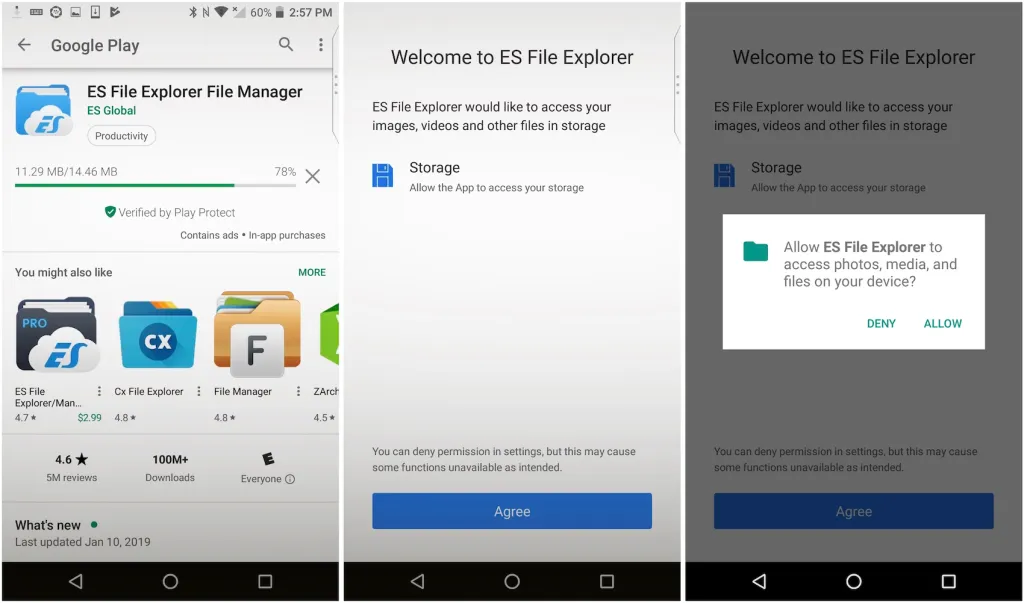
Alternatives include Cx File Explorer and File Manager, both available free on the Google Play Store.
Final Thoughts
ES File Explorer remains one of the most well-known file management apps for Android, offering a comprehensive toolkit for handling local, cloud, and network files in one place — with built-in ZIP/RAR extraction, app management, and storage cleanup tools. It's worth noting that the app was removed from Google Play, but it remains available for download directly from the developer's site and trusted APK repositories.
FAQs
CONTACT US
©2026 MobiTech Integrated Solutions. . All Rights Reserved