
DriverMax Online Driver Update Software for PC and Laptop (2026)
DriverMax — Update All PC and Laptop Drivers Online for Free 2026
Keeping your drivers up to date is essential for system stability, security, and peak hardware performance. Outdated drivers are a common cause of system crashes, audio and network issues, and security vulnerabilities that viruses can exploit.
DriverMax is a free, comprehensive driver update tool for Windows PCs and laptops. It automatically scans your system for outdated or missing drivers, downloads the latest versions from the internet, and installs them — all in a few clicks. It supports all Windows versions from 7 through 11, and works with all laptop and desktop brands regardless of manufacturer.
How to Use DriverMax
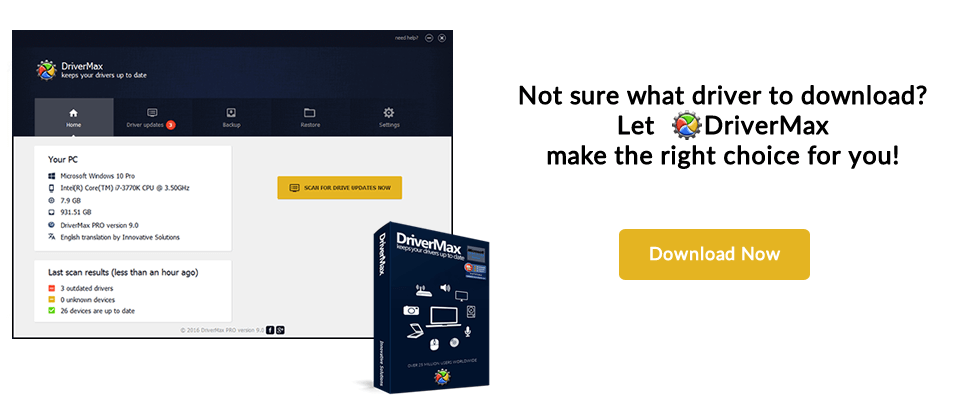
Install and open the program, then click the scan button. It will search online and display a list of drivers that need updating and any missing drivers not yet installed on your system. Click Update Now (the red button at the top) to update all drivers at once, or click the Update button next to individual drivers. A success notification confirms when the process is complete. An active internet connection is required.
What Does DriverMax Update?
DriverMax covers all hardware drivers including graphics cards, sound cards, network adapters, Wi-Fi, USB controllers, printers, scanners, webcams, and more.
FAQs
CONTACT US
©2026 MobiTech Integrated Solutions. . All Rights Reserved