
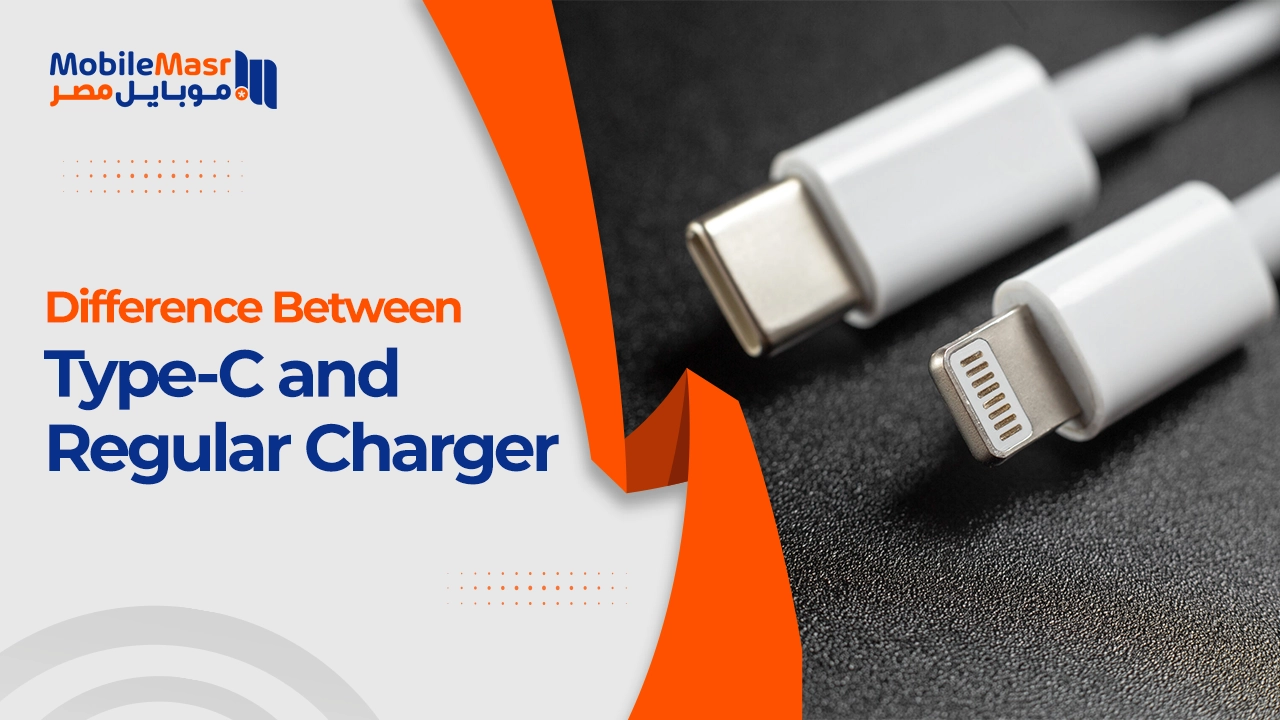
Difference Between Type-C and Regular Charger — Which Is Best for Your Needs?
Difference Between Type-C and Regular Charger
With the rapid development of technology, multiple charger types have emerged — and understanding the differences between them has become essential. Among the most prominent are the Type-C charger and the regular charger (such as USB-A). This article covers the difference between Type-C and regular chargers in terms of design, performance, and charging speed, and explains why Type-C has become the most popular choice today.
What Is a Type-C Charger?
A Type-C charger uses a USB Type-C port designed for faster and more efficient power and data transfer. It can deliver up to 100W of power, making it suitable for smartphones, laptops, and devices that require fast charging.
What Is a Regular Charger?
Regular chargers are the traditional chargers that typically come bundled with smartphones and electronic devices. They usually rely on USB-A ports or other older connector types, and their charging speed is lower compared to Type-C technology. These chargers are easy to use, widely available, and suitable for most older devices.
Key Differences Between Type-C and Regular Chargers
First: Design and Ease of Use
Type-C chargers feature a symmetrical design that can be inserted from either direction — meaning it can be connected easily without looking at which way it faces. Regular chargers like Micro-USB have an asymmetrical end that requires correct orientation when connecting, which can cause minor inconvenience during use.
Second: Charging Speed
Type-C charger heads are 70% faster at charging than regular chargers. This is due to several reasons: the way they are manufactured, the higher power capacity, and the ability of Type-C cables to transfer charging currents at very high speeds between 3 and 5 amperes — higher than the charging currents delivered by any other cable type.
Regular chargers (USB-A) generally support lower power (usually 5W to 12W), making them slower at charging compared to Type-C chargers.
Third: Power Delivery Capacity
Type-C chargers provide enormous electrical capacity that can reach up to 240W in some versions — enough to charge laptops and other large devices. Regular chargers are limited to 9W or less.
Fourth: Data Transfer Speed
Type-C supports data transfer speeds of up to 40Gbps with USB4 or Thunderbolt 4, and can also be used to transmit video via HDMI or DisplayPort.
Fifth: Durability and Lifespan
The more durable design of the Type-C port and its improved materials give it a longer lifespan than regular charger ports, which can easily wear out with repeated use.
Sixth: Device Compatibility
USB-C cables are usually more expensive than other types like Micro-USB. Incompatibility with older devices means many older devices don't support USB-C, which may require using adapters or additional cables.
When to Use Type-C vs Regular Charger?
Use Type-C when: Your device is modern and supports it, you want faster charging, you need to transfer large files quickly, or you need to charge a laptop or tablet.
Use a regular charger when: You have older devices that don't support Type-C, or in emergency situations when a Type-C cable isn't available.
Tips for Maintaining Your Type-C Charger
Avoid folding or bending the cable at the connection point or during charging — this leads to damage to the internal wires over time and reduces efficiency. Always buy cables from trusted brands and avoid cheap unknown-source cables that may pose a risk to your device.
Final Thoughts
Choosing the right charger is a key factor in improving your electronic device experience. By understanding the differences between Type-C and regular chargers, you can make an informed decision that suits your needs.
With major companies like Apple and Samsung moving toward adopting USB-C as a universal standard, this type is expected to become the official standard for charging and data transfer in the near future.
FAQs
CONTACT US
©2026 MobiTech Integrated Solutions. . All Rights Reserved