
Create videos from photos and audio for free — Computer and mobile software 2026
How to Make a Video from Photos and Audio — Free for PC and Mobile 2026
Creating a professional video from your photos and audio files is now simple and free — whether you're using a computer or a smartphone. This guide covers the best tools for both platforms.
PC Video Maker
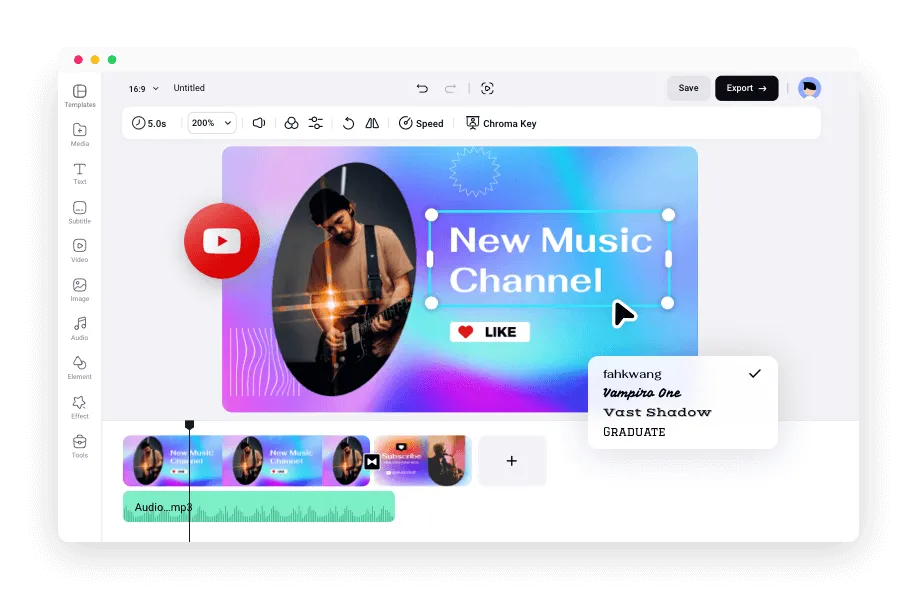
Most free PC video editors let you open a New Project, then add photos via the Add Videos button and audio via Add Audio. Drag both to the timeline at the bottom — photos to their track and audio to the audio track. You can control how long each photo appears in the final video, and small boxes between photos let you add transitions for a polished professional look.
Mobile App 1: GoPro Quik
Quik is ideal for fast, automatic video creation from photos on Android and iPhone. Its AI engine selects photos, adds transitions and effects, and syncs everything to music automatically — professional results in just a few taps.
Mobile App 2: KineMaster
KineMaster offers full manual control for creating videos from photos with custom audio. You can adjust audio volume, add sound effects, apply Slow Motion, and export the final video in 720P, 1080P, or 4K quality depending on your device's capabilities.
FAQs
CONTACT US
©2026 MobiTech Integrated Solutions. . All Rights Reserved