
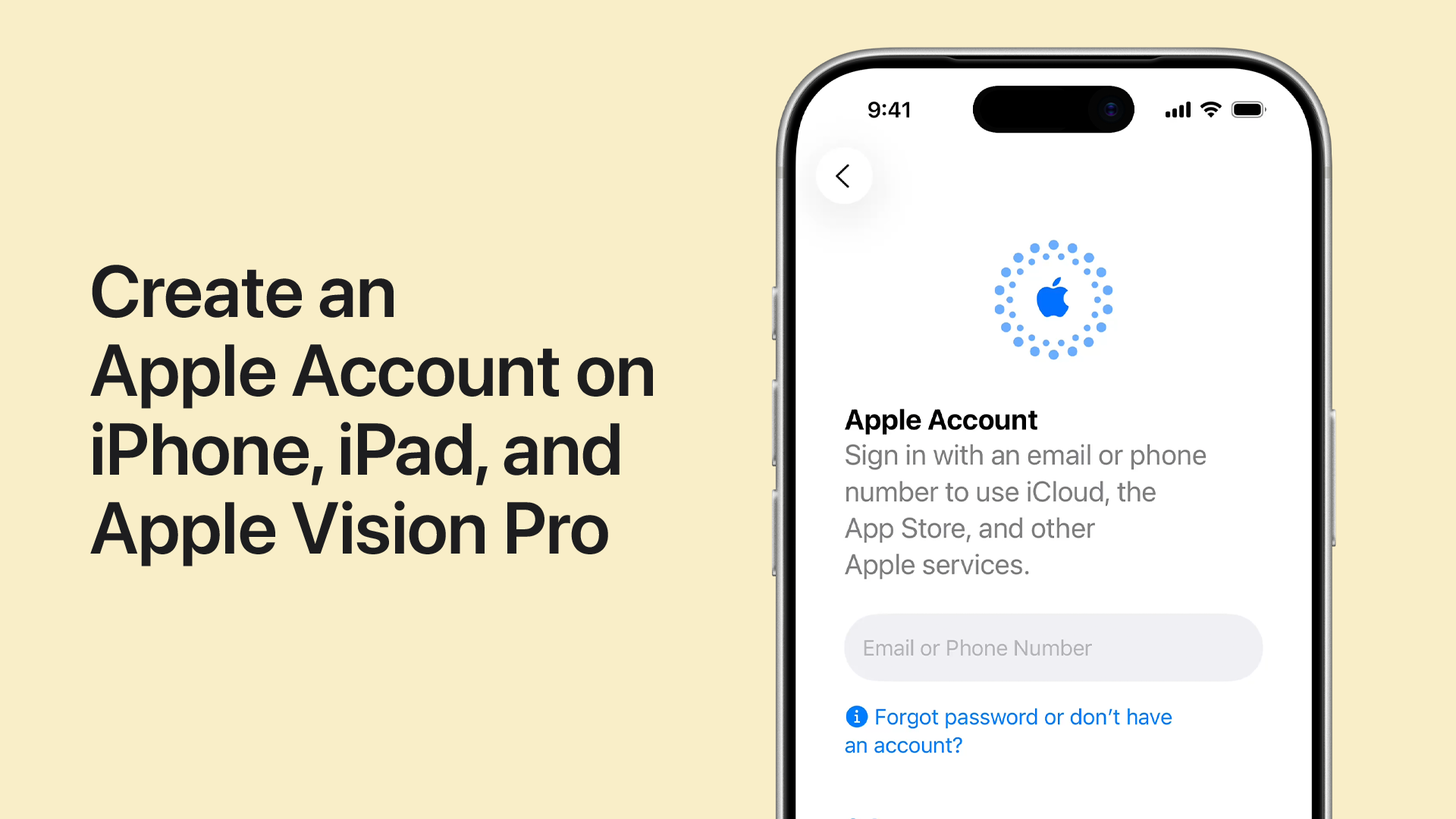
Create a US Apple ID 2026 — Convert Your Account to American App Store Free With a US Address Without a Real US Number Step by Step
Why Do You Need a US App Store Account?
"This item is not available in your country or region" is one of the most frustrating messages iPhone and iPad users encounter. Many apps and games launch exclusively on the US App Store before any other region — and some never reach regional stores at all.
A US account gives you full access to the American store: the world's largest app library, new apps the moment they launch, apps deleted from other stores, and regionally restricted games.
The Method — Converting Your Current Account to American
You don't need to create a brand new account from scratch — you can convert your existing account to a US account directly from App Store settings.
Step 1 — Access Your Profile in the App Store
Open the App Store on your device. In the upper right corner tap your profile picture or account icon. Your personal account page will open — you'll find your name and email there.
Step 2 — Access Country Settings
Tap your name or email at the top of the page. Before opening the page it will ask you to verify your identity via Face ID or Touch ID — approve it. From account settings find "Country/Region" and tap it.
Step 3 — Change Country to USA
Tap "Change Country or Region." From the world countries list search for "United States" and select it specifically. Be careful not to confuse it with Canada or other countries.
Step 4 — Accept Terms and Conditions
The United States store terms and conditions screen will appear. Tap "Agree" to continue.
Step 5 — Enter Payment Info and US Address
A screen will appear asking for payment method and address. To avoid linking any bank card choose "None" from the payment method options. Then enter one of the following ready US addresses:
Address 1 — California (Salinas): Street: 200 Lincoln Ave, City: Salinas, State: CA, ZIP: 93901, Phone: (831) 756-8311
Address 2 — Florida (Lake Wales): Street: 1748 Eagle Ridge, City: Lake Wales, State: FL, ZIP: 33859, Phone: (863) 679-8928
Address 3 — Los Angeles, California: Street: CA Los Angeles, City: Los Angeles, State: CA, ZIP: 90028, Phone: (863) 679-8928
Address 4 — Santa Clara, California: Street: Long Beach CA, City: Santa Clara County, State: CA, ZIP: 90011, Phone: (863) 679-8928
Address 5 — Utah (Ogden): Street: 4401 Harrison Boulevard, City: Ogden, State: UT, ZIP: 84403, Phone: (801) 387-2800
Note: When entering the phone number make sure to enter the correct state prefix (such as 831, 863, or 801). The full number is random but the state prefix is important for the system to accept it since it validates the format rather than the actual number.
Step 6 — Complete Registration
After entering all the data tap "Done" at the top of the screen. The App Store will return you to the home page — you'll notice the store interface has changed to display American apps and games.
What Changes After Getting the US Account?
You'll no longer see "This item is not available in your country" when downloading any app. You'll receive app and game updates before anyone in your region. You can download exclusive apps not available in your country's store. You'll have access to the world's largest free and paid app library.
FAQs
CONTACT US
©2026 MobiTech Integrated Solutions. . All Rights Reserved