
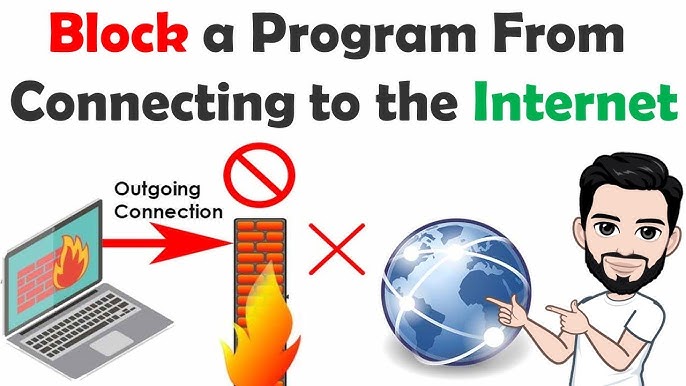
Block a program from connecting to the internet on your computer — OneClickFirewall Windows 2026
How to Block a Program from Accessing the Internet on Windows 2026
There are many reasons to block a specific program from connecting to the internet — conserving a limited data plan, stopping automatic background updates, preventing unauthorized data transmission, or restricting specific programs from being used online on a shared computer.

OneClickFirewall — Block Internet Access in One Click
OneClickFirewall is the simplest free tool for this purpose. It works through Windows Firewall in the background but replaces the complex manual configuration steps with a single right-click action.
How to use: Right-click on the program's icon or executable → select Block Internet Access to cut off its internet connection immediately. To restore access, right-click again and select Restore Internet Access. No configuration expertise required — works on all Windows versions.
Why Block Programs from the Internet?
Preventing large automatic updates that slow down your connection and drain limited data quotas. Detecting and stopping background programs that consume bandwidth without your knowledge. Controlling which programs are allowed to communicate with external servers from your machine.
FAQs
CONTACT US
©2026 MobiTech Integrated Solutions. . All Rights Reserved