
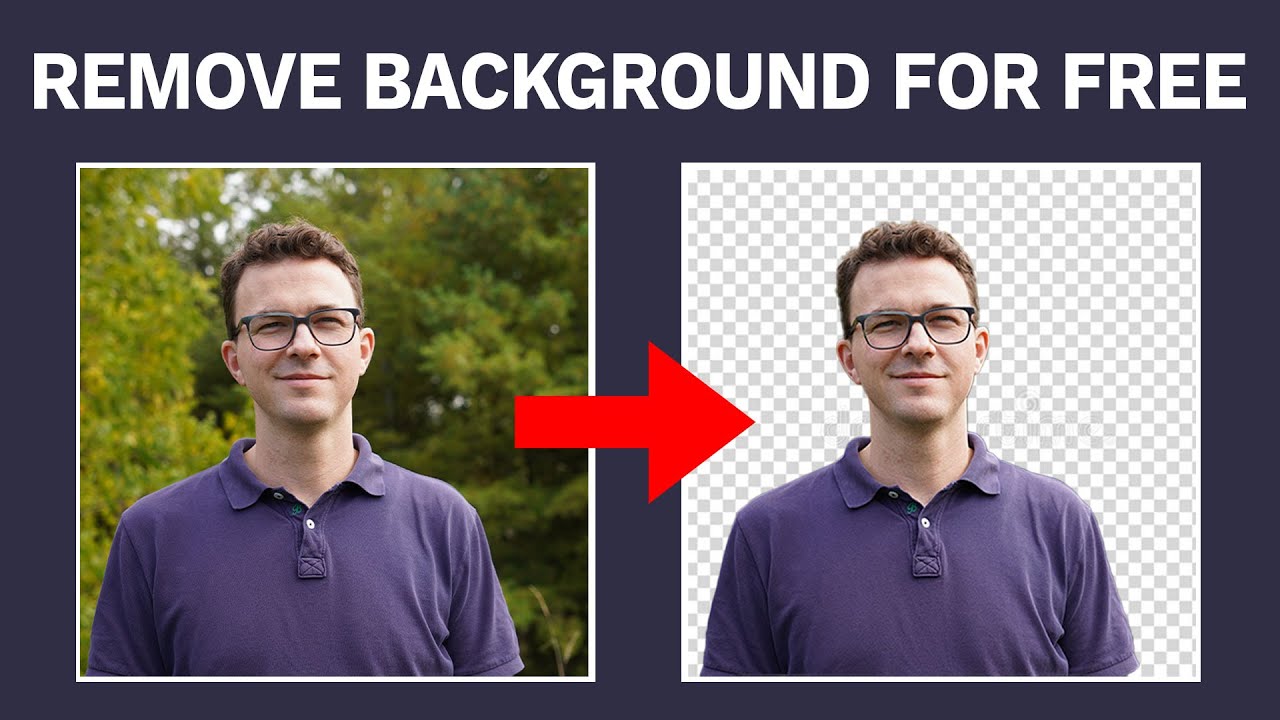
Best Ways to Remove Image Backgrounds for Free in 2026 — remove.bg, Canva, PhotoRoom, Adobe Express, and Pixlr
Best Ways to Remove Background from Images for Free — Complete 2026 Guide
Background removal means isolating the subject — a person, product, or animal — and removing everything else. The result is typically a transparent background (PNG) or a new replaced background. AI-powered deep learning segmentation has revolutionized this process, enabling detection of fine details like hair, fur, and shadows with high accuracy.
Method 1: remove.bg — Fastest for Instant Results
remove.bg automatically removes image backgrounds in 5 seconds with just one click — no manual pixel selection needed.
Steps: Upload your image → processing completes in seconds → download the transparent PNG. The free plan allows downloading at moderate resolution; paid plans unlock higher resolution and larger file sizes.
Best for: Portrait photos and e-commerce product shots with maximum speed.
Method 2: Canva — Best for Designers and Content Creators
Using Canva's background remover is as simple as uploading an image, selecting it, and choosing Background Remover from the effects menu — the whole process takes just a few seconds.
Canva's advantage is that after removing the background you can immediately replace it with one from its vast library or add full text and design elements. Ideal for content creators who need a complete design rather than just a background removal.
Method 3: PhotoRoom — Best for Mobile Use
PhotoRoom removes image backgrounds instantly using AI — fast, free, and no sign-up required.
PhotoRoom offers: an edge-refinement brush to manually restore or erase pixels the AI missed, batch processing of up to 30 files at once on mobile, and background replacement with solid colors, preset scenes, or custom uploads.
Best for: Mobile users who need speed and accuracy.
Method 4: Adobe Express — Professional Precision
Adobe Express lets you remove image backgrounds online for free and download the transparent image in seconds, with the option to immediately replace the background after removal.
Adobe Express leverages Adobe's advanced AI resources making it highly accurate with complex edges, and it integrates seamlessly with Adobe's full creative ecosystem.
Method 5: Pixlr — Free and No Installation
Pixlr automatically removes backgrounds within seconds — free, online, and easy to use for beginners.
Pixlr stands out as a full image editor, not just a background removal tool — after removing the background you can make additional edits to the entire image within the same platform.
Tips for Choosing the Right Tool
Before choosing a background remover, consider the use case: e-commerce needs high precision, batch processing, and transparent PNG export; marketing and social media prioritize speed and ease of use; portrait and complex photos require tools that preserve fine edges; graphic design work needs flexibility in repurposing the cutout.
Background removal works best for clear subjects like people, animals, products, furniture, and food, but struggles with fine details like hair, fur, and transparent objects.
Free Plan Limitations to Know
Many background removal tools offer free plans but with limitations: resolution caps may restrict the image size processable or downloadable on the free tier; watermarks may be added to free downloads; and usage limits may cap the number of images processed daily or monthly.
FAQs
CONTACT US
©2026 MobiTech Integrated Solutions. . All Rights Reserved