
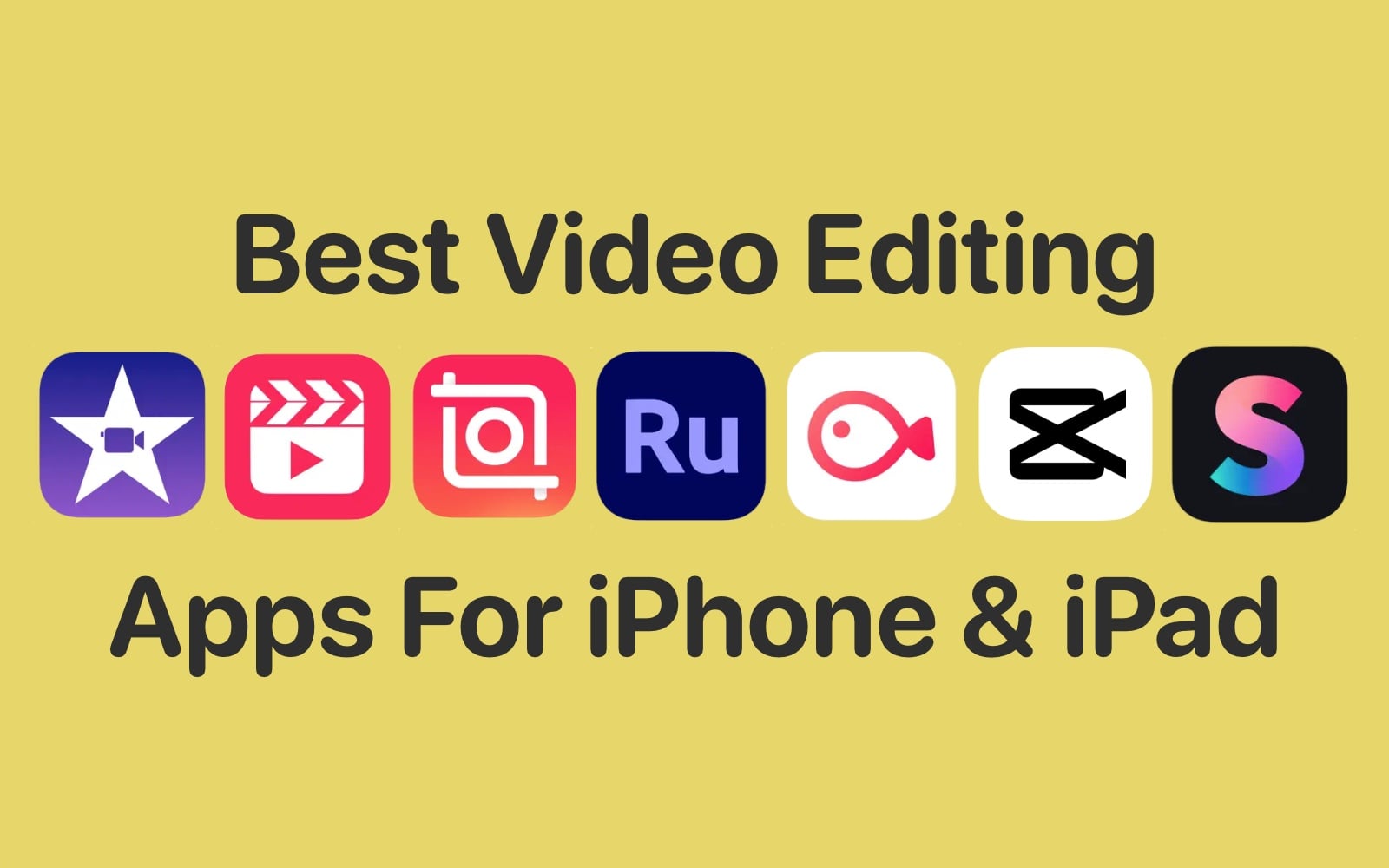
Best Video Editing Apps for iPhone 2026 — Top Picks for Professional Results
Best Video Editing Apps for iPhone 2026
With the growing demand for video content and the constant need to share it across social media platforms, having powerful video editing apps on your iPhone has become essential. Many professional-grade video editing apps for iPhone have emerged, delivering impressive results and making it possible to edit and produce high-quality videos directly from your device — whether they're clips you shot with the phone's camera or any other video files stored in your library.
The key advantage of these apps is that you no longer need to transfer your videos to a computer to edit and produce them — your iPhone alone is enough to achieve fully professional results, and often for free.
1. iMovie
iMovie is considered one of the most well-known and powerful video editing apps for iPhone and iOS devices. It's developed by Apple itself, making it an official and reliable app, with a version also available for macOS.
iMovie lets you split large videos into smaller clips, delete unwanted segments, add text and emoji overlays, apply effects and filters, and speed up or slow down your footage. After editing, you can save the final video at up to 4K quality, and you can even continue working on your project on a Mac via AirDrop.
2. GoPro Quik
GoPro Quik is widely regarded as one of the best professional montage apps for iPhone, developed by the well-known GoPro brand, and it's a favorite among a large segment of iPhone users.
The app offers professional video editing tools that are hard to find in competing apps. It lets you turn a collection of photos into a video with a background audio track, apply effects and filters, and add external audio files from your phone to run as background music throughout the video.
3. Splice Video Editor
If you're looking for a professional video editing app for iPhone, Splice Video Editor is a strong recommendation — it stands out for its ease of use compared to competing apps.
Its standout features include video trimming, the ability to merge photos into a video with full control over text overlays including font color, size, type, and position. The app uses a layers and slides system, and you can combine images, video clips, and audio files to produce your own creation. It also features Chroma Key for background removal and per-scene speed control.
4. LumaFusion
If you work with ultra-high-definition video, LumaFusion is the top choice — it supports 4K video editing at a fully professional level and lets you export your final video at 4K quality.
The app features a multi-track timeline where you can add video files, audio, and photos with full control over each layer — including transitions, filters, and effects. You can also adjust colors, saturation, contrast, and brightness, reverse video playback, control speed, and add text in a variety of fonts.
5. Filmora AI Video Editor
This app is personally praised for its smooth interface, simple design, and ease of use — it contains all the tools you need. Developed by the tech giant Wondershare Technology, it's ranked as one of the most powerful video editors for iPhone and iPad.
What sets Filmora apart is its collection of ready-made templates that you can apply directly to your video clips to instantly transform them into polished, beautiful content. It also offers an in-app voice recording feature, making it easy to create illustrated tutorials and explainer videos.
6. InShot
InShot joins the list of professional video editing and design apps for iPhone and iPad, offering a comprehensive set of tools for all kinds of video work.
One of InShot's biggest advantages is that it doesn't add a watermark to your final video after saving — unlike most competing apps that force a watermark unless you pay. The app also lets you trim clips, merge photos with video, rotate footage, speed up or slow down specific scenes, reverse playback, and combine multiple video clips.
7. Videoshop
Videoshop stands out from the competition and excels in several areas — particularly for adding text to videos. It provides a curated selection of high-quality fonts with full control over text color, size, and position on screen, and allows you to add animated title sequences to the beginning and end of clips.
The app also includes a collection of ready-to-use sound effects, video speed controls, full color correction tools including saturation, contrast, and brightness adjustments, custom aspect ratio controls, and the ability to rotate footage and place stickers anywhere on the video.
8. KineMaster Video Editor
Personally considered the best video editing app for iPhone — KineMaster is a complete solution that gives you the ability to design and produce videos with full professional control. You can build an entire video from scratch using photos, short video clips, and audio files, and export the final result at up to 4K quality.
The app includes essential editing tools like cut, trim, and split, as well as the ability to add sound effects including a Reverb effect. It also features a Background Remover for removing video backgrounds, and the developers have integrated AI-powered style transformations that can convert photos into artistic visuals.
9. CapCut
Personally the most-used app on a daily basis — CapCut requires no watermark, is easy to use, and fully supports Arabic text. A standout feature is that it allows writing on video in Arabic without the common letter-spacing issue found in most other apps, and you can add custom Arabic fonts from outside the app.
CapCut for iPhone includes a large collection of transitions, filters, and ready-made stickers. It features an Overlay function that allows you to layer slides on top of each other within the same time frame and blend them — a feature particularly useful for overlaying Quranic verses or text onto video clips.
Final Thoughts
The nine apps covered in this guide address every need — from casual users who want quick edits to professionals producing high-quality content. Beginners should start with iMovie or CapCut for their simplicity, while those seeking more advanced capabilities should explore KineMaster or LumaFusion. For fast edits without watermarks, InShot is the go-to choice.
FAQs
CONTACT US
©2026 MobiTech Integrated Solutions. . All Rights Reserved