
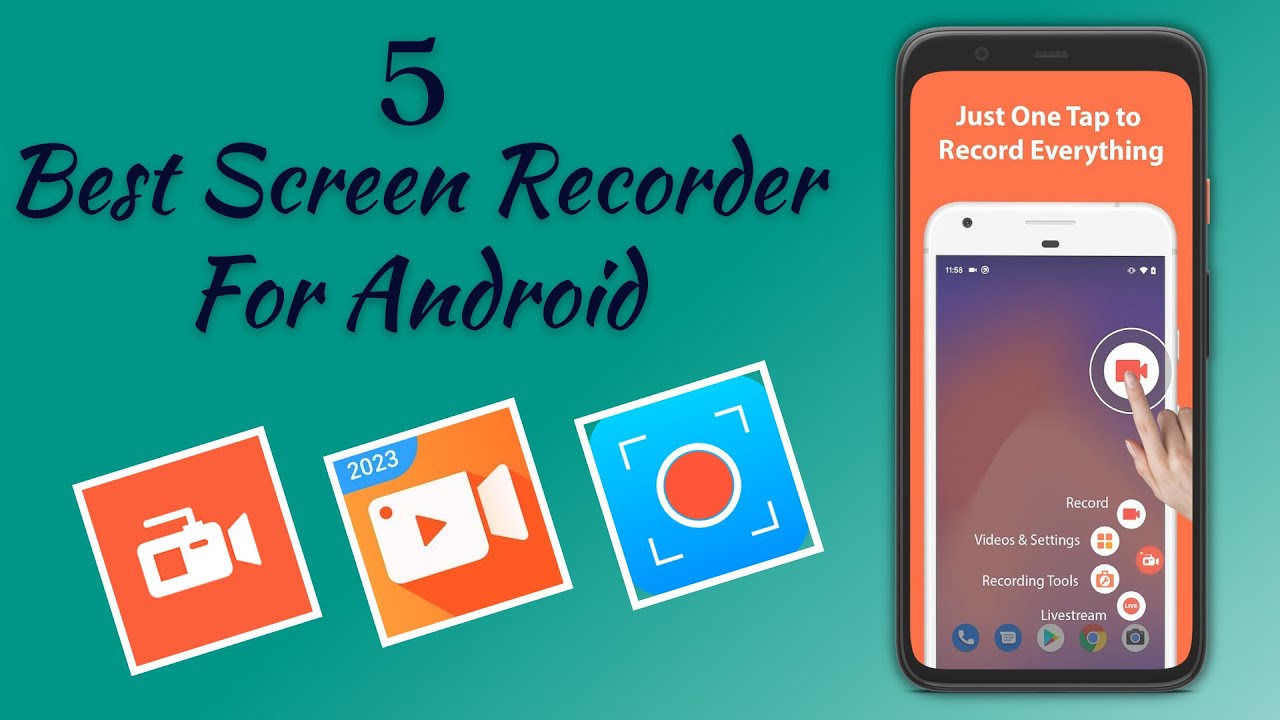
Best Screen Recording Apps for Phones — Android and iPhone: A Comprehensive Guide 2026
Best Screen Recorder Apps for Android and iPhone — Complete 2026 Guide
Screen recording is more than a technical solution — it is a faster, clearer way to communicate. You can teach and demo app flows for teammates, send students mini-lessons, or create instructional tutorials. Seeing taps and hearing a voice beats a wall of text.
1. Built-in Screen Recording — No Installation Needed
On Android (Android 11 and Later)
Most phones running Android 11 or newer include a native screen recorder. Swipe down twice to open Quick Settings → tap Screen Record → choose audio source: Device audio, Microphone, or Both → start recording → stop from the notification shade.
If the option isn't visible in Quick Settings: tap the pencil or Edit icon in Quick Settings and drag the Screen Record tile into the active tiles.
On iPhone
Add Screen Recording to Control Center: Settings → Control Center → tap + next to Screen Recording. To record: swipe down from the top right corner → tap the Record icon → wait for the three-second countdown → a red indicator appears while recording.
Long-press the record icon in Control Center to toggle the microphone on or off.
2. Best Screen Recorder Apps for Android
AZ Screen Recorder — Best for Beginners
AZ Screen Recorder features a simple one-tap record system making it very beginner-friendly with no technical experience needed. It captures gameplay videos with high quality video and crisp sound and offers editing features with no root required and no watermarks.
Price: Free (with ads), premium for $2.99.
DU Recorder — Best Full-Featured Option
DU Recorder stands out for its huge range of features. As well as recording, it comes with a built-in editor for adjusting recordings without a separate app. No root needed and no time limits on recordings.
XRecorder (by InShot) — No Watermark
XRecorder is known for no watermark, smooth performance, optional facecam overlay, and straightforward export settings including 60fps on supported devices.
Mobizen Screen Recorder — Best for Privacy
Mobizen supports up to 1440p at 60fps and saves data locally without storing it on external servers. Trusted by millions of users worldwide. Free version has a watermark; paid plans start at $3.35 per month.
3. Best Screen Recorder Apps for iPhone
iOS's built-in screen recorder is the gold standard for safety and simplicity for iPhone users. It's privacy-protected, stable, and easy to use with no downloads needed. The caveat: iOS restricts internal audio during communication apps like Zoom, FaceTime, or phone calls due to privacy laws — video records but the other person's audio is blocked.
ScreenPal: A free multi-platform app available for iPhone and Android supporting front camera overlay, cropping, trimming, and speed adjustment. No account required and no watermark added.
Recording Tips for Professional Results
High-quality video eats storage fast. One minute of 1080p/60fps footage can take up 100–200MB. Ensure at least 2–3GB of free space before hitting record.
Best audio choice: Device (system) audio for clean app and game sound without room noise. Microphone for narration in tutorials. Mixed (device + mic) is best for tutorials and reactions — viewers hear the app and the presenter's voice together.
FAQs
CONTACT US
©2026 MobiTech Integrated Solutions. . All Rights Reserved