
Best Presentation Apps for iPad and iPhone — Complete Guide 2026
Best Presentation Apps for iPad and iPhone — Complete Guide 2026
Presentation apps are essential for teachers, business professionals, and students. Here are the best options for iPad and iPhone.
Keynote (Apple) — The most powerful presentation app designed for iPad. 40+ Apple-designed templates, Apple Pencil support, cinematic animations, interactive charts, live camera on slides, real-time collaboration via iCloud, PowerPoint import/export. Completely free.
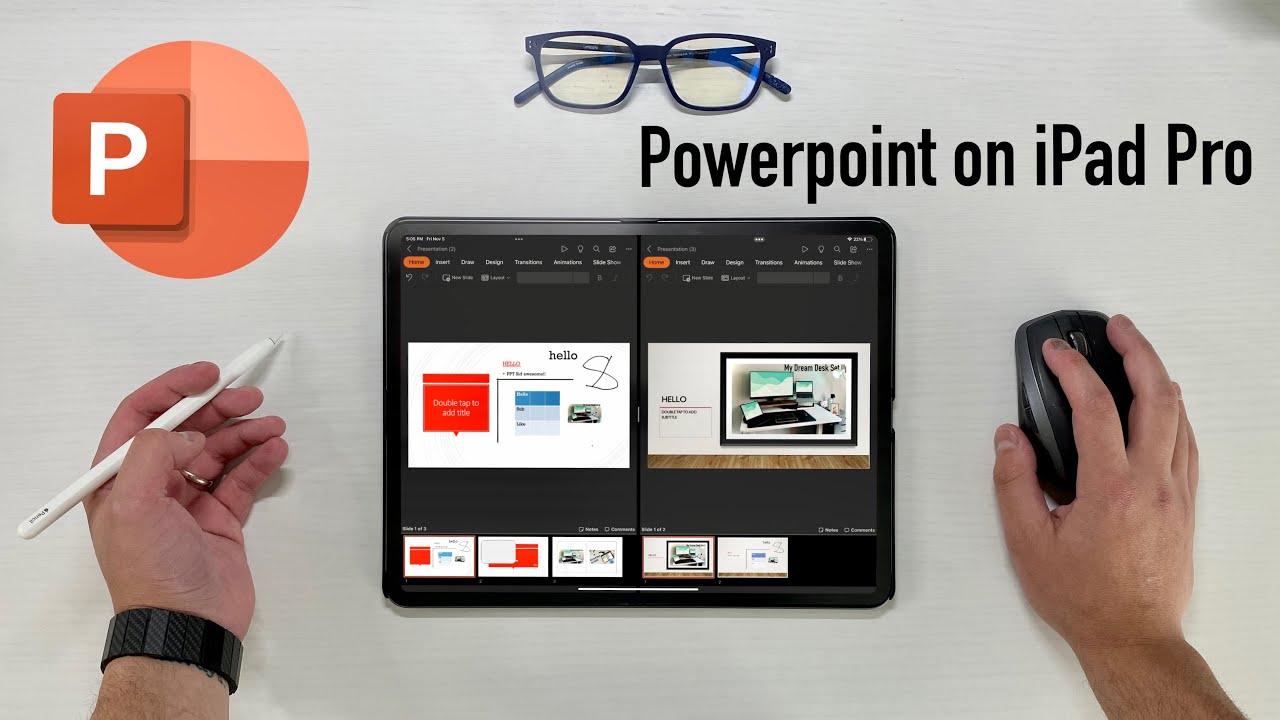
Microsoft PowerPoint — The world's most widely used presentation software. Full .pptx compatibility, animations, real-time co-authoring via Microsoft 365. Free basic use; Microsoft 365 subscription for advanced features.
Google Slides — Completely free Google presentation tool. Real-time simultaneous collaboration, works across all devices, auto-saves to Google Drive, PowerPoint import/export. Ideal for Google Workspace schools and teams.
Canva — Design-first presentation platform with thousands of beautiful templates, massive media library, AI slide generation from a topic idea, team collaboration. Free with optional Canva Pro.
Prezi — Non-linear presentation format on a single large canvas with cinematic zoom navigation. Ideal for making a memorable impression at conferences or sales pitches. Free with paid tier.
SlideShare (LinkedIn) — Platform for publishing and sharing presentations with a global professional audience. Upload PPT/PDF files, integrate with LinkedIn profile. Fully free.
Sliderocket — Web-based presentation tool. Import, view, and share PowerPoint presentations directly from a browser on iPad or iPhone. No installation needed.
Which one is right for you?
Apple users and teachers: Keynote — beautiful, free, optimized for iPad and Apple Pencil. PowerPoint files: Microsoft PowerPoint for perfect formatting preservation. Team collaboration on a budget: Google Slides — completely free. Visually stunning designs: Canva — easiest for non-designers.
FAQs
CONTACT US
©2026 MobiTech Integrated Solutions. . All Rights Reserved