
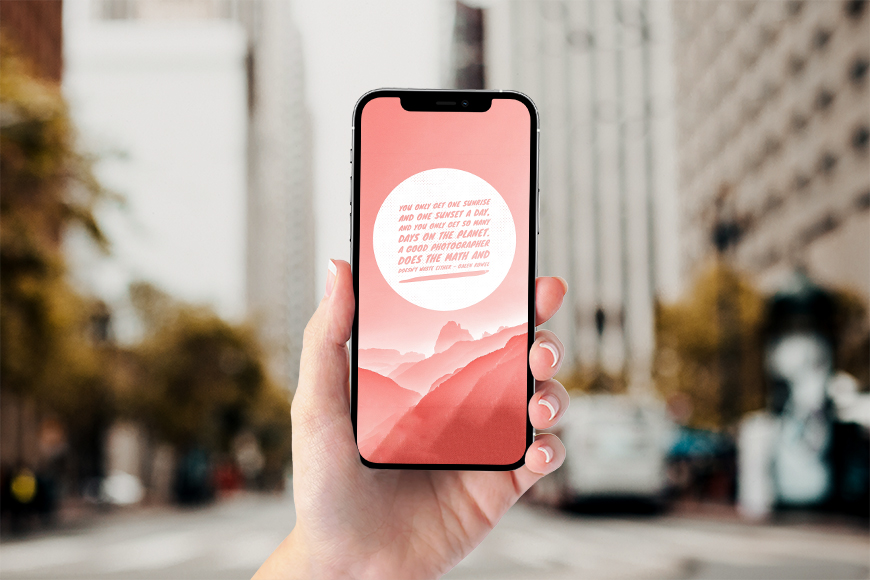
Best Photo Design and Text Overlay Apps for iPhone (2026)
Best Photo Design and Text Overlay Apps for iPhone
Whether you're creating social media content, adding text to a photo, or designing posts and promotional materials, the iPhone has powerful apps that let you produce professional results directly from your phone — no computer or design experience needed. Here's a look at the best apps for writing and designing on photos in 2025.
First: Canva — Best for All-Around Design
Canva is the undisputed leader in mobile design. It offers a massive library of ready-made templates for every platform — Instagram, TikTok, YouTube, posters, and cards. You can add text with a wide variety of fonts and control size, color, opacity, and positioning with ease. The interface is simple and works through drag and drop. The free version is genuinely powerful and sufficient for most everyday needs, while the paid version unlocks more templates and higher-quality exports. If you want one app that handles everything, Canva is the answer.
Second: Phonto — Best for Advanced Text Placement
Phonto specializes specifically in adding text to photos, which makes it one of the most precise apps for this purpose. It offers hundreds of fonts with the ability to install additional custom fonts, along with full control over size, color, opacity, rotation, and shadow. It also works on solid color backgrounds, not just photos. One of its best advantages is that it was a one-time purchase with no recurring subscriptions. It's ideal for creating logos, watermarks, and professional text-based designs.
Third: PicsArt — Best for Creative All-in-One Editing
PicsArt is a comprehensive app that combines design and photo editing in one place. It lets you add text, stickers, effects, and filters, along with one-tap background removal and collage creation. In 2025 it added numerous AI tools including an AI Writer for automatic text generation and AI Expand for extending images. It includes a large library of stickers and frames. The free version includes ads while the paid version unlocks all features.
Fourth: Snapseed — Best Free Photo Editing App
Snapseed from Google is completely free with no ads and no in-app purchases. It delivers 29 professional editing tools covering color adjustments, lighting, selective correction, and advanced effects. Its text addition feature is one of the strongest available and lets you write in multiple styles over your photos. Its best feature is the Stacks system which saves every editing step and lets you go back to any point at any time without affecting the original file.
Fifth: Adobe Express — Best for Professional Ready-Made Templates
Adobe Express targets users who produce a lot of text-heavy content. It offers an extensive library of professional templates combined with Adobe's premium font collection. It's excellent for creating posters, ads, and social media posts. The free version handles everyday needs well, while the paid version adds a massive library of assets, photos, and videos.
Sixth: Word Swag — Best for Creative Quotes and Text Designs
Word Swag specializes in transforming plain text into beautiful visual designs very quickly. You type your text and the app instantly suggests dozens of ready-made styles with varied fonts and different looks. It's ideal for inspirational quotes, brand slogans, and social media posts. You get a professional-looking design in under a minute.
FAQs
CONTACT US
©2026 MobiTech Integrated Solutions. . All Rights Reserved