
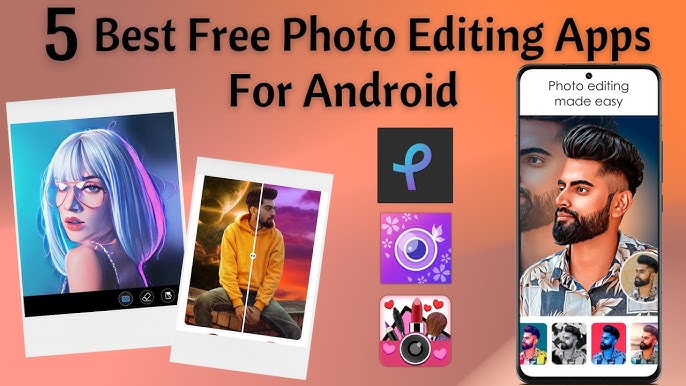
Best Free Photo Editing Apps for Android — Snapseed, Prisma, and AirBrush 2026
Best Photo Editing Apps for Android — Snapseed, Prisma, and AirBrush 2026
With smartphone cameras producing high-quality images, photo editing apps have become essential for enhancing and transforming those photos. Here are three of the best free photo editing apps for Android.
App 1: Snapseed (by Google)
Snapseed is a professional-grade photo editor developed by Google. It supports RAW and JPG files and offers full control over contrast, saturation, brightness, exposure, color, shadows, and highlights. It includes a healing brush to remove blemishes and unwanted elements, along with dozens of filters and effects. All edits are non-destructive. Available free for Android and iPhone.
App 2: Prisma
Prisma uses AI algorithms to transform ordinary photos into artistic images that look hand-painted, sketched, or drawn in various styles. With over 500 filters inspired by famous artworks and art styles, it requires no technical skill — just choose a filter and apply. It also includes tools for color adjustments, effects, and animated overlays.
App 3: AirBrush
AirBrush is specialized for selfie enhancement. It smooths skin, whitens teeth, removes blemishes and spots, and includes reshaping tools for slimming and contouring facial features — all while maintaining a natural, realistic look. It also includes a Collage maker and an object-removal tool that lets you cleanly remove people or items from photos.
FAQs
CONTACT US
©2026 MobiTech Integrated Solutions. . All Rights Reserved