
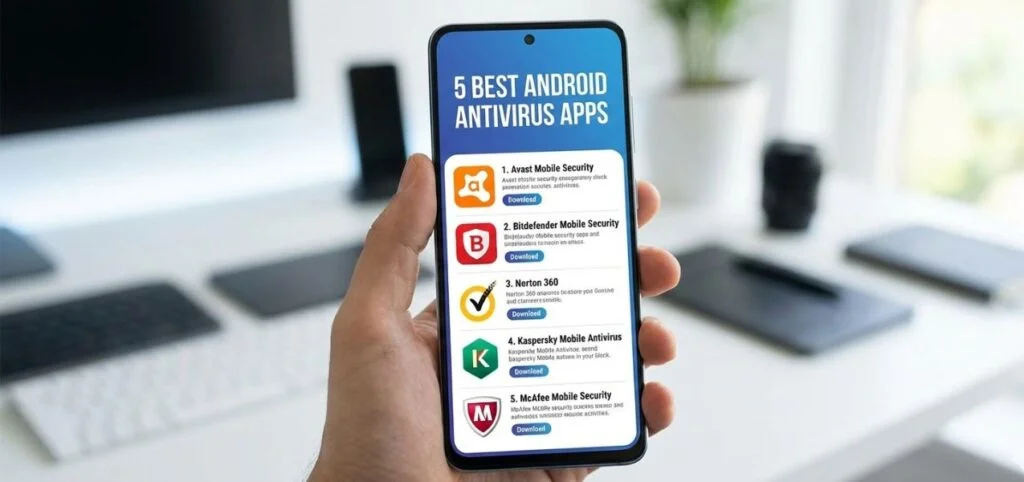
Best Android Security and Antivirus Apps for 2026
Best Android Emulators for PC — Full Guide with Download Links 2026
Android emulators let you run Android apps and games on your Windows or Mac PC with full mouse and keyboard control. Here are the top options.
BlueStacks — The world's most used emulator with 500M+ users. Supports Multi-Instance (run multiple games simultaneously), Macros, Game Center, Real-Time Translation, and BlueStacks X cloud gaming. Best for most users. Download: bluestacks.com (Free).
LDPlayer — Best for competitive gaming (PUBG Mobile, Free Fire, COD Mobile). Optimized for high FPS and fast response. Supports multi-window and Macro. Lighter than BlueStacks. Download: ldplayer.net (Free).
Nox Player — Fast, lightweight, full Arabic language support. Great for beginners. Built-in Root option. Download: bignox.com (Free).
MEmu Play — Best for low-spec PCs. Runs on Windows 7/8.1/10/11. Easiest setup for beginners. Download: memuplay.com (Free).
GameLoop — Official Tencent emulator for PUBG Mobile, Call of Duty Mobile, and other Tencent titles. Best if these are your primary games. Download: gameloop.com (Free).
Android Studio — Official Google development emulator. For developers only. Not suitable for regular gaming. Download: developer.android.com (Free).
Which emulator should you choose?
Powerful PC (8GB+ RAM): BlueStacks for best overall experience. Competitive gaming: LDPlayer for highest FPS. Weak/older PC: MEmu Play or Nox Player. Only PUBG/COD: GameLoop (official). Development/testing: Android Studio.
FAQs
CONTACT US
©2026 MobiTech Integrated Solutions. . All Rights Reserved