
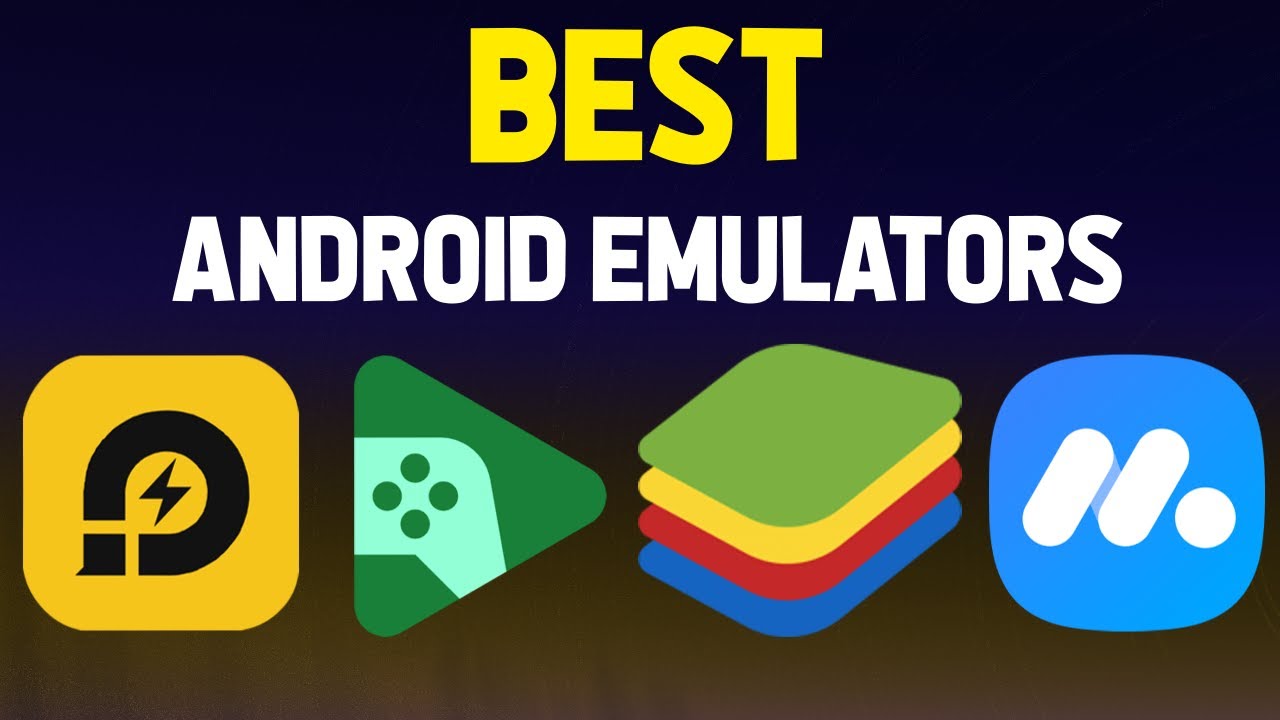
Best Android Emulators for PC — Full Guide with Download Links 2026
Easiest Way to Create a Professional Android App
Building an Android app used to require years of programming experience in Java or Kotlin. That picture has completely changed. In 2025, No-Code and Low-Code platforms let you build a fully professional app and publish it on Google Play without writing a single line of code. Whether you're a small business owner, a content creator, or simply someone with an idea you want to test, there's a platform built for exactly your situation.
First: Adalo — Best for Data-Driven Apps
Adalo is one of the most powerful No-Code platforms for building real native Android and iOS apps. The key advantage is that it publishes a truly Native app — not just a website wrapped in an app shell — which means it performs efficiently on Android devices. You can build appointment booking apps, educational platforms, community apps, or online marketplaces. It supports a built-in database or connection to Google Sheets and Airtable. In 2025 they added the "Magic Start" feature — you describe your app idea and it automatically generates the structure, screens, and database for you. Plans start at $36 per month.
Second: Appy Pie — Easiest for Complete Beginners
Appy Pie is one of the most widely used app-building platforms for beginners, with over 10 million users worldwide. Its interface is extremely simple and works entirely through drag and drop. You choose a ready-made template based on your app type, add your content, and publish to Google Play. It supports push notifications, booking pages, product catalogs, and more. There's a limited free plan and affordable paid plans. It's best suited for simple apps like a restaurant app, a small store, or a services directory.
Third: Kodular — Best for Advanced Apps Without Code
Kodular is a free platform that uses visual block-based programming, similar to Scratch. You don't write code, but you do understand programming logic in a simplified visual way. You can build advanced apps with databases, API integrations, notifications, and AdMob ads. It's completely free and lets you publish your app as an APK or directly to Google Play. It's the best choice if you have time to learn the platform and want greater control over your app.
Fourth: Android Studio — For Those Who Want to Actually Learn to Code
If you have the time and want to learn real programming, Android Studio is Google's official development environment for Android apps. Learning is accessible through YouTube and platforms like Udemy with both Arabic and English courses available. Kotlin is Google's recommended language and is significantly easier than Java. This path takes longer but gives you complete control over every detail of your app.
Practical Steps to Build Your First App
Start by clearly defining what your app does — what problem it solves and what its core screens are. Then choose the platform that matches your skill level and budget. Build a simple prototype with just the basic screens first and test it with real people. Once you've confirmed the idea works, focus on design and additional features. Finally, publish to Google Play and continue developing the app based on real user feedback.
One Important Tip Before You Start
Not every app idea actually needs an app. Sometimes a responsive website is enough, and you won't need to pay Google Play fees or wait for store approval. Think carefully about the size of your target audience and your ability to maintain and update the app on an ongoing basis before you begin.
FAQs
CONTACT US
©2026 MobiTech Integrated Solutions. . All Rights Reserved