
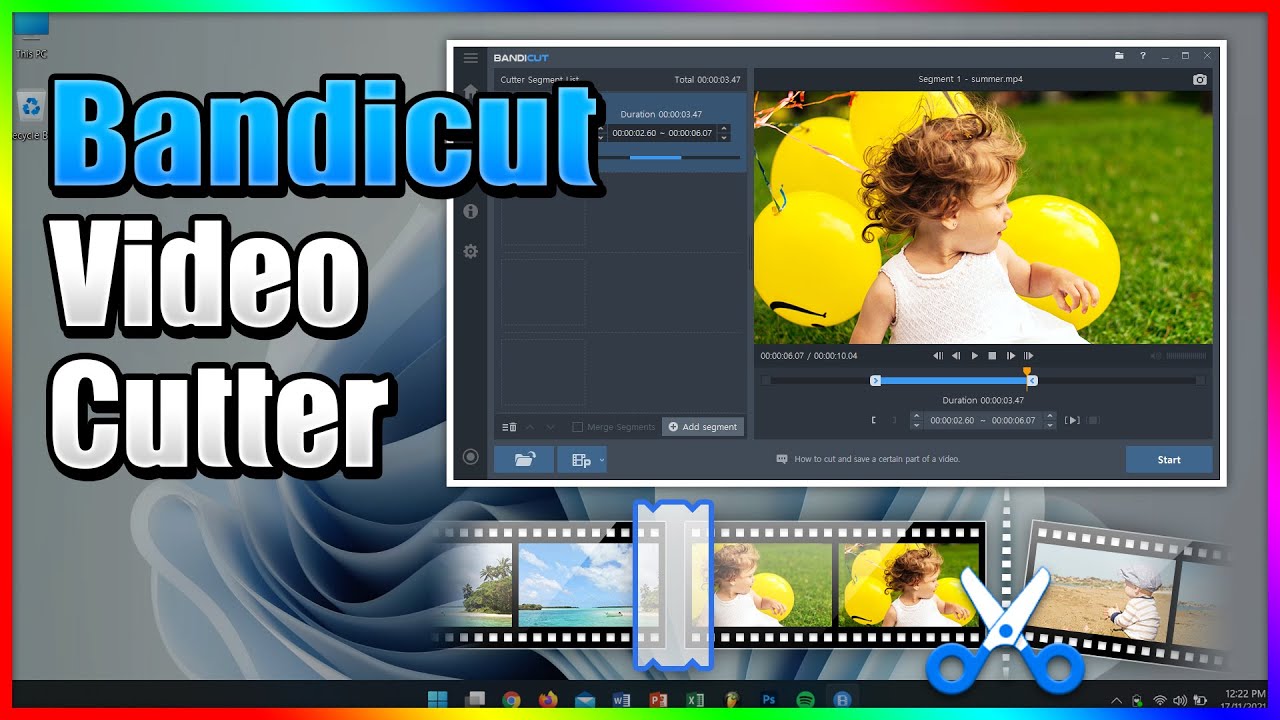
Bandicut Video Cutter - Free Video Cutting and Trimming Software for PC 2026
Bandicut Video Cutter — Fast Video Cutting and Merging Software for PC 2026
Bandicut Video Cutter is considered the best and fastest video trimming and cutting software for Windows, delivering accurate cuts at high speed while preserving the original video quality — no re-encoding, no quality loss.
How to Cut a Video
Open a video file, then drag the left and right markers on the timeline to define your start and end points. Alternatively, type the exact start and end timestamps in the time bar below. Click the play triangle to preview only the selected segment before cutting. Click Start to process and save the trimmed clip. When complete, click Play to review the output.
How to Merge Videos
Click the Join icon from the main interface to open the merger. Add multiple video files, arrange their order, and click Start to combine them into a single video at original quality.
Key Features
Supports a wide range of video formats. Minimal CPU and RAM usage — no system slowdown during processing. Preserves original video quality after cutting and merging. Preview of selected segments before saving.
FAQs
CONTACT US
©2026 MobiTech Integrated Solutions. . All Rights Reserved