
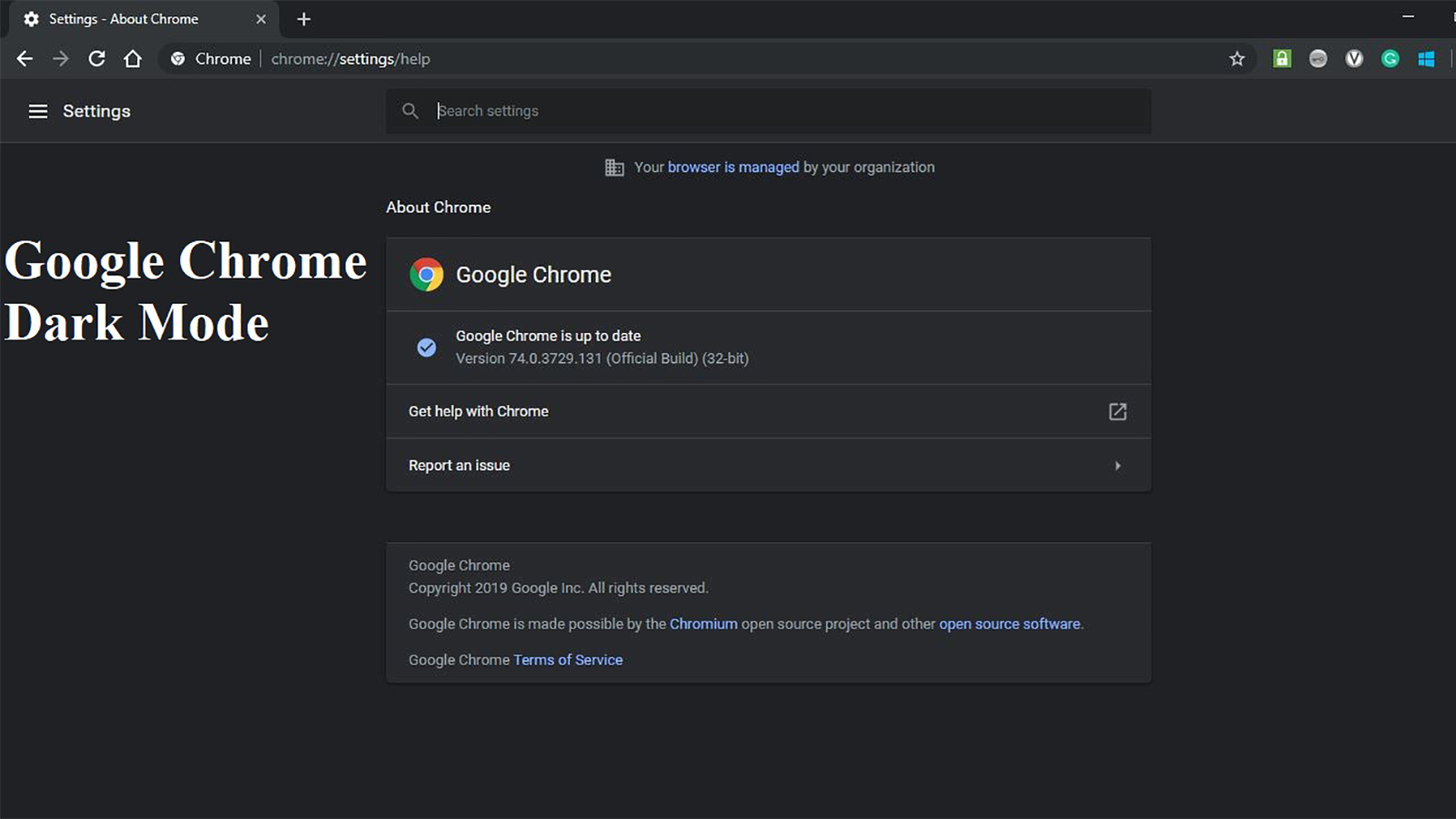
Activating Dark Mode in Google Chrome — Dark Mode for PC without software 2026
How to Enable Dark Mode in Google Chrome for PC — Complete Guide 2026
Google Chrome does not have a built-in Dark Mode toggle like Firefox or Microsoft Edge, but there are three effective ways to achieve a dark browsing experience in Chrome on Windows.
Method 1: Enable Dark Mode System-Wide on Windows
The easiest approach is to enable Dark Mode for the entire Windows system, which automatically applies to Chrome as well. Open Settings → Personalization → Colors → under Choose your color, select Dark instead of Light. Chrome will switch to Dark Mode automatically along with all other apps that support it.
Method 2: Install the Material Incognito Dark Theme
Chrome supports custom themes from the Chrome Web Store. The most popular dark theme is Material Incognito Dark Theme, which applies the same dark color scheme used in Chrome's Incognito mode to your regular browser window. Go to Chrome Settings → Themes → open Chrome Web Store → search for Material Incognito Dark Theme → click Add to Chrome. The theme applies instantly, turning tabs, the address bar, and the browser UI dark. Note that website page content will still appear in its original colors.
Method 3: Install the Dark Reader Extension for Dark Websites
To make all website pages dark as well, install the Dark Reader extension from the Chrome Web Store. It forcibly converts all web page backgrounds to dark gray with white text. You can adjust brightness and contrast levels and exclude specific websites from the dark effect. It is free and works on all websites.
FAQs
CONTACT US
©2026 MobiTech Integrated Solutions. . All Rights Reserved