
6 Useful Things to Do With Your Old iPad or Android Tablet
6 Useful Things to Do With Your Old iPad or Android Tablet
If you have an old iPad or Android tablet sitting in a drawer or gathering dust on a shelf, don't write it off just yet. An old tablet can become one of the most practical devices in your home — as long as you give it one specific job and set it up to do that job well. It doesn't need to be your main device anymore. It just needs to be the device you rely on for a single task every single day.
Use One: A Digital Photo Frame in Any Room
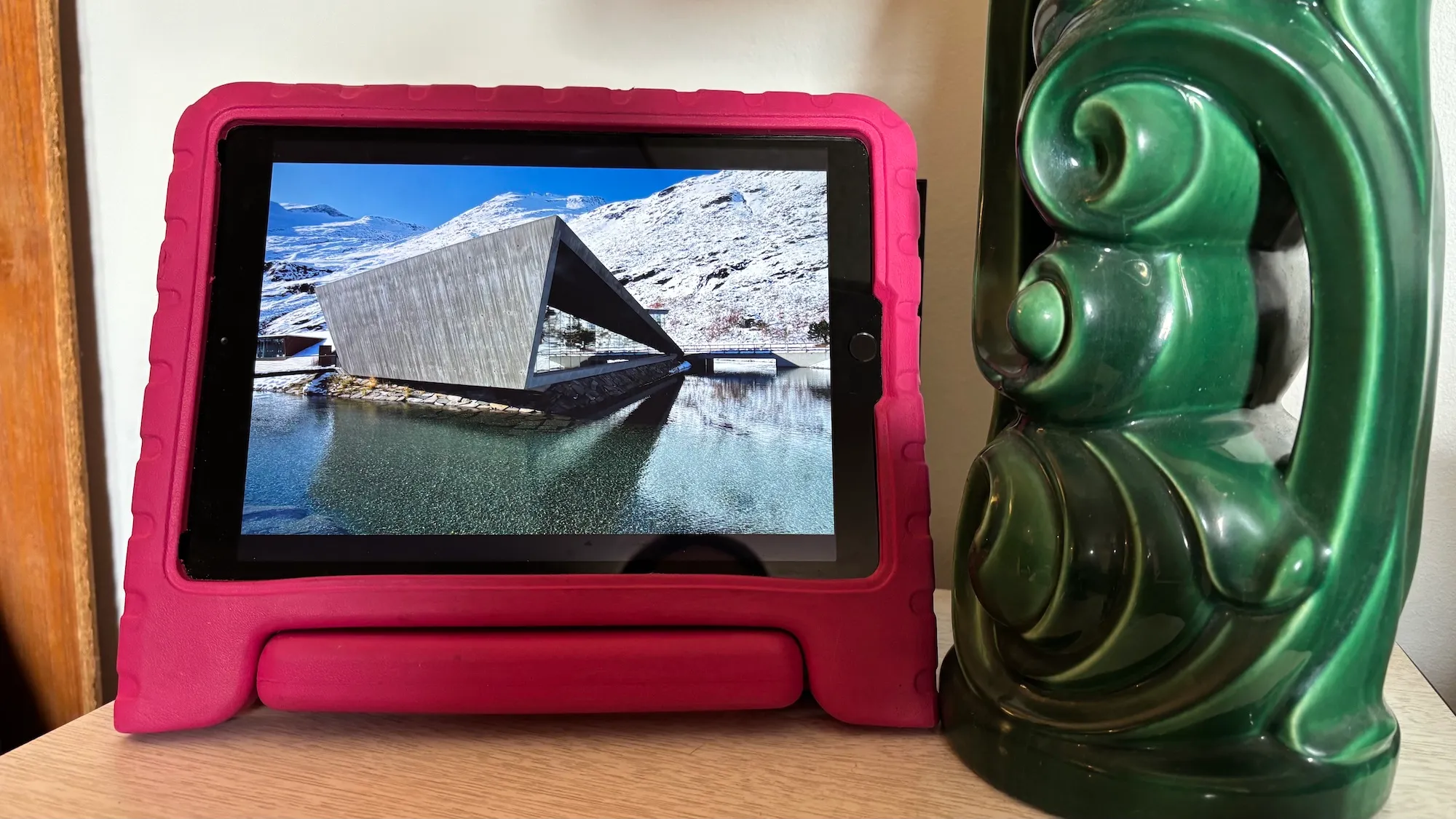
This is one of the most beautiful and simplest ways to repurpose an old tablet. Place it on a shelf or mount it on a wall and set up a slideshow of your favorite photos and memories. On Android, the Fotoo app is built exactly for this purpose and supports cloud album sync alongside a clock and weather display. On iPad, the built-in Photos app or iCloud Shared Albums handles it effortlessly. All you need is to keep the tablet plugged into power so the screen stays on, and turn off all notifications so nothing interrupts the experience.
Use Two: A Kitchen Assistant
An old tablet is perfect as a kitchen companion. Prop it on a small stand next to your stove and use it to display recipes while you cook — the larger screen is far more comfortable than squinting at a phone. It can also play music or podcasts while you're in the kitchen. The smart move is to strip away all unnecessary apps and leave only what you actually use in the kitchen, then turn off all notifications so it stays focused on its one job.
Use Three: A Smart Home Control Panel
If you have any smart home devices — smart bulbs, a thermostat, security cameras, or smart plugs — an old tablet can become your permanent control panel for all of them. Mount it on a wall in the hallway or living room and install Google Home, Samsung SmartThings, or Apple Home depending on your setup. You'll have a dedicated screen always ready to control everything with a single tap, without hunting for your phone every time.
Use Four: A Home Security Camera
Your old tablet can become a real security camera for your home. The Alfred Home Security Camera app is free, available on both Android and iOS, and turns any tablet into an IP camera you can monitor from your phone anywhere in the world. All you need is for the tablet to be plugged in and connected to Wi-Fi. Position it somewhere strategic like near the front door or in the main living area and let it run quietly in the background.
Use Five: A Dedicated Learning Device for Kids
Instead of risking your new phone or tablet in your child's hands, hand down the old tablet and set it up specifically for them. Enable parental controls, install educational apps like Khan Academy Kids, Duolingo, and YouTube Kids, and set screen time limits. Your kids get their own device and your newer devices stay safe. And since it's old, you won't stress if it gets dropped or scratched.
Use Six: A Second Screen for Work or Study
If you work from home or study regularly, an old tablet can serve as a useful second screen. On iPad, Apple's built-in Sidecar feature works seamlessly with Mac, or you can use Duet Display for both Mac and Windows. On Android, the Spacedesk app turns your tablet into a wireless second monitor. Keep your chat apps, calendar, or reference notes on the tablet and leave your main screen free for focused work.
FAQs
CONTACT US
©2026 MobiTech Integrated Solutions. . All Rights Reserved